Ns302582
Members
-
Joined
-
Last visited
Everything posted by Ns302582
-
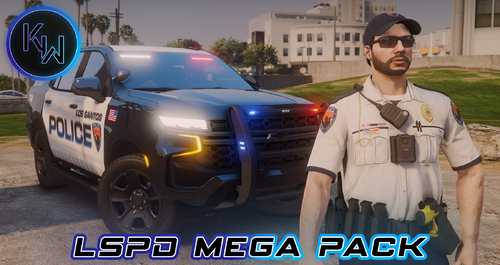 The textures on the fleece hoodie don't line up; the same happened with the BCSO pack as well
 -
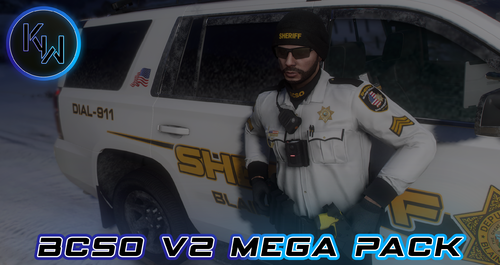 I can't wait for this pack to reach full development, it looks sick and would love to use it in LSPDFR! Also do you plan to make textures for Hanako's vest textures?
 -
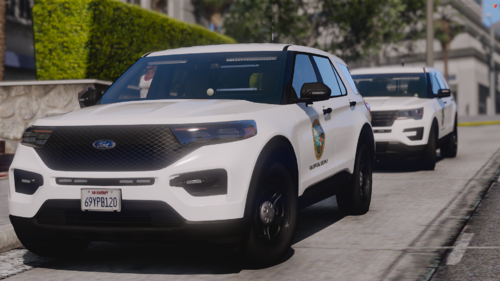 Yeah I guess for like government stuff like city hall vehicles.
 -
 As a suggestion, there should be a setting that still gives you access to the tool wheel incase you have more things that you are now limited to ie. Rifle, shotgun