
DIXLON
Members
-
Joined
-
Last visited
Everything posted by DIXLON
-
everything is working, the problem is in some way, I suspect it's in the Section136Callouts OR 686Callouts plugin. another question is why LCPDFR crashes during loading, right before launching the map and the game, you always have to restart all the plugins again.
-
RagePluginHook.logeverything is working, the problem is in some way, I suspect it's in the Section136Callouts OR 686Callouts plugin.
-
during the chase, when we have almost apprehended the suspect, it is during the chase, after we have arrested him and a summary of the end of the chase appears, that the LCPDFR plugin simply crashes help me pls RagePluginHook.log i can drop video with this situation
-
-
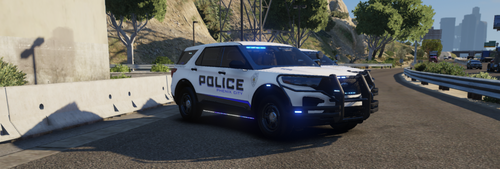 I don't have an ETC folder, so I can't play with lighting effects, what should I do?
- 54 comments
- 3 reviews