JaRob15
Members
-
Joined
-
Last visited
Everything posted by JaRob15
-
was able to fix by going into manic callouts and disabling the event callouts, whenever the plugin attempted a random event it would crash my LSPDFR, thanks for the help with the other stuff
-
we are making progress lol, i was able to get in game and LSPDFR did load for about 15 seconds then crashed again. I also got rid of 136 callouts because that seemed to be an issue. RagePluginHook.log
-
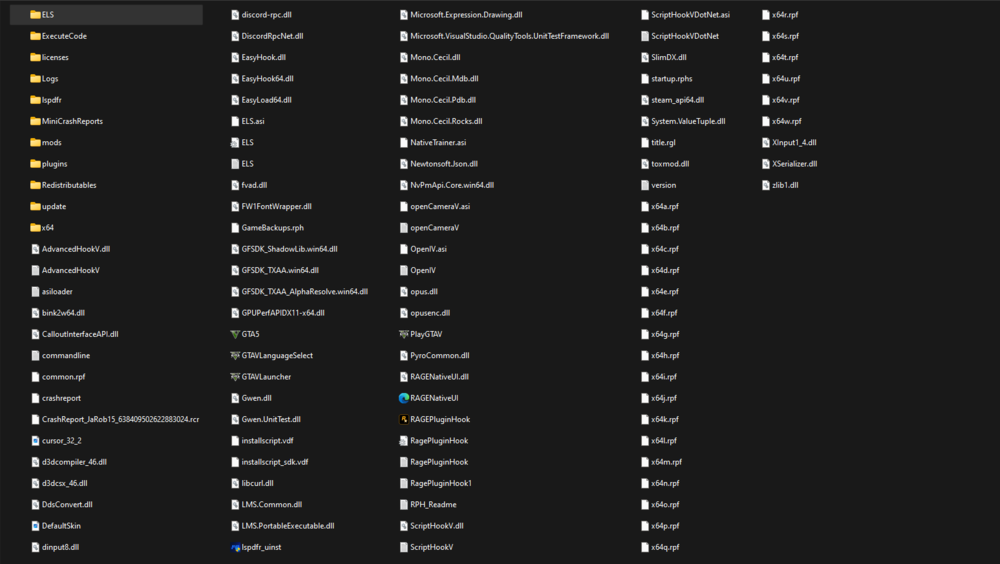
I dont have a scripts folder in my MD, do you mean my plugins folder??
-
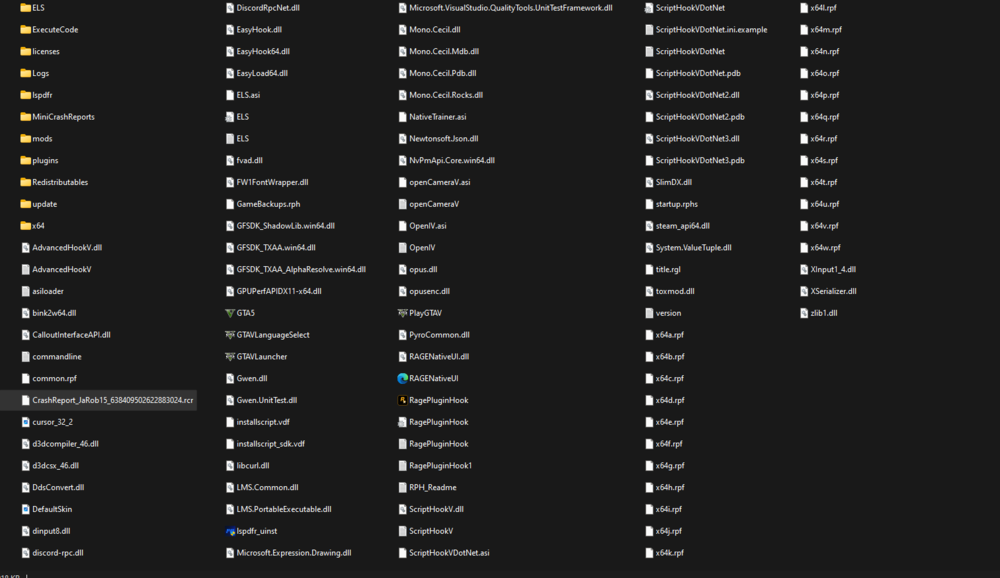
when booting up game without scripthookVDotNet I got the original issue of LSPDFR being terminated due to game freeze, once I downloaded the pre release version of scripthookVDotNet my game crashed upon selection of story mode with RPH. Problems persist RagePluginHook.log
-
My original problem was once I got in game and it was time for LSPDFR to load, my game would freeze then it would say the LSPDFR plugin was terminated because it caused my game to freeze. Now when I try to open my game I get to the selection menu and when I select story mode with rage, the entire game just closes without a crash report or anything. Below is my RagePlugin notes. Can someone let me know if they have any ideas as to what's wrong thanks RagePluginHook.log