


Reaper99
Members
-
Joined
-
Last visited
Everything posted by Reaper99
-
 Nice liveries! I especially like the coroner and ambulance ones.
 -
It's still not working; I even removed the trainer.
-
At that time I only had Simple Trainer and no plugins or scripts.
-
This has been happening for a long time and occurs during every traffic stop. The traffic stops are still not working.
-
When i initiate a traffic stop. Once the vehicle has stopped, I get out, and then the vehicle immediately drives off without me receiving any notification that the traffic stop has been canceled. I am using the standard LSPDFR without any additional plugins or scripts. RagePluginHook.log
-
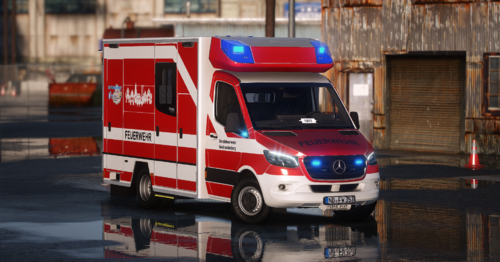 Coole Livery aus der Stadt komm ich und der RTW ist richtig gut geworden.

