


MakyBoi14
Members
-
Joined
-
Last visited
Everything posted by MakyBoi14
-
Nevermind I uninstalled LSPDFR but it was getting boring anyways and I wanted to play some online with my friends. Thanks for all the help!
-
I dont really understand where to add the changes, what the addon vehicle is and how it will work because if I change police T to like a charger or something then all police ts will be chargers I think? Also how to make them department / jurisdiction specific cars Or is there a video you can refer me to
-
What do I change in the both of those
-
Still waiting...
-
So what do I do now?
-
From what it seems like all can be spawned in using the trainer but some are completely hidden from the police garage while others arnt but dont spawn in the world and 1 of the vehicles taillights are bugged
-
Where and what trainer should I get
-
is there a different way cause i prefer not getting a trainer
-
Im not sure as I dont have a trainer installed but im assuming the ones in the police garage that dont spawn in the world can be and the ones that arnt in the police garage cant
-
Some like the LSPP,LISA,DelPerro,rockfordhills and bsco dont spawn at all and I cant find anywhere and some like the army one is in the police garage but doesnt spawn normally
-
They are all the same only showing dlc.rpf but so do the working ones and the exact same is inside dlc.rpf for everything working or not
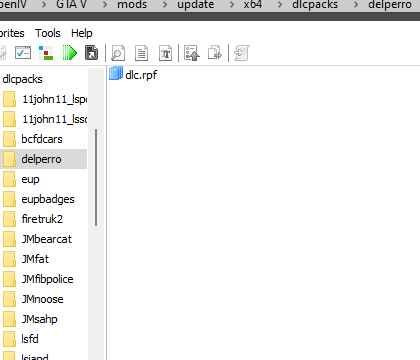
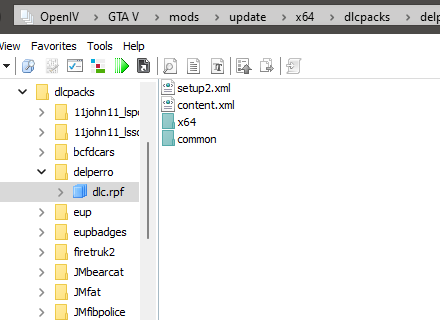
-
I also just realised more of the vehicles are missing such as the bearcat and delperoo,lsiapd,lspp,firetruk2 and rockfordhills
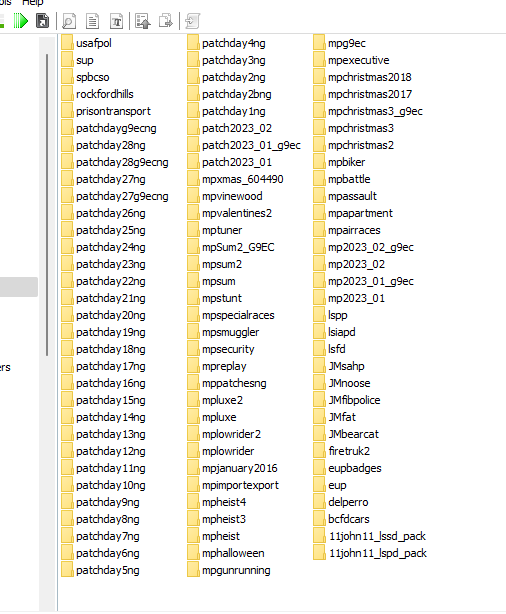
-
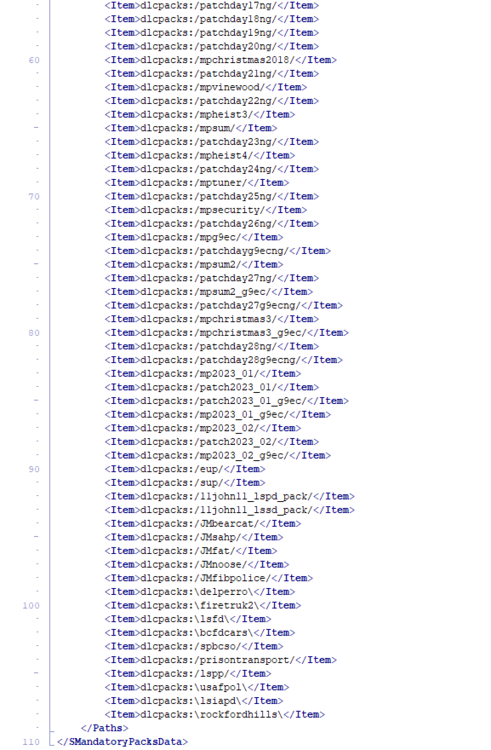
Also another pack that doesnt work is spbsco and the army one doesnt spawn in the world same with LSFD and BCFD btw patchday17 isnt there twice its just from the screenshotting
-
Nevermind I fixed it but for some reason the FAT and 11john11bscd pack I installed arnt working
-
So what do I do exactly because im confused
-
I started the game and everything worked the addon cars were there and eup just my game crashed as soon as i went on duty RagePluginHook.log
-
Will the gameconfig still be the same as before I installed the gameconfig you sent
-
What about EUP because in game its just a mess of random items instead of outfits and the game config that I added will it stay how it was when i edited it for the addon vehicles?
-
-
-
-
I renamed it back to mods and it doesnt crash it just doesnt load the mods like EUP and these vehicle mods but could that be because i replaced the original game config file which I had to edit for them to work?
-
It works just the the mods dont. How can I fix that?
-
How do I install the game config it comes as a microsoft edge file Nevermind I figured it out and also after I do all that should I leave the mods folder as _mods?

-
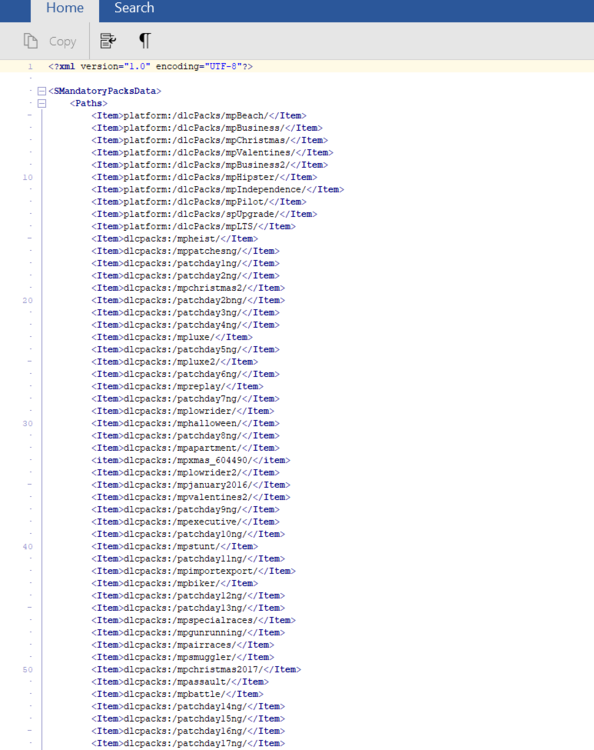
I installed a couple vehicle mods that required me to edit dlclist.xml and some other xml file and now the game crashes during loading RagePluginHook.log



