tuttino
Members
-
Joined
-
Last visited
Everything posted by tuttino
-
-
 Para eso hay un video. Tenés que cambiar el centro de gravedad del auto. Para eso abrí OpenIV, y andate a GTAV\mods\update\update.rpf\common\data\handling.meta y ahí buscas el auto (sheriff2). Ahí, vas a ver que esta esto: <vecCentreOfMassOffset x="0.000000" y="0.050000" z="-0.3" /> tenés que poner que z="-0.3" Eso te arreglaría el problema.
 -
está god boludo
-
Thanks for the help, you are the only one who really gave me a solution
-
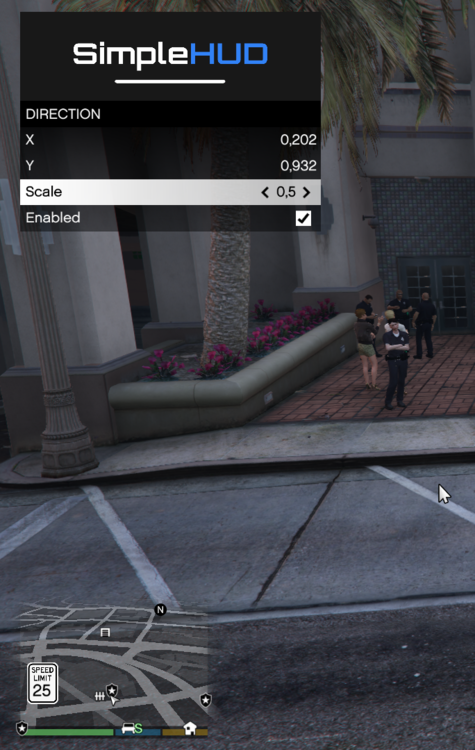
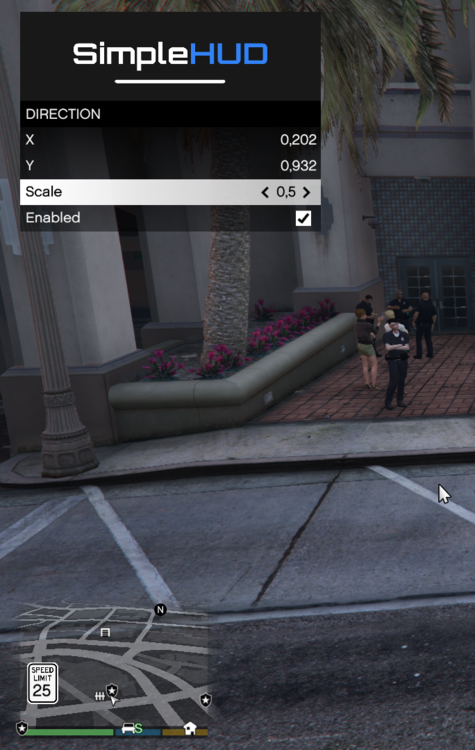
I alredy did it. If you see the first image i can open the menu but it doesnt show me the Hud of the streets, time, etc. Btw, I alredy tried it again with all the files you asked me and still the same. I will deleted this script and try to install it again tomorrow. However, i will leave you the scriptdotvnet.log if it can help finding what is going on. If i can solve it reinstalling it, i will mark this as solution, if not, i think we cant do too much... Thanks for the support and the atention. Really apreciate it and sorry for my bad english, probably it hearts reading this😅 ScriptHookV.log ScriptHookVDotNet.log
-
Where i can download simplehud.ytd? the simpleHud file only brings me simplemenu.ytd. (I did the menu thing but still doesnt work) SimpleHud.ini:
-
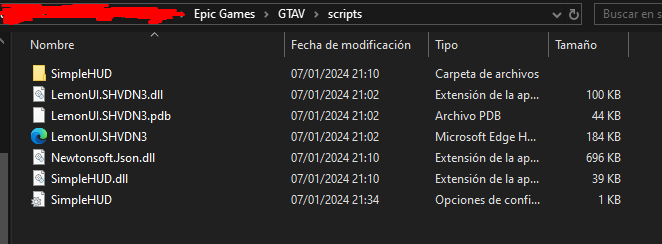
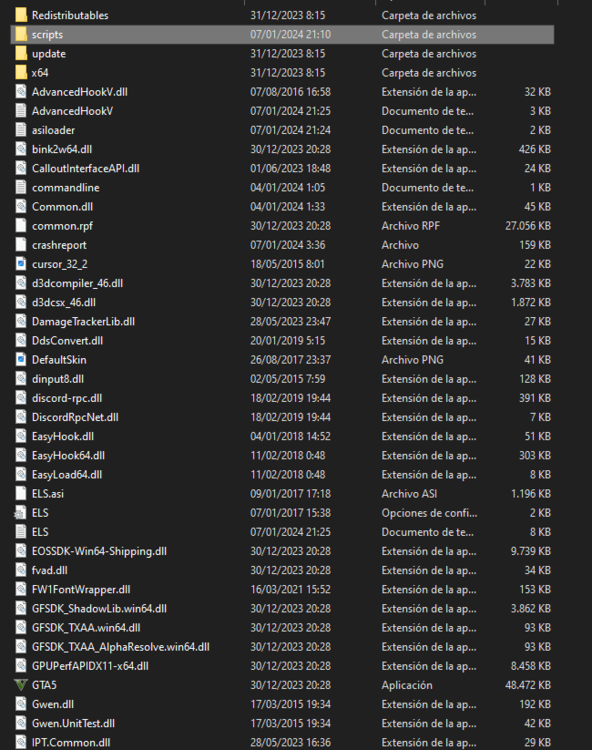
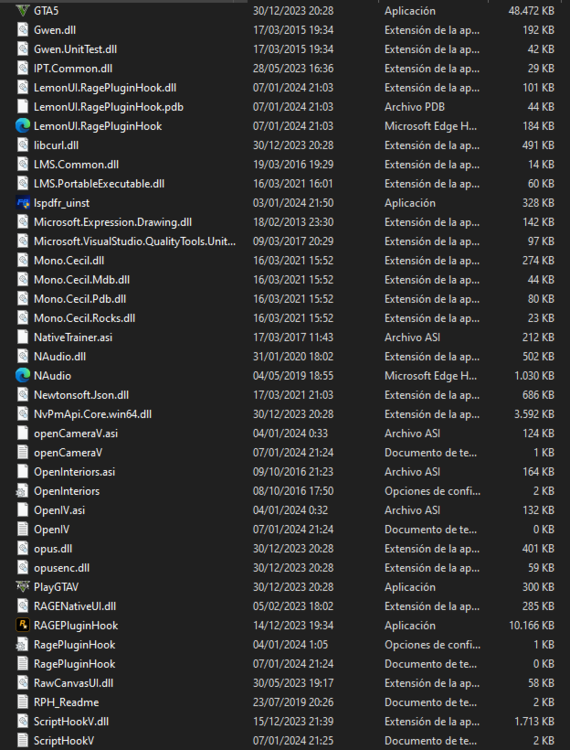
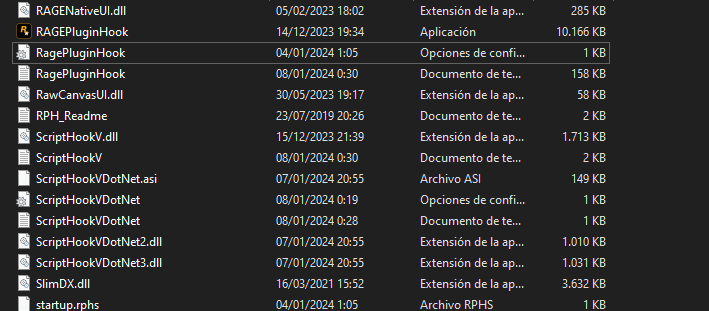
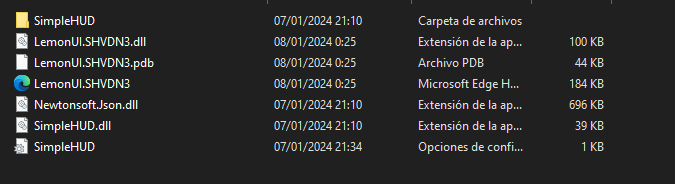
I deleted the SHDVN Rage plugin hook version and added the SHVDN3 lemonUI file. Also, I put the "ScriptHookVDotNet.ini" in the GTAV directory but still doesnt work 😕
-
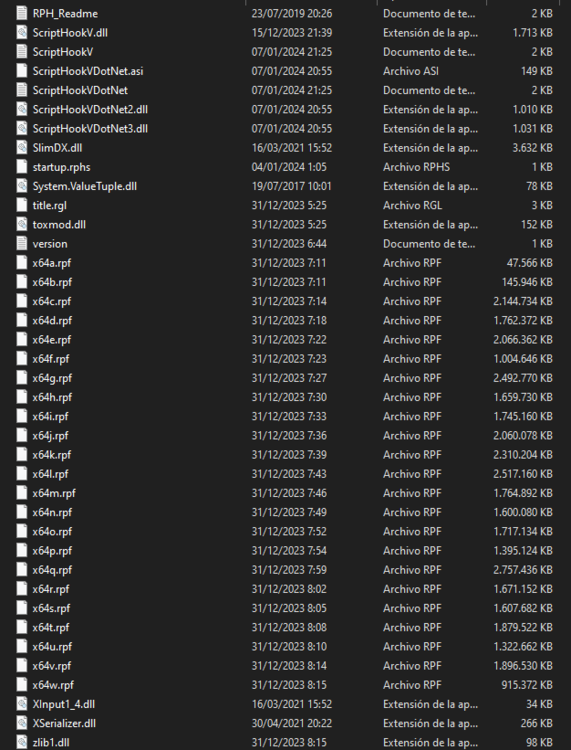
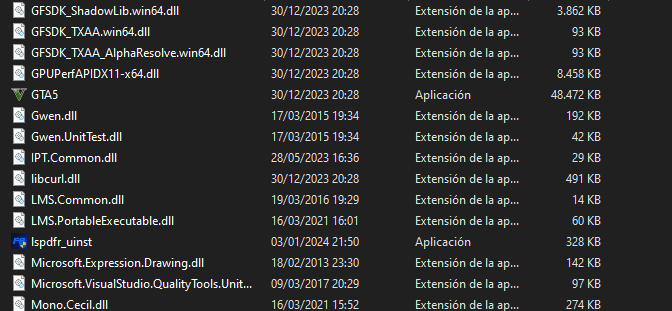
When I enter the game, it only shows me the speed limit in each street when I am in cars but the direction, street, postal code and those things arent there. I have lemonUI, script hook V and all files installed. However, i will leave all the screenshots if someone need it for help me. ScriptHookVDotNet.logScriptHookV.log