


Stearfull
Members
-
Joined
-
Last visited
Everything posted by Stearfull
-
I KNOW HOW TO CREATE EUP BUT NOT VEHICLE SKINS SO YEAH I CREATED MY OWN EUP
-
I love to roleplay different states and cities in my gta 5 lspdfr and i have many copies of my main gta 5 directory and my suggestion for new vehicles and eup is philadelphia sheriff's office because there is no philadelphia sheriff's office there is just so many of philadelphia police but no philadelphia sheriff's office so i thought that if there is someone talented this is a suggestion if you don't have ideas and there is other pennsylvania sheriff offices but not the philadelphia sheriff's office.
-
how have i not thought of this i have heard many people this have worked for them but i never knew
-
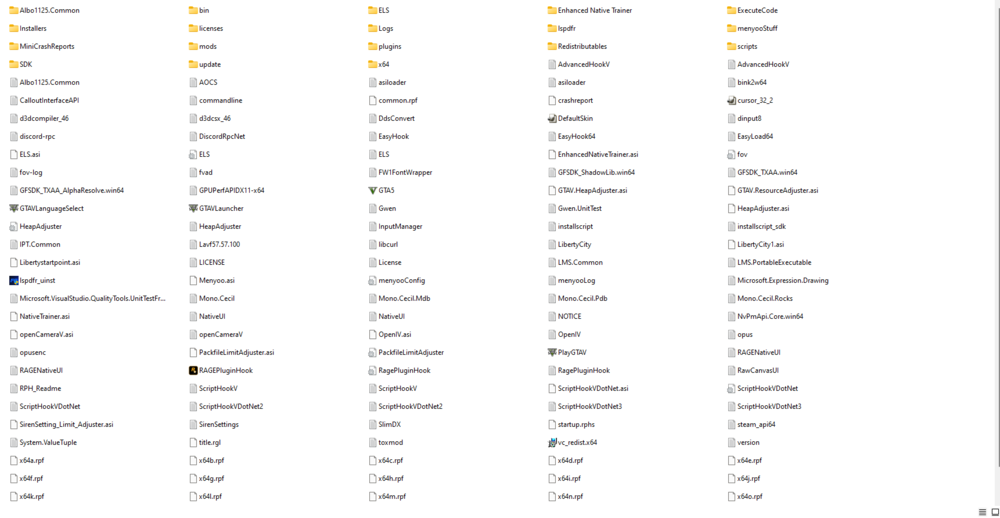
-
I don't think that anything has changed but i will show my RPH log :
-
-
Wait it still does give me some problems it just let me in 1 time and then started doing it all over again can someone please still assist me (BTW i suggest reading the rph log) and btw it does it with every plugin so its not them i think
-
i'll try it works fine normally but when i use rph i does that few months ago it wnet away and i dont remember what i did if anything to fix it, it jus magically seemed to fix it self but i dont belive that
-
Here is my RPH LOG :
-
What is this :
-
EVERYTHINGIS OKAY NOW I FIXED ITnow i only need help with UNHANDLED EXEPTION :JUST WANT TO GET TO THE POINT SO HERE IS MY RPH LOG :i may still need assistancei think i got it working i will call ya out if i need helpthen the game crashed so it is not just pluginsWELL I DID MY STUFF and here is my new rph log :well i have mcafee so that might also be something I MIGHT TURN IT OFF REAL TIME PROTECTION AND SEE WHAT HAPPENS I HAVE MANY COPIES OF THE GTA 5i am going to reinstall gta 5 then put my mods back in lets see if that works because it detects win 10 and i have win 11 (i took these game files from win10) the video problem still happens and i think this is entirely new problem so imma try to fix it if it works i may share it[12/27/2023 10:06:37 PM.152] Detected Windows 10 Home (64-bit) (10.0.22631.0)! this is from my rph log but i have win11 home what does this mean win11 promises that win 10 games should be working flawlessand i have gotten like slow system or Could not hook game process but those have never been a real problem i know how to fix those.and i wanted to clarify that this might be a rph problem that no one has ever had and it is not about plugins only just a reminderi am not sure it worked ( i did put all permissions on in gtav.exe and gtav main directory ) it worked otherwise but not with the problem i initially had so it was good but i just want more adviceHERE IS A VIDEO FROM THE CRASH


