Skip to content
View in the app

A better way to browse. Learn more.

LCPDFR.com

A full-screen app on your home screen with push notifications, badges and more.

To install this app on iOS and iPadOS
  1. Tap the Share icon in Safari
  2. Scroll the menu and tap Add to Home Screen.
  3. Tap Add in the top-right corner.
To install this app on Android
  1. Tap the 3-dot menu (⋮) in the top-right corner of the browser.
  2. Tap Add to Home screen or Install app.
  3. Confirm by tapping Install.

legend324

Members
  • Joined

  • Last visited

Everything posted by legend324

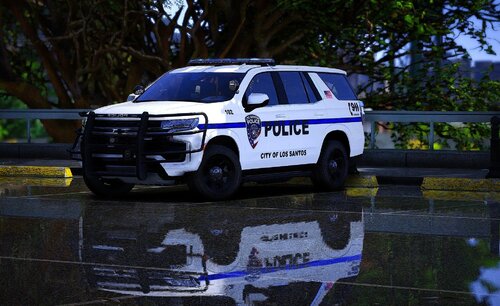
  1. what mod pack did this tahoe come from? i would love to have it.
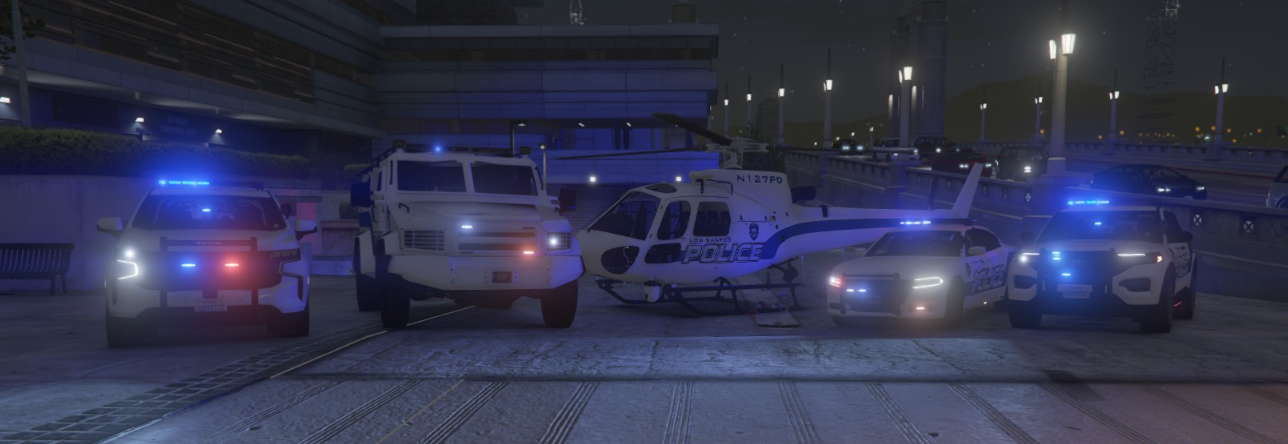
  2. this pack is just amazing. for a Upcoming Model i think a 2016-2018 Tahoe might look really nice.
  3. so as the title said, I'm trying to get AI to use the lights and sirens on an addon firetruck. I have replaced my the main fire truck but I want a second one. both of the fire trucks are made by the same guy. it does use ELS. the lights on the addon truck work fine when I activate it. it just the AI who are not using it. i had this same issue when i tried adding a second ambo to the mix as well. I will also add that I tried requesting the fire truck from UB menu and the police backup menu. the ai still didn't use the lights any idea why the ai will not use the lights and siren? thank in advance. wrong forum sorry, please move to the right one.
  4. that fixed the instant crashing for me, thanks!

Account

Navigation

Search

Search

Configure browser push notifications

Chrome (Android)
  1. Tap the lock icon next to the address bar.
  2. Tap Permissions → Notifications.
  3. Adjust your preference.
Chrome (Desktop)
  1. Click the padlock icon in the address bar.
  2. Select Site settings.
  3. Find Notifications and adjust your preference.