
theonlysound.
Members
-
Joined
-
Last visited
Everything posted by theonlysound.
-
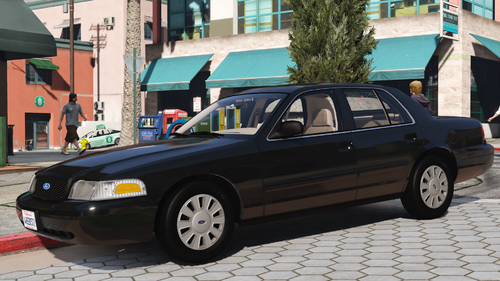
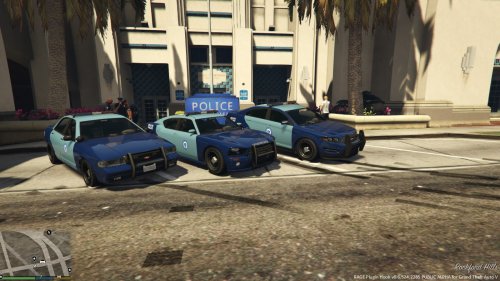 sir this was made in 2015, this is about as good as you could do it in 2015. Also, should just change the light textures urself if its that big of a deal
- 2 comments
- 3 reviews
-
-
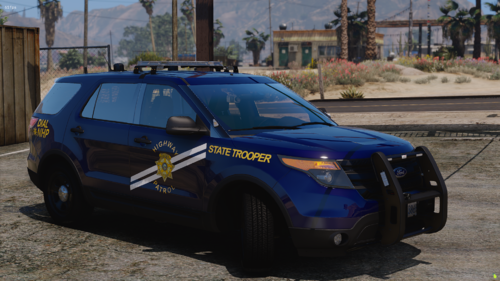
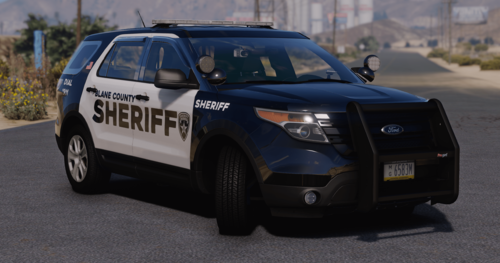 Not the best car. Used it and there was multiple issues with the license plates, and some other weird modeling issues & light issues.
- 3 comments
- 1 review
-
 Ah, alright.
 -
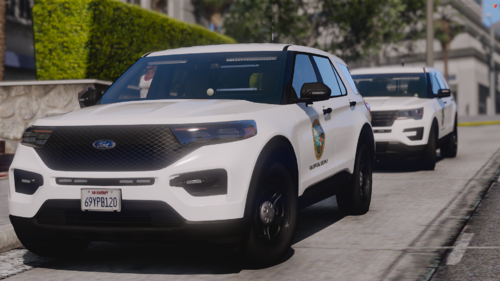 most likely either for some staff type things or kind or like govenor stuff. The description says there isnt a real reason to use them so you could honestly probably use it for whatev.
 -
Do you have a discord? These look awesome 🙂
-
 could you include a class A/tie version?
 -
-
-
-
 High quality and good, w.