Adaxxus
Members
-
Joined
-
Last visited
Everything posted by Adaxxus
-
 Tried all fixes I could find, still getting the ELS.asi ID:3 crash. Is this just not able to be fixed anymore or what?
- 2,700 comments
- 241 reviews
-
-

- 1
-
-
Fixed the issue, thanks for the help!
-
I'll check it out, thanks! @UnknownBastion How would I revert any changes to it? I don't remember making any to it but I'm trying to figure out what to do.
-
@UnknownBastion Here it is. RagePluginHook.log
-
Sorry, I'm an idiot. How do you get those? And also I really don't know what they are because, like I said, I'm an idiot
-
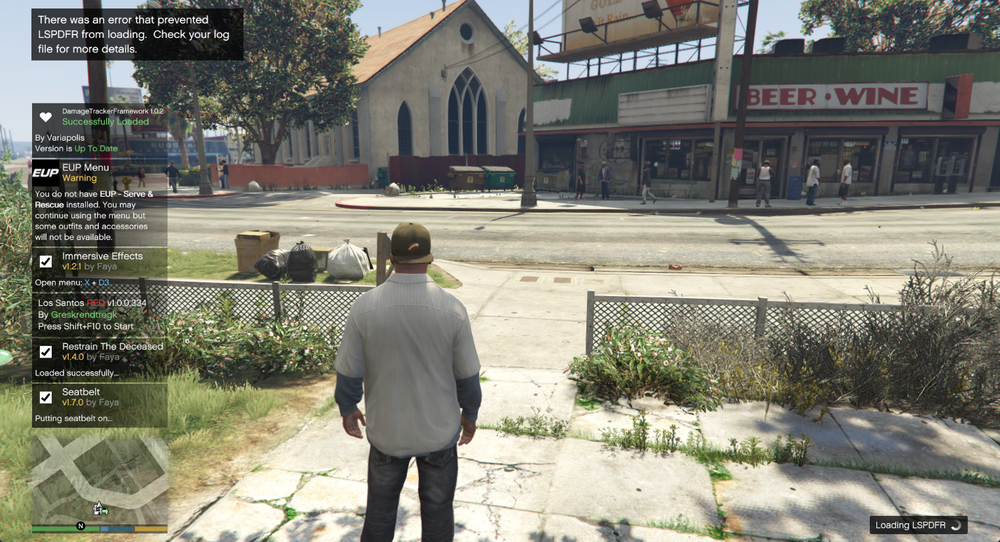
@UnknownBastion Haven't seen that one, I'll try it now and update with results, thanks! Got this message after my game froze for a while. It says LSPDFR is loading in the corner of my screen, but nothing has happened so far. Los Santos RED crashed and broke my game and everything else is fucked so I don't know what the hell to do anymore.
-
@UnknownBastion Yup, it's just the little loading circle. I've been trying to troubleshoot it myself but it doesn't seem to be working.
-
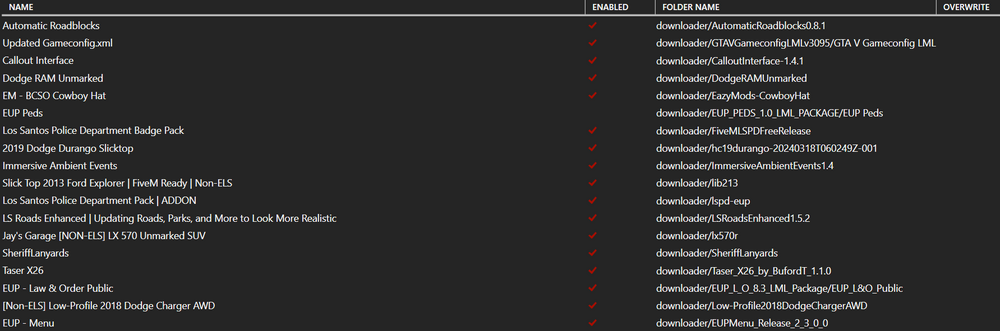
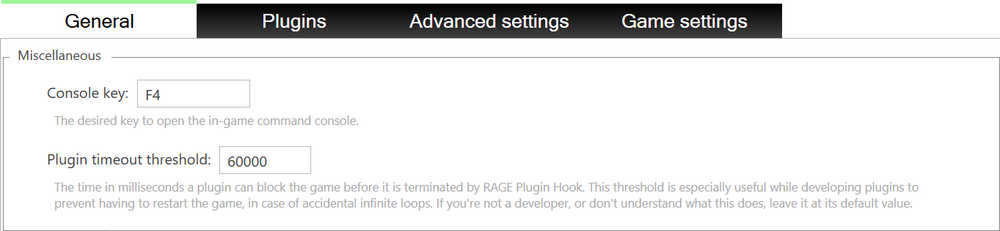
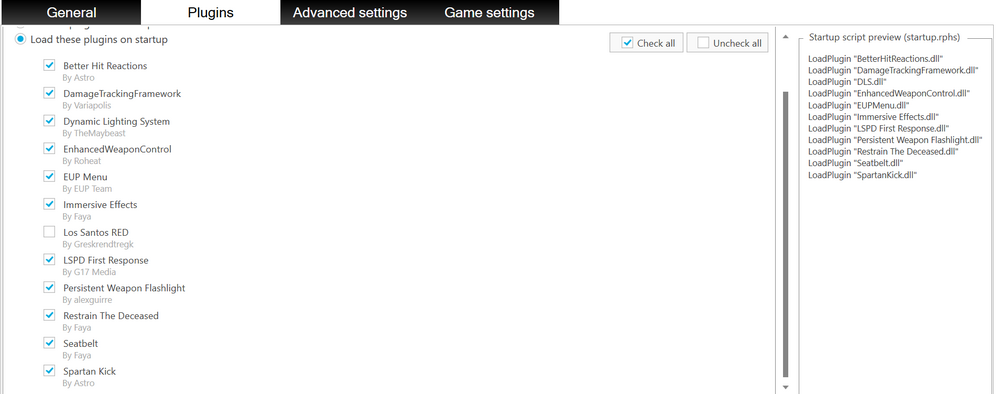
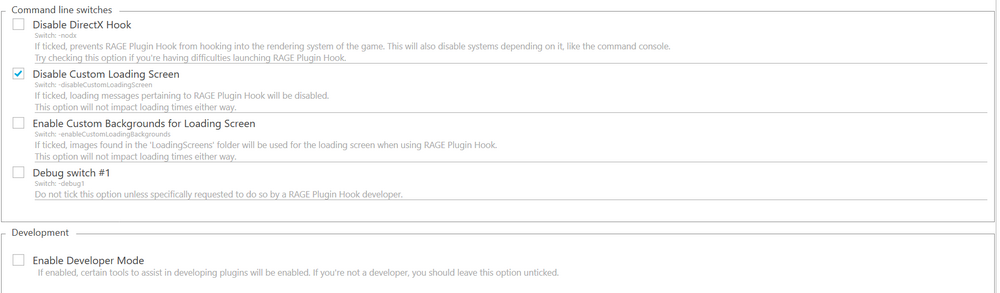
Heyo all, currently LSPDFR will not work for me. It's stuck on a black screen, I've tried the fixes already suggested in the forum but they haven't worked. The mods and plugins I have installed currently are: - Plain Sight (Observation System) - Persistent Weapon Flashlight - Interaction+ - Lidar Gun - Traffic Policer - Automatic Traffic Control - Seatbelt - Enhanced Weapon Control - Riskier Traffic Stops - Combat Enhanced- XScanner & XScanner Pursuit Updates - Restrain The Deceased - Immersive Effects - Holster Sounds - Spartan Kick - SuperEvents - Deadly Weapons - SuperCallouts - Los Santos RED - Section136Callouts - EUPFR (All related mods except for ultimate) - Viewpoint V - Cop Holster - DisarmThePed - Yobbin Callouts - Better Hit Reactions - Damage Tracker Framework - AI:Respond - Automatic Roadblocks - Grammar Police - Callout Interface - Taser X26 - Reworked Taser Sound - Dispatch Audio Overhaul - LS Roads Enhanced - PEDS Overhaul (Disabled due to conflictions with other mods) - SheriffLandyards - EM - BCSO Cowboy Hat - Immersive Ambient Events - A couple more via LML which will be in posted screenshots alongside my RPH settings (Yes I know I have a shit ton of mods, I like it that way) Anyone know any fixes I could try? Thanks in advance, Adaxxus (Fellow LEO enthusiast and Canuck)
-
Currently testing different things to see if I can fix it on my own, will update later with results. Help still needed atm. Loaded in it works, just gotta see if I have to re install mods.
-
Hello all, I'm currently having an issue with LSPDFR. I'm a first time user but somewhat experienced in modding. I've installed LSPDFR and a few mods with it. It was working with morning when I first installed it but after implementing a few mods, it seems to have broken my game. I've searched it up on the forums but I'm not really getting the explanations people have sent. The mods I have installed for LSPDFR include: - ELS v1.05 - DLS v1.4.1 - Siren Setting Limit Adjuster v2 - Opticom - Dispatch Audio Overhaul - EUP - Law & Order - EUPFR - [Non-Els] Low-Profile 2018 Dodge Charger AWD - GrammarPolice -------------------------------------------------------- I DO have base game GTA V mods installed currently like menyoo and such, is there something I should do? I have disabled the mod folder but that didn't work. Anyways, thanks in advance! Adaxxus (Your friendly neighborhood LEO enthusiast and idiot)