Skip to content
View in the app

A better way to browse. Learn more.

LCPDFR.com

A full-screen app on your home screen with push notifications, badges and more.

To install this app on iOS and iPadOS
  1. Tap the Share icon in Safari
  2. Scroll the menu and tap Add to Home Screen.
  3. Tap Add in the top-right corner.
To install this app on Android
  1. Tap the 3-dot menu (⋮) in the top-right corner of the browser.
  2. Tap Add to Home screen or Install app.
  3. Confirm by tapping Install.

lspdBuff

Members
  • Joined

  • Last visited

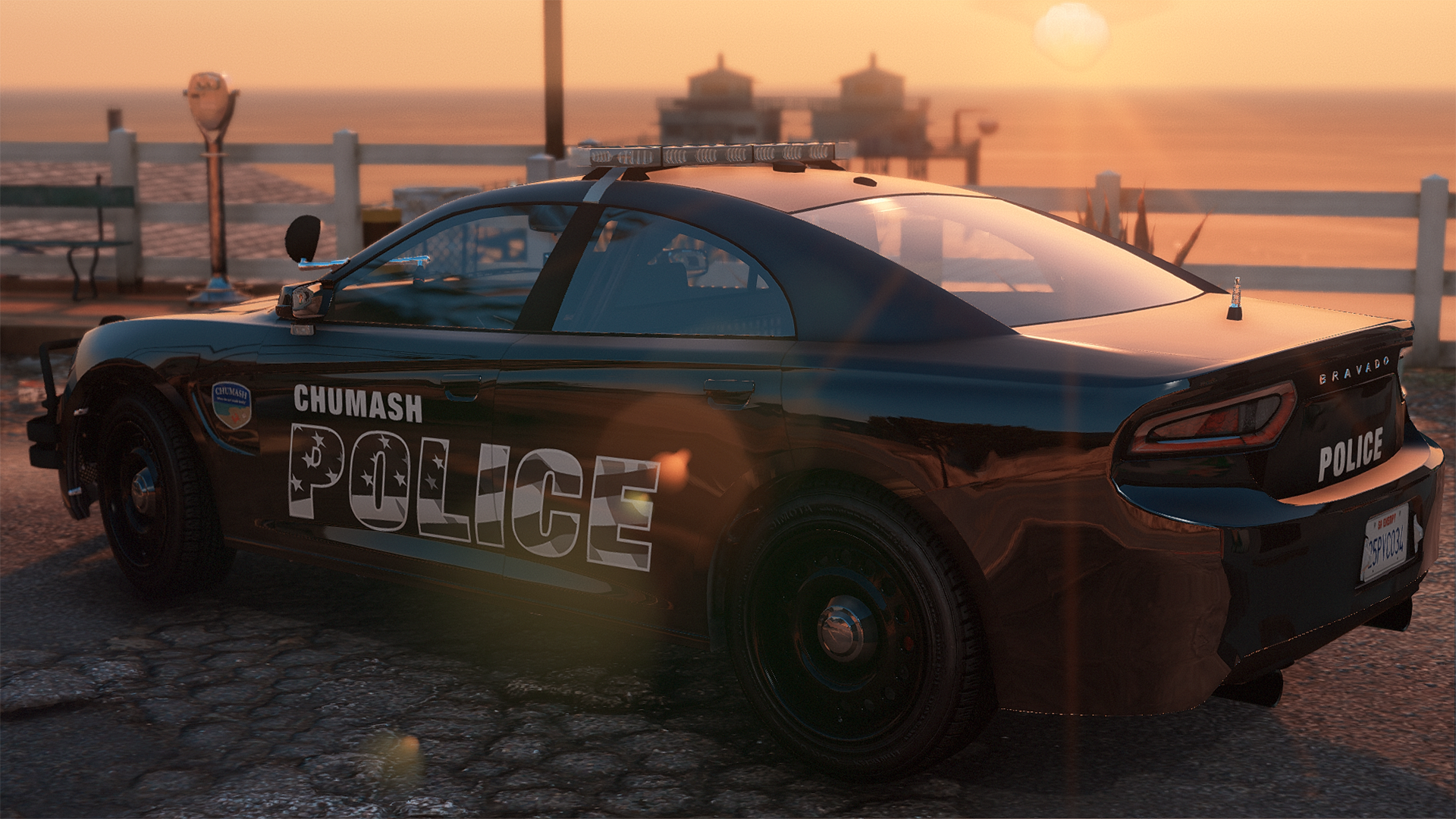
  1. what font is that for the vehicles?
  2. lspdBuff commented on Kare Suzuka's gallery album in GTA V Galleries
    Better than LT modifications by a long shot
  3. is it true you're selling your EUP on LauncherLeaks?
  4. So I get into a pursuit, and that continues for about five minutes, then randomly I get told "Out of game memory, Please reboot and restart the game". I have packfile and heap limit adjuster and gameconfig installed.RagePluginHook.log
  5. Images added to a gallery album owned by lspdBuff in GTA V Galleries
    Taken on FiveM server montara, a new lore friendly server
  6.    Roberts14 reacted to a comment on a file: NYSP EUP
  7. Pretty good man, keep it up!
  8. lspdBuff started following Vehicles textures.
  9. So I installed a Police And Sheriff car pack, the textures don't seem to want to work though, and the lights are white instead of Red and Blue. Other cars work perfectly fine though.
  10. Do you use a graphics mod such as NVE?
  11. lspdBuff changed their profile photo
  12. lspdBuff started following Crizby
  13.    Cyan reacted to a post in a topic: Game crashes before I even load in
  14. I use NVE and it has an "LSPDFR Compatibility Patch" but I don't have it installed. Would this maybe be a reason?

Account

Navigation

Search

Search

Configure browser push notifications

Chrome (Android)
  1. Tap the lock icon next to the address bar.
  2. Tap Permissions → Notifications.
  3. Adjust your preference.
Chrome (Desktop)
  1. Click the padlock icon in the address bar.
  2. Select Site settings.
  3. Find Notifications and adjust your preference.