
Sgt. Rafael
Members
-
Joined
-
Last visited
Everything posted by Sgt. Rafael
-
 Thx
Thx -
Where do I put the files?
-
 looks 🔥
 -
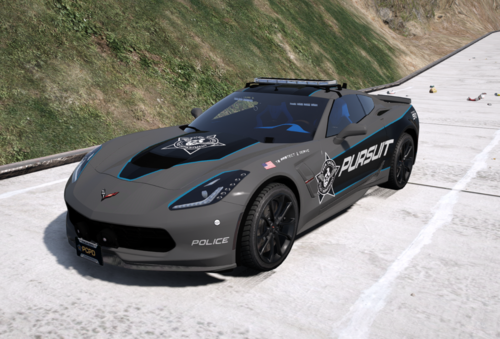 (the video isn't mine)
 -
 The sirens found on the patrol cars of the Lakeshore Police Department.
 -
 What's your discord
 -
I know bro, I'm always procrastinating. Soon I'll have school holidays and I try to finish it then, I'm already 50% done.
-
-
-
 Can you please do an add-on version?
 -
Sorry, I tried everything and still doesn't work
-
I know what the problem is. I'll fix that shortly
-
-
You're Welcome. I'll make the Heat/Unbound siren this or next week.
-
Sry, I don't do siren requests
-
249P The sample: (The video isn't mine.) Ok. Np
-
The three sirens included in this pack are found on the patrol cars of the Ventura Bay Police Department (the police department in the world of Need For Speed 2015). They are also found on the patrol cars of the Fortune Valley Police Department (Need For Speed Payback). If you want the Heat or Unbound sirens (they are bit different) or any siren from an Ghost Era Need For Speed or Unbound, let me know and I'll make that for you.