


leo9985
Members
-
Joined
-
Last visited
Everything posted by leo9985
-
LSPDFR work only 1 time i denistalled Natural vision evolved and no working
-
I have only lspdfr and rage native ui
-
-
Hum is surely scripthookv causing this when i install script hook v the game crashes
-
And i unistall Natural vision evolved?
-
If i rename my mods folder to _mods EUP menu no working And Natural vision evolved no work anymore
-
Ok but for install EUP NVE how i do ?
-
I give the log RagePluginHook.log
-
No way the mod recrash when i load the plugin in game
-
I changed the plugin threshold to 60000 and i worked
-
I worked thank you very much!
-
-
RagePluginHook.log
-
Is keeping crashing
-
Ok i added What i do now ?
-
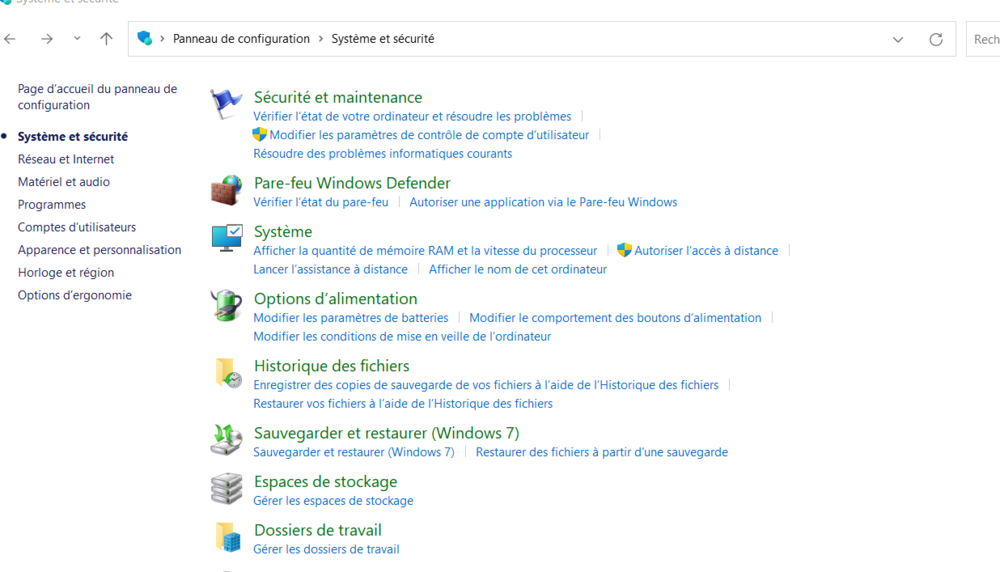
In my Virus and Threat Protection i can add Threat but if i go in i have a option to go to my Protection history but i can add Threat
-
Sorry if is in french
-
In my control panel i view nothing for folder
-
I can only add apllication
-
Oh ok i add ragepluginhook with my control panel
-
How to add to exeption list ?
-
RagePluginHook.log
-
Is keeping crashing
-
-
RagePluginHook.log



