


.png.9debf3dbf0a15debb5502ade3678ccf4.png)
R12XDAnngy
Members
-
Joined
-
Last visited
Everything posted by R12XDAnngy
-
Can someone help me on how to fix the texture, it looks like it's oily, unlike the usual interior thank you
.thumb.png.ce41fd872149647791efae455571aa62.png)
.thumb.png.0484fa52fa05dd222cc0dadf18b9f452.png)
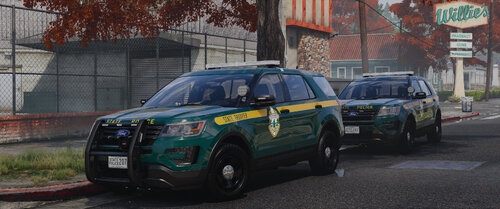 unmarked version please
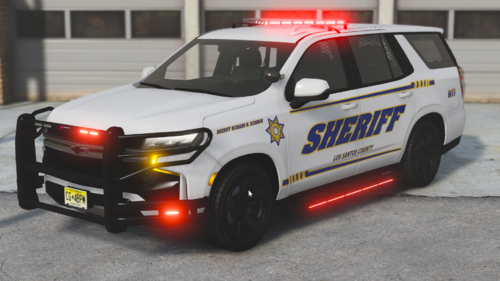 great... can you make unmarked version
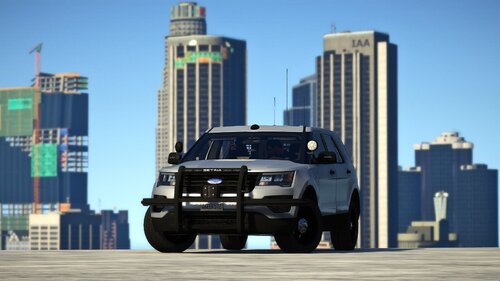 the back door doesn't work at all I've tried to edit handling.meta or vehicles.meta but still I can't put the suspect in the car, maybe I have to wait for a fix Thank you, your mod is very good, I like it, but it's a shame that the back door can't be used to enter the suspect
.thumb.png.ba851abb3de4781b6352e8c2a70e9e7d.png)
.png.91a73994871131cc6091e735c2216e3f.png)
.png.9214135fd668a698fe89c218378c9412.png)

