


agamnon
Members
-
Joined
-
Last visited
Everything posted by agamnon
-
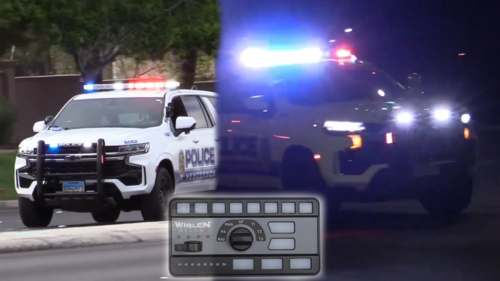 I mixed the sounds with normal, and rumbler, and they sound fantastic, however, they're pretty quiet. I also made an oopsie and installed the fire sirens backwards. If youre not as knowledgeable as me, and just install them into your RPF file, its an easy install, not very many authors provide you with a Single player, and FiveM ready sounds.
- 27 comments
- 5 reviews
-
What I can see here, is that his RESIDENT.rpf file is too large, he needs to get a vehicle dead air pack, and install that. Its not too hard. The sounds are PERFECT in my opinion, but I agree, they could be louder. If youre responding in a loud car, youre not going to hear your siren, and if you cant hear your siren, then you dont even know if your siren is on. you gotta teach me how to do that.
- 27 comments
- 5 reviews
-
He needs to use ArchiveFix. Its a process. Best way on how to do it. I use that video, and I have never had the issue. Ive even rebuilt broken RPF files that are on LCPDFR using his method.
- 27 comments
- 5 reviews
-
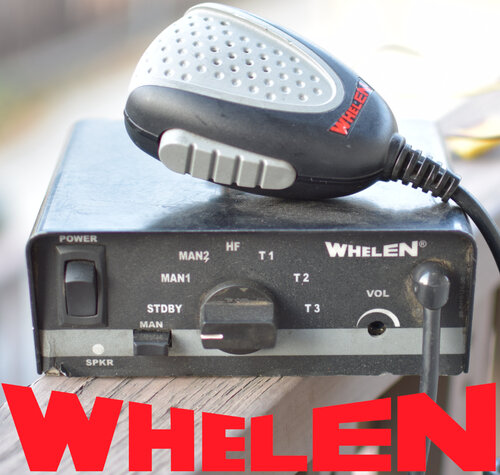 When I try to put it in my sfx folder, it tells me theres no description, and I cant add it in there. How do I add a description to the Resident.rpf file for it to go into the folder?
- 30 comments
- 5 reviews
