


harryrignall
Members
-
Joined
-
Last visited
Everything posted by harryrignall
-
i press e and the siren comes on but i cant the lighs arent flashing and i cant cycle the siren
-
I cant go on duty from a station or the force duty command. It worked before i installed the plugins so im assuming its one of them RagePluginHook.log
-
Thank you, I’ll try this in the morning cos it quite late now
-
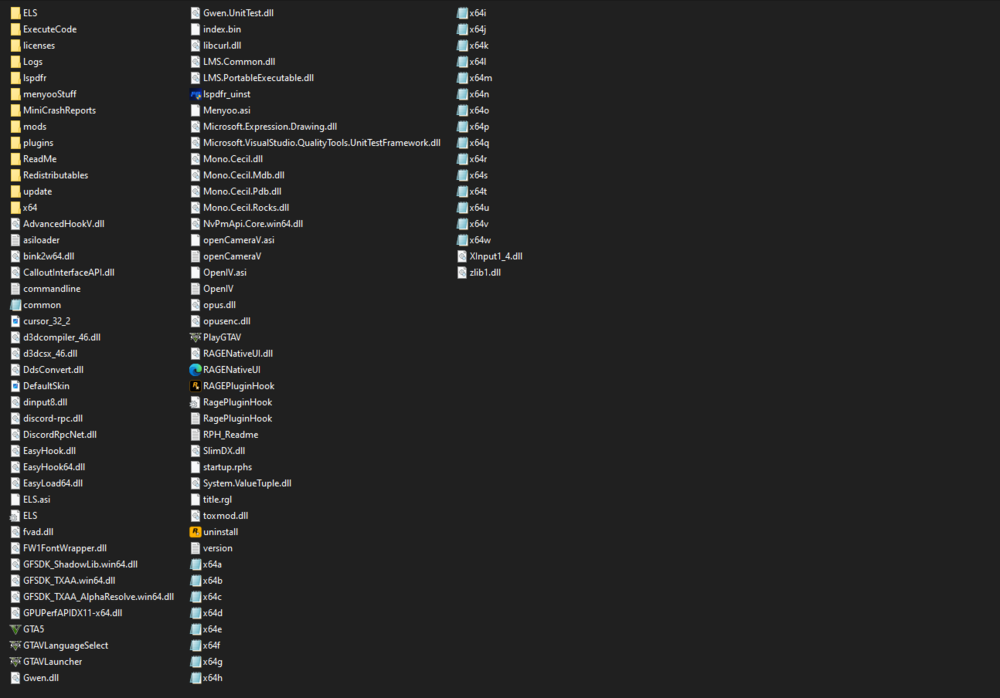
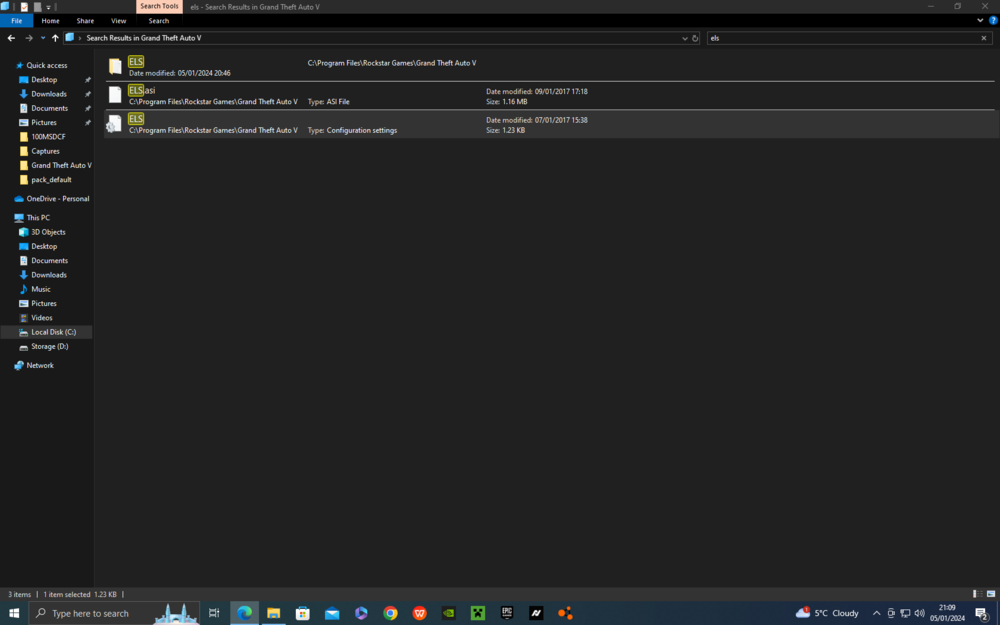
there is no els.log . The only els files are the folder, where the packdefult folder is, ELSasi (an asi file obviously) and a configeration file
-
i go into my vehicle and some of the lights are solid on. Pressing J doesnt do anything however. Pressinng E makes the siren play like it would on a non-modded car however but no lights appear (obviously). What am I doing wrong, ive reinstalled ELS 3 times and it doesnt work. And to save this being said, i have deffinately installed the newest GTA V version
-
Ive just spent the past 4 hours installing gta so i could play lspdfr but as soon as i go on duty, some of my plugins open but them lspdfr crashes. i know theres a file i need to attach for people to see whats wrong but i dont remember what file it actually is. i think i attached the right one though if somebody could please tell me what it is that im doing wrong RagePluginHook.log
-
I’m not sure
-
RagePluginHook.log
-
My LSPDFR was working fine until the recent GTA update, I then unintalled lspdfr and installed the newer version when it came out, that didnt work so i uninstalled gta and then reinstalled it and that still didnt work. With further testing I found that the game launches and works just fine with LSPDFR installed with no plugins but as soon as I add plugins, it stops woking


