



Soul X MR2
Members
-
Joined
-
Last visited
Everything posted by Soul X MR2
-
 Will be done when i can find time, more focused on paid orders currently, but when i can ill make a red +blue version
 -
can be done, would it be one side is red one side is blue? not sure on us lighting
-
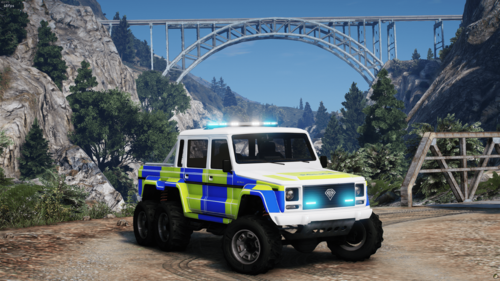
Marked Benefactor Dubsta 6X6 Discord Link https://discord.gg/sxm Installation: 1.Put dubsta6x6marked in your mods folder 2.Go to your dlclist.xml and add this dlcpacks:/dubsta6x6marked/ 3.When in game spawn with dubsta6x6marked Notes Template has been included in the file Any issues with the vehicle please don't be afraid to contact us or fix it yourself, car is unlocked for everyone

