Skip to content
View in the app

A better way to browse. Learn more.

LCPDFR.com

A full-screen app on your home screen with push notifications, badges and more.

To install this app on iOS and iPadOS
  1. Tap the Share icon in Safari
  2. Scroll the menu and tap Add to Home Screen.
  3. Tap Add in the top-right corner.
To install this app on Android
  1. Tap the 3-dot menu (⋮) in the top-right corner of the browser.
  2. Tap Add to Home screen or Install app.
  3. Confirm by tapping Install.

StrapzBandz

Members
  • Joined

  • Last visited

  1. Dontae' started following StrapzBandz
  2. carsongames999 started following StrapzBandz
  3.    StrapzBandz reacted to a review on a file: [NON-ELS] Unmarked 2023 Ford F-150
    • 1,357 downloads
    • Version 1.0.0
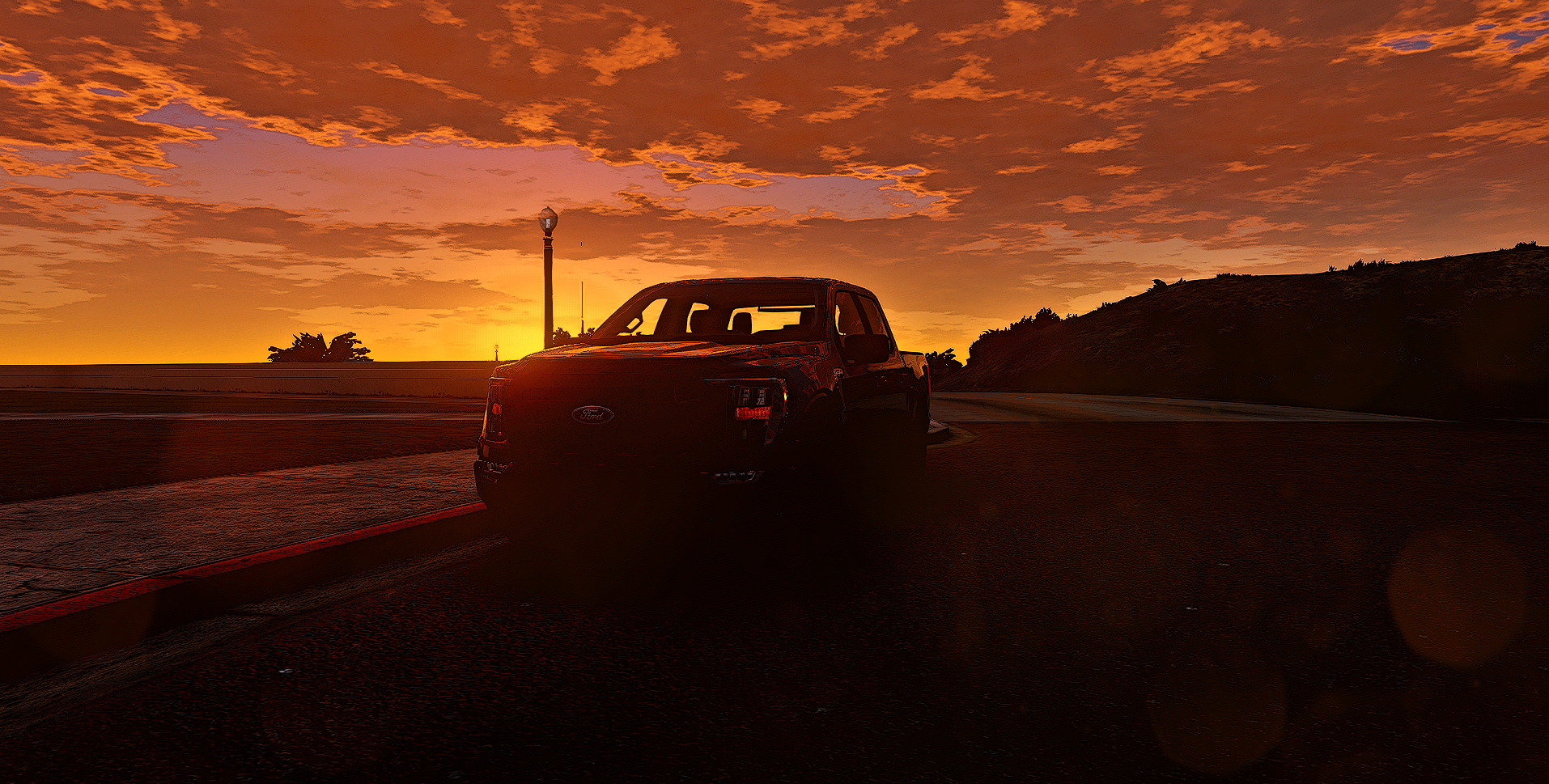
    Hello everyone, here is a simple, unmarked 2023 Ford F-150 with interior.
  4. wwwivlol started following StrapzBandz
  5.    StrapzBandz reacted to a comment on a file: [NON-ELS] Volunteer FD/POV 2003 GMC Sierra
  6.    StrapzBandz reacted to a comment on a file: [NON-ELS] Volunteer FD/POV 2003 GMC Sierra
  7.    StrapzBandz reacted to a comment on a file: [NON-ELS] Volunteer FD/POV 2003 GMC Sierra
    • 1,103 downloads
    • Version 1.0.0
    Hello everyone, this is a simple Volunteer FD/POV 2003 GMC Sierra. Credits are in the download file.
  8.    StrapzBandz reacted to a review on a file: [NON-ELS] Volunteer FD/POV 2023 Ford F-150
  9.    StrapzBandz reacted to a comment on a file: [NON-ELS] Volunteer FD/POV 2023 Ford F-150
  10.    StrapzBandz reacted to a comment on a file: [NON-ELS] Volunteer FD/POV 2023 Ford F-150
  11.    StrapzBandz reacted to a comment on a file: [NON-ELS] Volunteer FD/POV 2023 Ford F-150
  12.    StrapzBandz reacted to a review on a file: [NON-ELS] Volunteer FD/POV 2023 Ford F-150
    • 1,037 downloads
    • Version 1.0.0
    Hello everyone, this is my first ever car release.... This is a simple Volunteer FD/POV F-150. If you guys like it, I will release more cars soon! Credits are in the download file.

Account

Navigation

Search

Search

Configure browser push notifications

Chrome (Android)
  1. Tap the lock icon next to the address bar.
  2. Tap Permissions → Notifications.
  3. Adjust your preference.
Chrome (Desktop)
  1. Click the padlock icon in the address bar.
  2. Select Site settings.
  3. Find Notifications and adjust your preference.