


ZXLsolo
Members
-
Joined
-
Last visited
Everything posted by ZXLsolo
-
Here's my clip and my log Untitled video - Made with Clipchamp (2).mp4 RagePluginHook.log
-
its still showing this RagePluginHook.log


-
?????
-
no everytime i get a callout or try to pull somebody it crash RagePluginHook.log then everytime i get on duty this come up


-
its crashing everytime i go on duty RagePluginHook.log
-
its crashing again RagePluginHook.log
-
RagePluginHook.log
-
i did not work
-
My LSPD First Response.dll keeps crashing Here is my log PLS help RagePluginHook.log
-
its still crashing
-
RagePluginHook.log
-
its happing again

-
do i put the EPC in the main directory or the worldPeds.data
-
RagePluginHook.log
-
first but when i get a callout it crash
-
yea it work
-
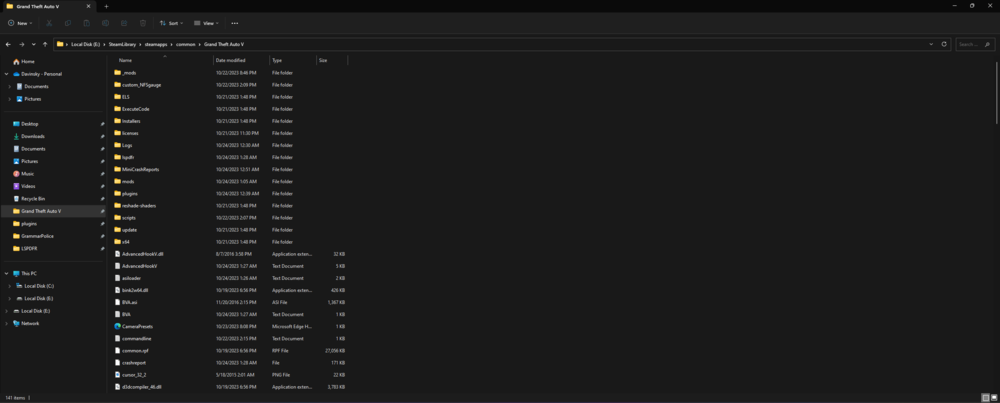
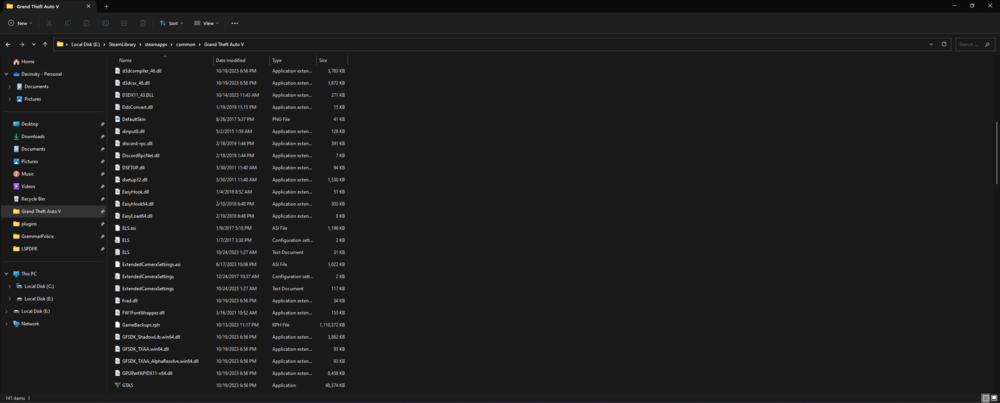
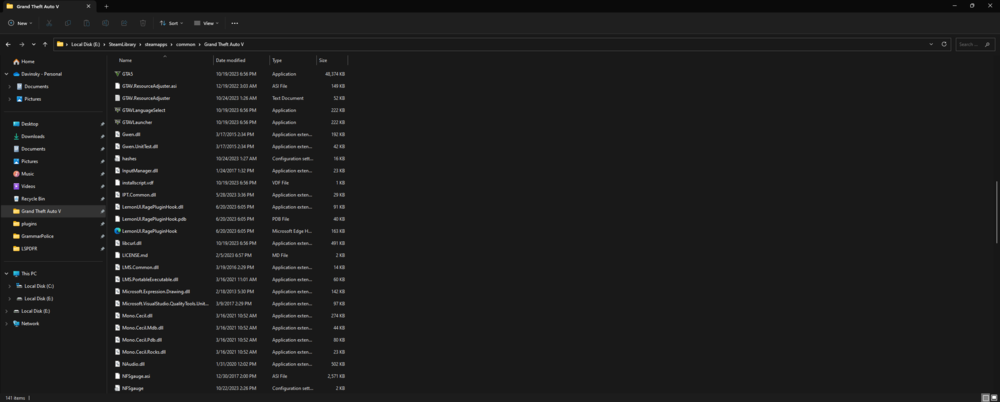
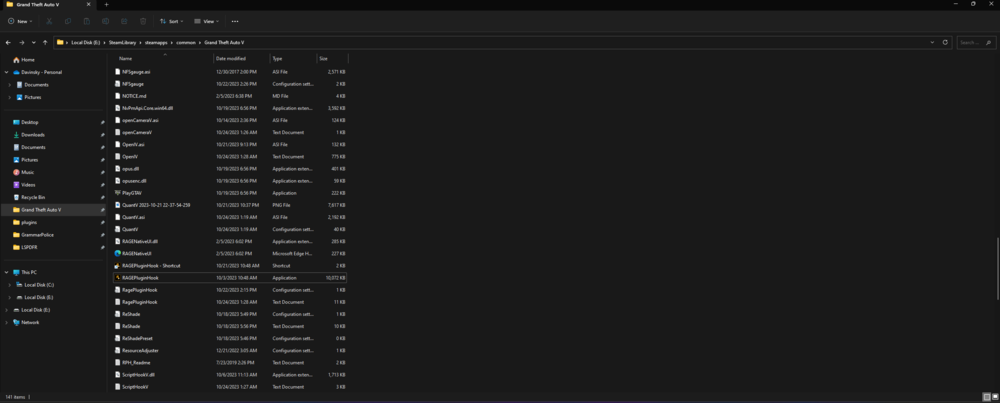
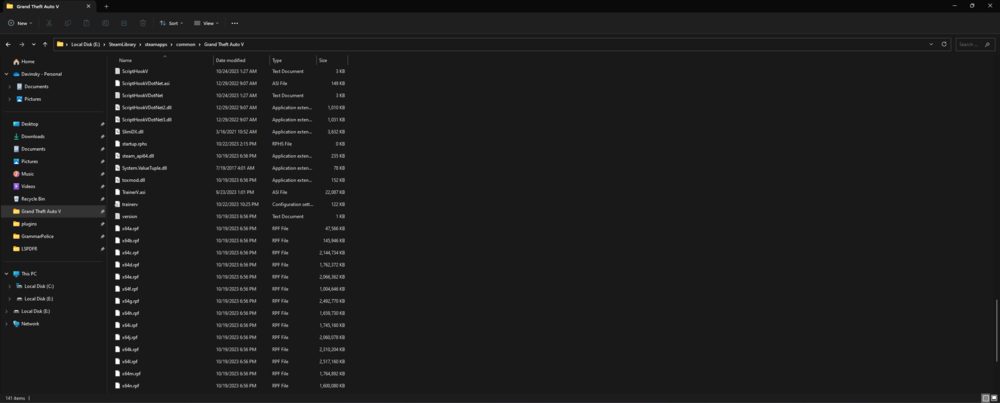

-
so it work but i just replaced so of my callout seen some of them dont work and now its start crashing again RagePluginHook.log
-
RagePluginHook.log
-
it did not work
-
RagePluginHook.log
-
So i just added some new mod and now my LSPD First Response.dll is crashing again
-
THANK U SOOO MUCH IT WORK
-
RagePluginHook.log sorry for the wait i was busy
-
So when I log in the game it’s ok but when I want to load LSPD First Response.dll every time I try to long it in it just crashes



