


RacerChaser
Members
-
Joined
-
Last visited
Everything posted by RacerChaser
-
 @McAwesome6934 For sure! I can make a version that is just plain text on the buttons and send that update out soon!
 -
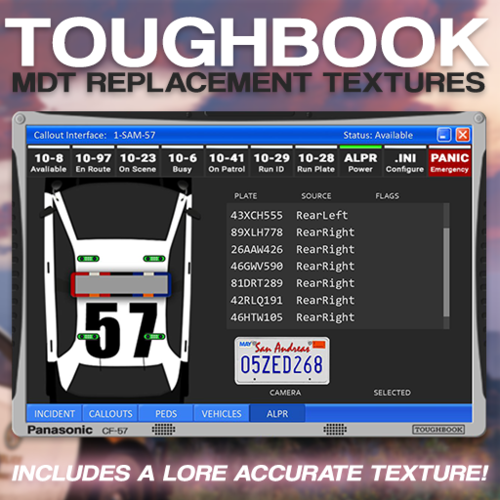
Toughbook MDT Textures For Callout Interface! By RacerChaser Installation: Inside either “Panasonic CF-57 (Realistic)” or “Panoramic PT-57 (Lore)”, drag the plugins folder into the Grand Theft Auto V folder into the game's main directory. Prerequisites: Callout Interface 1.4.1 (Or most recent version) By @opus49 & @BenH6021 Contents: Panasonic CF-57 (Realistic) - Realistic version with Panasonic Toughbook badges. Panoramic PT-57 (Lore) - Lore accurate version of the GTA police computer branded with GTA IV's "Pro-Tech" & GTA Chinatown Wars “Panoramic” police laptop badges. Need help installing the retexture? You can always reach me! Help Discord Note: The "10-41, On Patrol" button isn't actually a real button! It's a blank switch with another 10-Code to make remembering them easier.


