


TontonJackot
Members
-
Joined
-
Last visited
Everything posted by TontonJackot
-
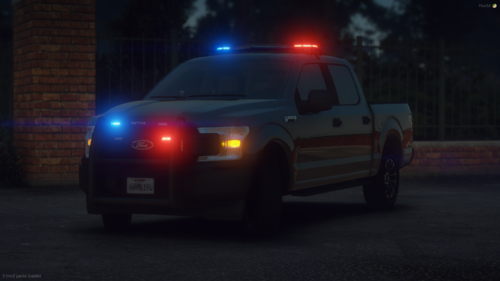 This is a very nice pack, do you think it's possible to make the same configuration with tahoe 2019 and tahoe 2021 ? it's easy to find a good 3d but not a good configuration in valor. Thanks for all ! This is a very nice pack, do you think it's possible to make the same configuration with tahoe 2019 and tahoe 2021 ? it's easy to find a good 3d but not a good configuration in valor. Thanks for all ! and can you send an other link for your discord pls ?
- 12 comments
- 2 reviews
