


Codd
Members
-
Joined
-
Last visited
Everything posted by Codd
-
Are you sur there isn't anything else I can try? Last time I had problems like this when first downloading LSPDFR, it seemed to also have something to do with dinput8.ll and I ended up getting it fixed by downloading the heapfileadjuster stuff or whatever it's called. After I did that, it worked if I restarted my computer before playing then it just started working all the time. But this time, I already have the heapfileadjuster stuff so idk.
-
So I'll have to redownload all my mods?
-
Also just tried something else. I removed the file 'dinput8.ll' and my game loaded in perfectly fine. But obviously I need that file to be able to do a lot of the things with mods.
-
Are you talking about removing every file that says ScriptHookV in it? Or just the one 'ScriptHookV' text file? Edit: I just deleted all the ScriptHookV files and instead of crashing, it just did infinite loading screen. I didn't actually delete the mods folder but I renamed it to _mods to deactivate it and my game still didn't load.
-
I updated my LSPDFR just recently and I cannot load into the game anymore. I downloaded LSPDFR last year for the first time and I had problems with loading into the game. It would always crash when I try loading in. I ended up getting it fixed, but I'm not sure how to fix it this time. Whenever I load into the game, it loads in for a little bit then beeps 5 times and it stops loading but the background music still plays. One time instead of doing that, it just kept loading in until I quit the game. I also tried loading into normal GTA without RPH and it didn't work either. I also tried doing the _mods and it didn't work either. I have a video I can show as well to show what it does on the loading screen. Can someone please help me so I can play the game again. Thank you. IMG_0835 (1).mp4
-
So I've seen things saying I need to have two different GTA folders with LSPDFR in one and FiveM in another to be able to play both. If I do this, is it going to take up more space on my pc as if it were downloading GTA twice? Just curious because that is a lot of storage.
-
 It won't let me create a ticket, it just gives me information on creating a ticket when I click it.
- 556 comments
- 28 reviews
-
I know it gives a warning that the game may crash after downloading. But I want to know if there is a fix to this while keeping SimpleHUD. My game loads up fine, then when I type in 'ReloadAllPlugins' the game crashes. Is there any fix to this?
- 556 comments
- 28 reviews
-
I reinstalled them but didn't try restarting my computer. I fixed it (for now at least). Hopefully it stays fixed. I had to download Heap Adjuster into my main directory and it is now working. Thank you for helping me out. I will come back here to ask questions if I have anymore problems. I really appreciate you trying to help!
-
I know it's a lot but hopefully this helps figure out the problem.
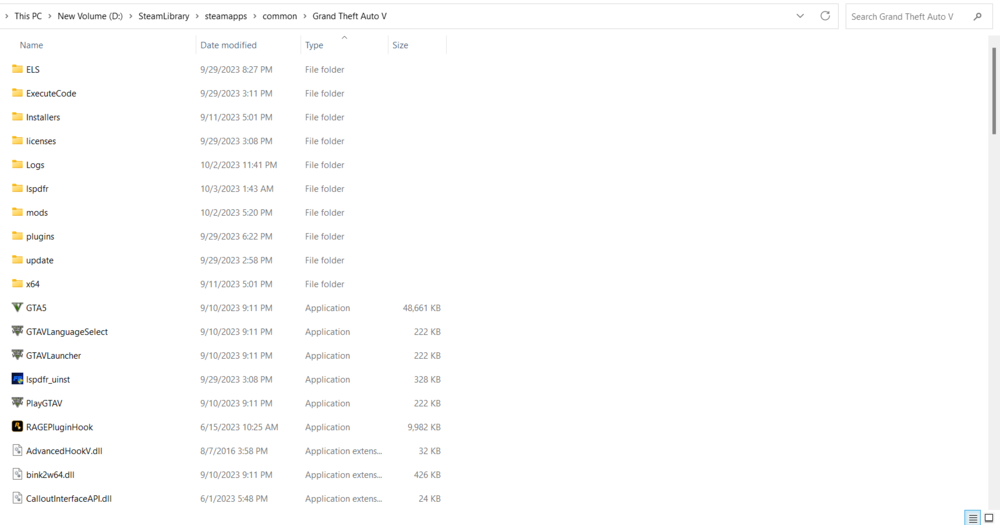
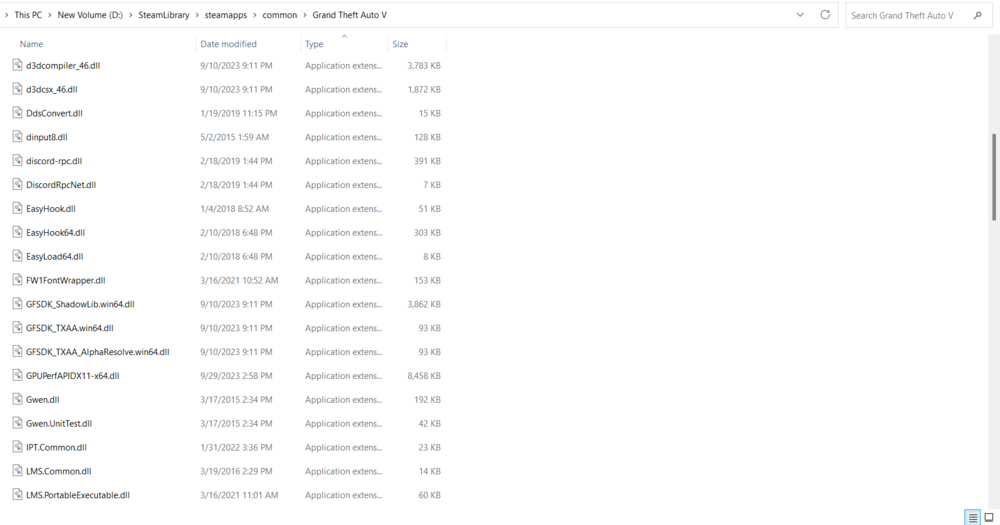
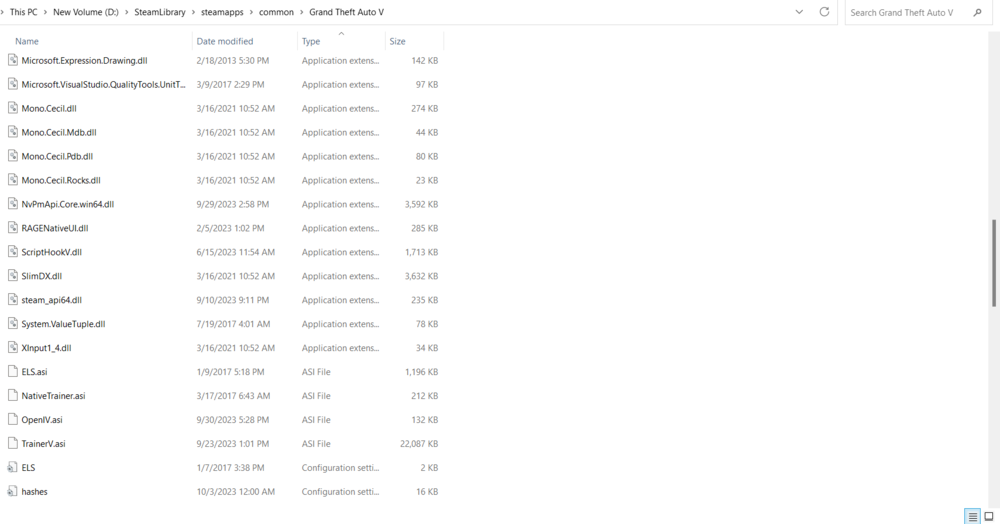
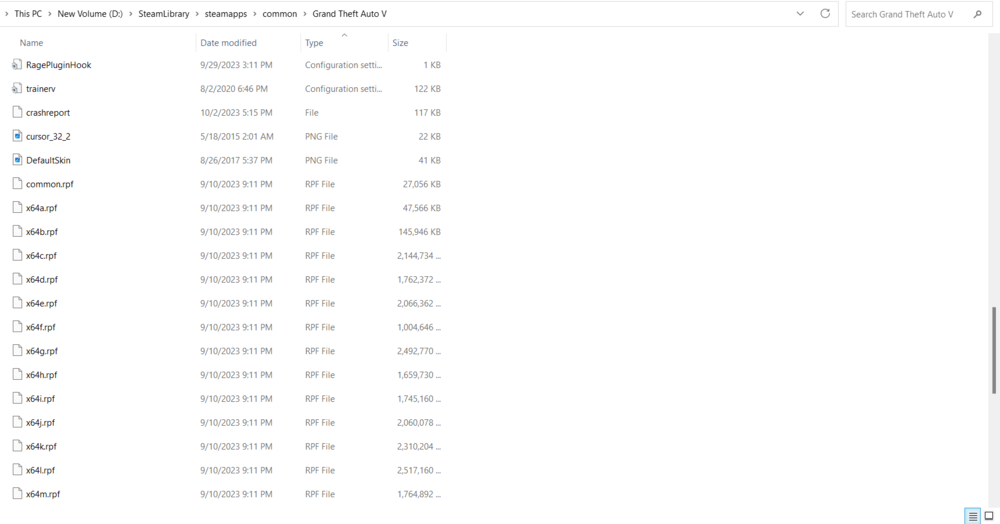
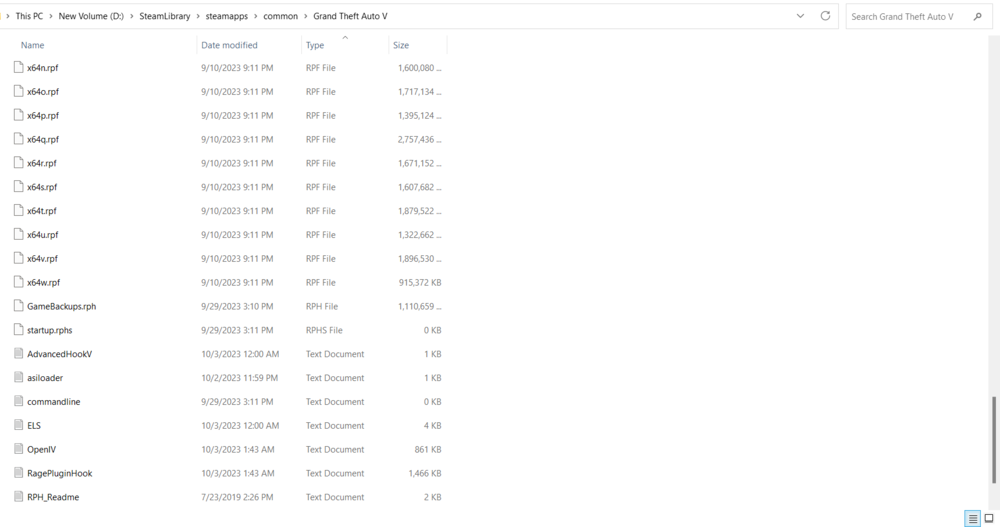
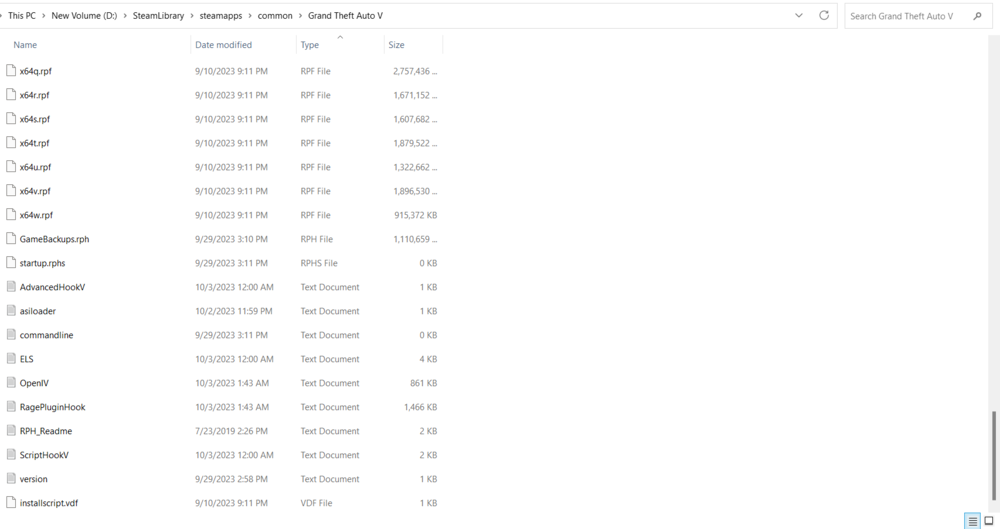
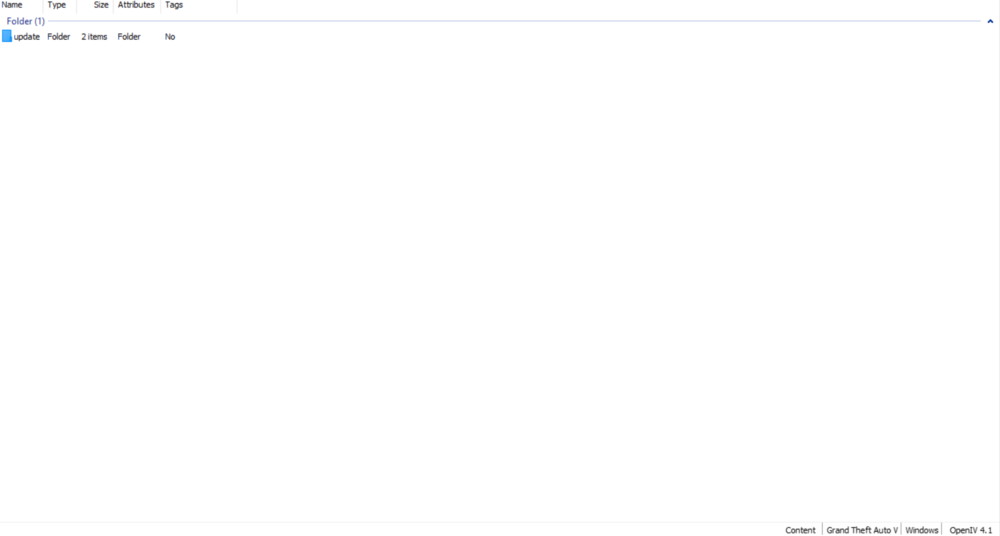
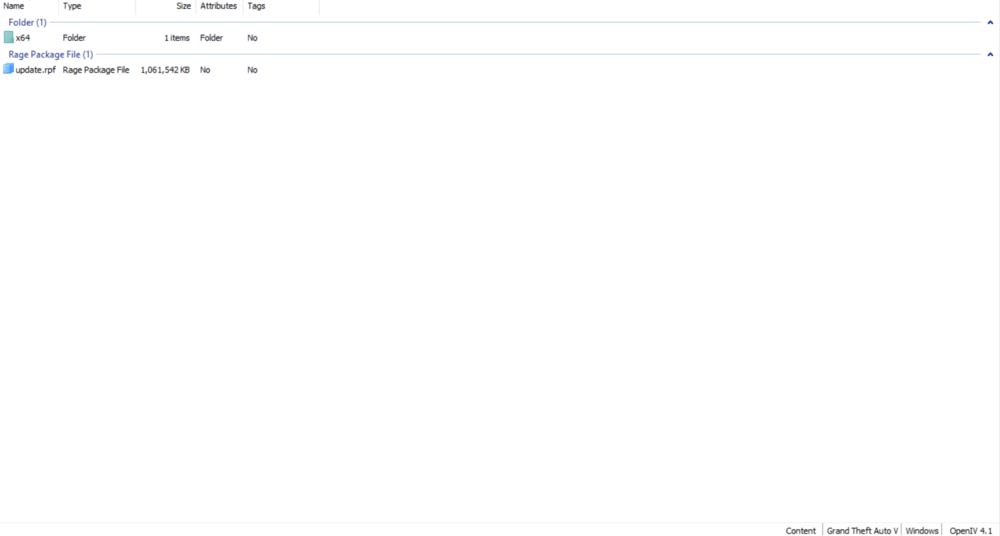
-
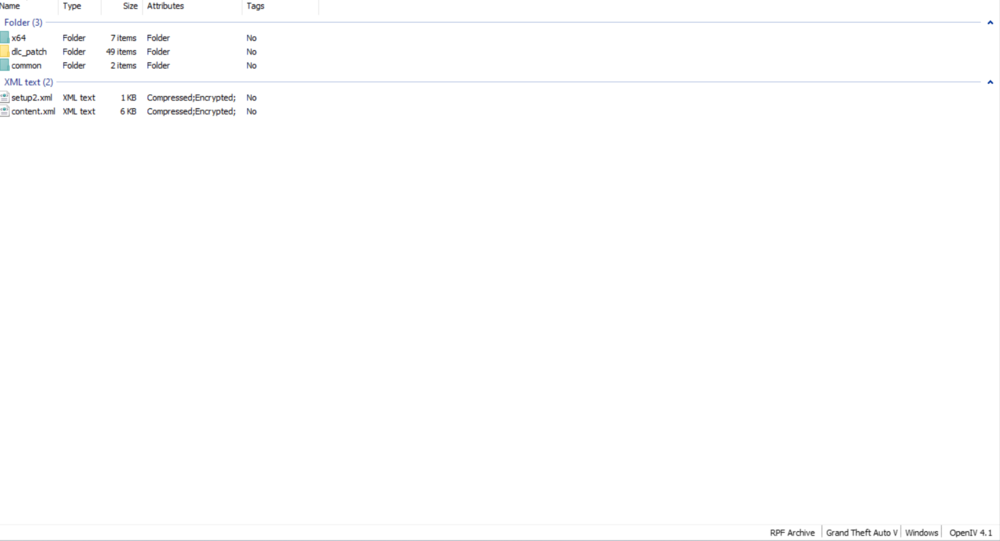
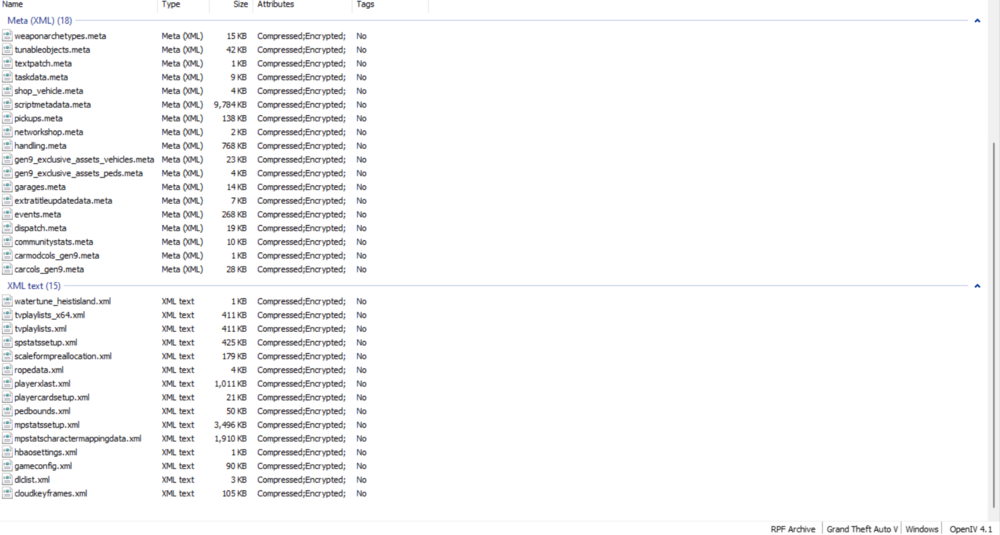
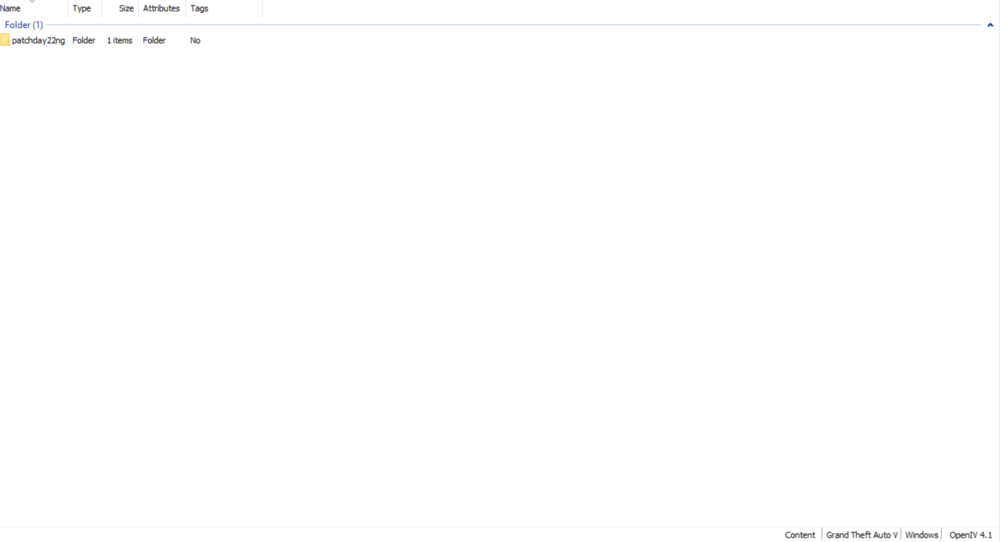
The only things I added to it was copying update.rpf to it, and it worked fine after that, then I added a patchday to it, and it worked fine, but the moment I add a file that I downloaded to it, it crashes. I tried adding a car mod and it crashed. Another time, I just added Gameconfig and it crashed. It is the moment I add any downloaded file it seems like. I believe some people are having similar problems, because in a video on how to download LSPDFR that I watched, the recent comments said their game is crashing like mine.
-
I've tried using different car mods and no matter which one I use, it still crashes. I also tried putting Gameconfig into the mods folder and it still crashed. So the moment I add anything to my mods folder other than update.rpf, the game crashes.
-
My game crashes on the loading screen. When I remove dinput8.ll, it works. Then if I put that back, I found out that removing OpenIV.asi makes it work. But I don't get the mods. So I added that back, deleted my mods folder and created it again. Then it worked before I added any mods. The moment I add any mod to the mods folder, it stops working. Please help me.
-
I just deleted my mods folder and created it again, then I started GTA with nothing in the mods folder and it loaded. So what would be wrong with it?
-
I know this is from almost a year ago, but I'm having these same issues right now. I just tested what you said and OpenIV.asi is the file causing this issue. Do you know any fix?


