


Buggs2024
Members
-
Joined
-
Last visited
Everything posted by Buggs2024
-
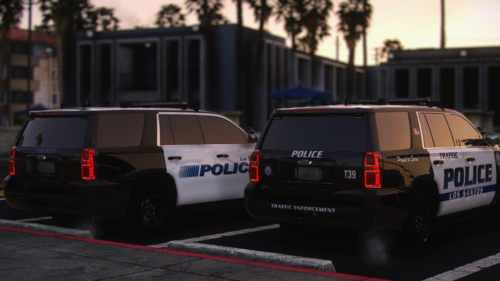 Excellent work! Are you able to create versions where the reverse lights and headlights wig-wag ? Cheers! Jay
 -
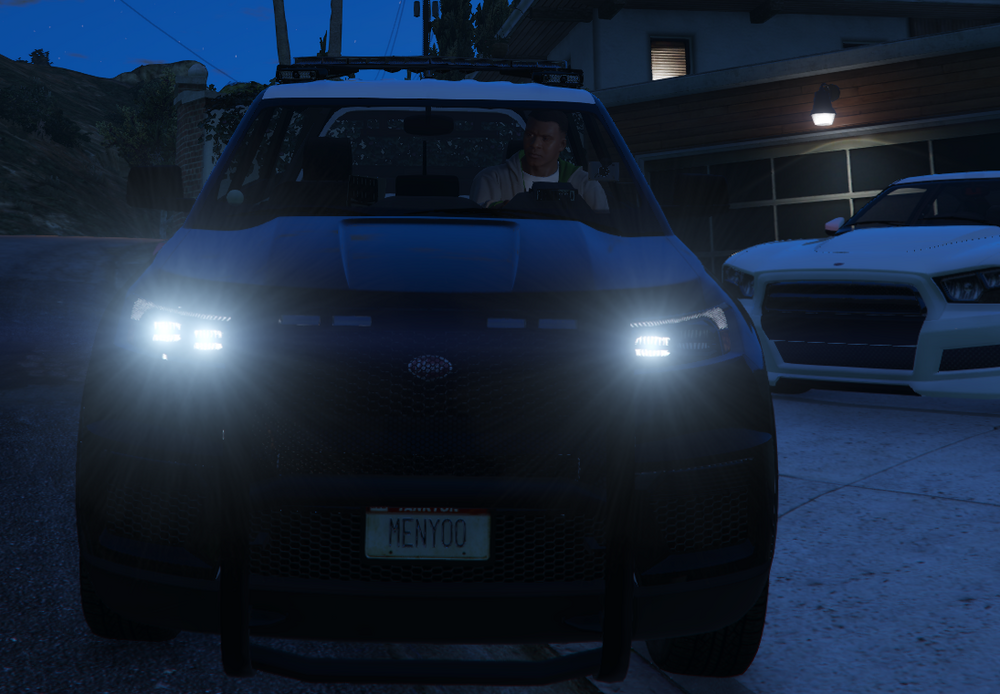
I cannot seem to figure out for the life of me, why they would only be 1 high beam working on the left side of the vehicle. Where is the setting to control both high beams? Perpelexed, im not using LCPDFR or RPH. Much thanks and appreciation for every gurus and experts support on this one. Pic is attached for reference.
-
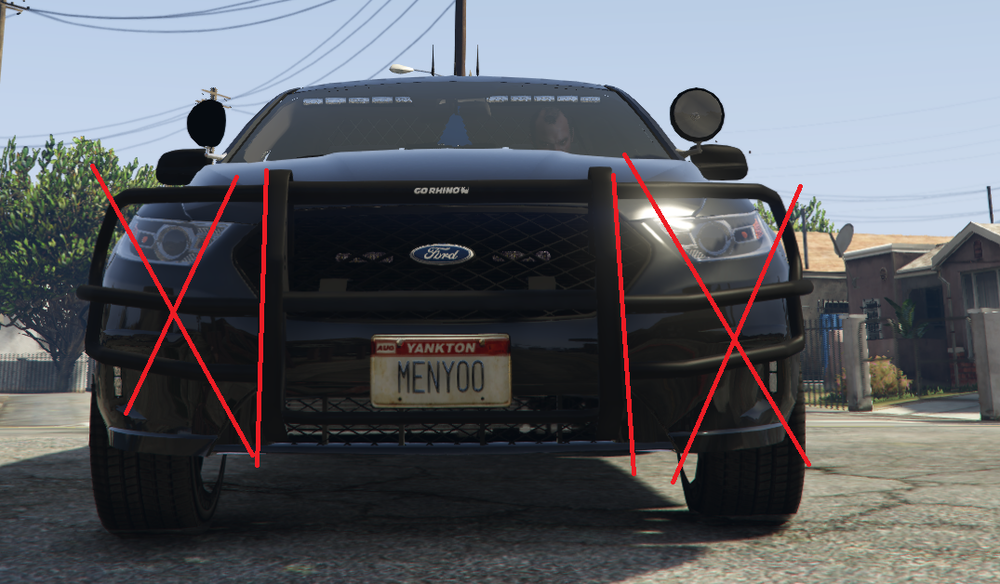
May I please request the help and assistance of a modder who would be able to help be chop off the sides of the front wrap around push bar? Much thanks and appreciation for all your help and support. https://drive.google.com/file/d/1Z5Pvn6oiYYYLOZt0v24Xd7Dkv6BZ5_Td/view?usp=drive_link Jay
-
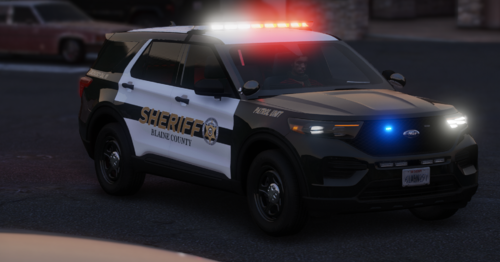 I love the ELS lights in your pics, do you have a DL link for your ELS setup. Mine doesn't seem to compare to as great as yours? Thanks a million Jay


