
imnotstyx
Members
-
Joined
-
Last visited
Everything posted by imnotstyx
-
Solution Discovered Navigate to vehicles.meta and find the vehicle that corresponds to the broken lightbar, in my case, sheriff2. Make sure the diffuseTint value is set to this <diffuseTint value="0x00FFFFFF" />
-
"What can the best mechanic in ls do for you" 🗣🗣🔥🗣❗🗣
-
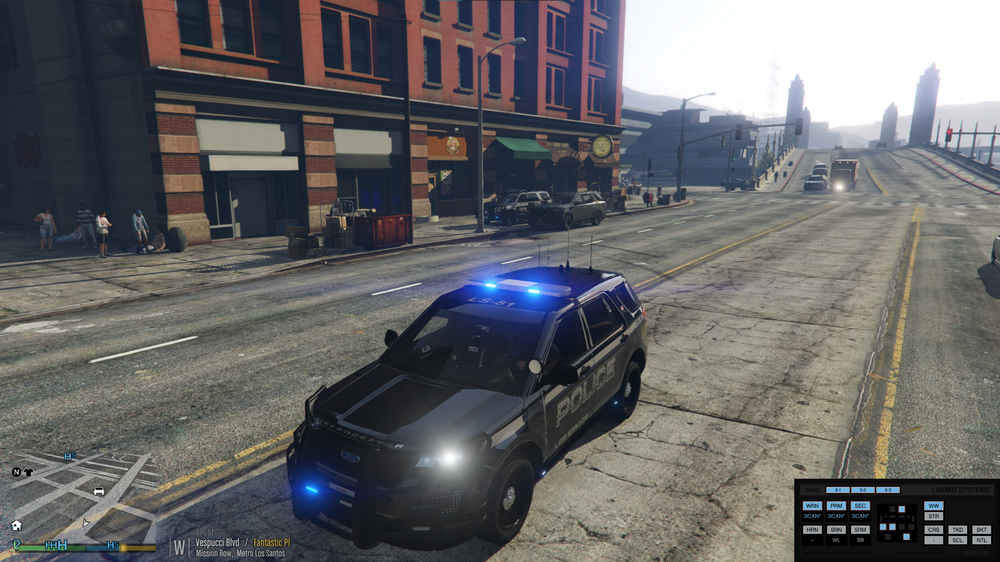
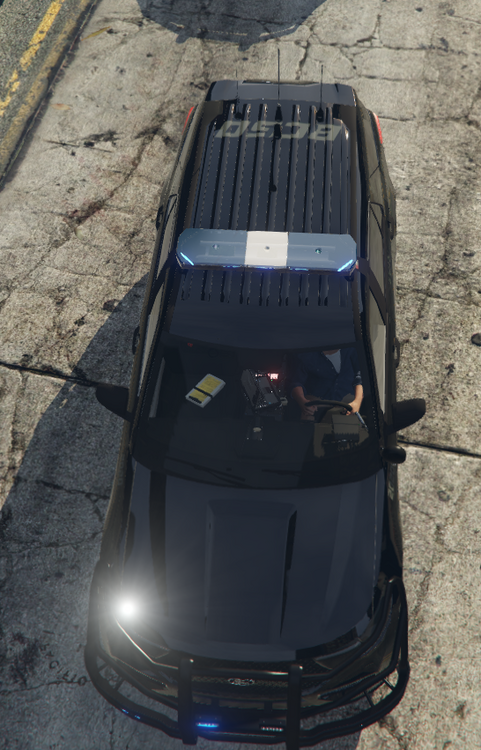
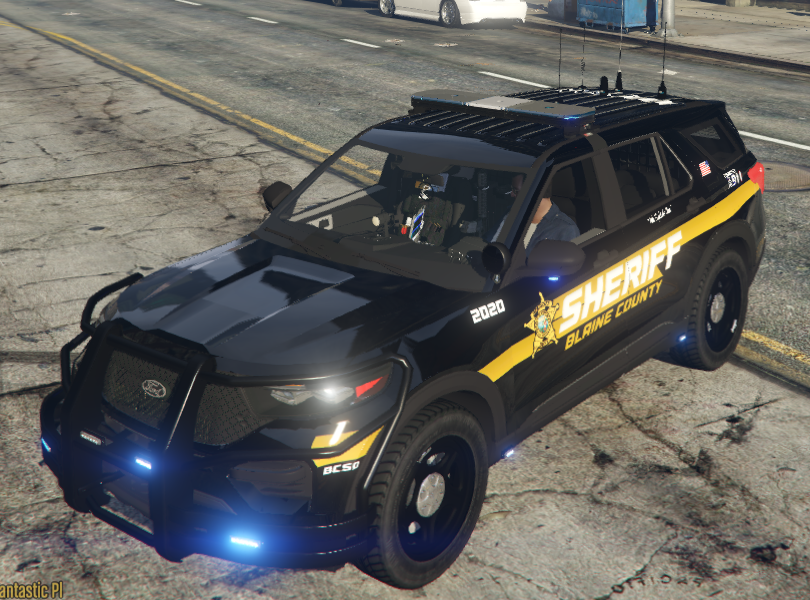
I was trying to change my lightbar colors when I came a across an error. The first image shows the FPIU I used for police3. The lightbar works fine. However, the next two images show the same vehicle model, but with a different livery and is on sheriff2. I used the same texture I used in police3 for the lightbar. A bug occurred to where the lightbar seems to be blocked out by a 2d rectangular figure. The second image shows that the lightbar is visible from the top, but the third shows its not visible from the front back and sides. I tried reinstalling the model and textures, restarting my pc, but nothing worked. Any way to solve this issue?
-
Okay i just wanted to make sure nothing else was wrong. Ty
-
After removing ALPRPlus, it worked just fine, thanks bro Yeah i just noticed that and moved it, thanks RagePluginHook (2).log
-
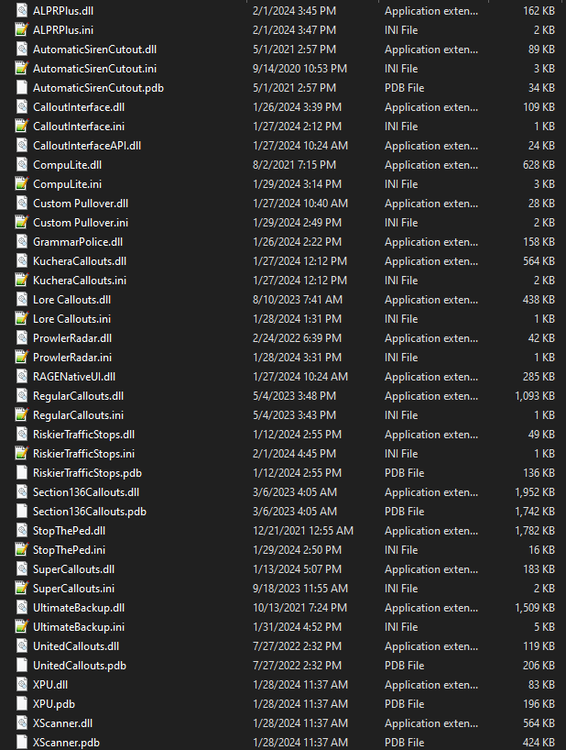
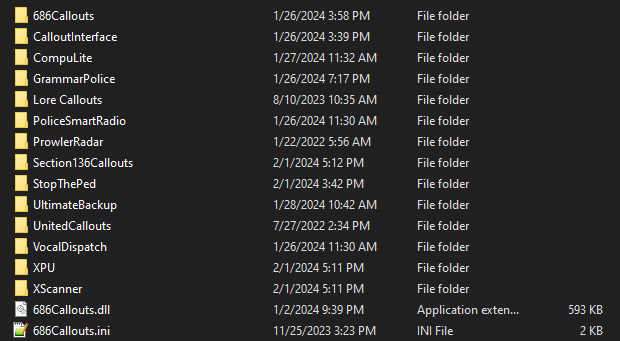
I was chilling next to the highway with my prowler radar when lspdfr crashed, giving me this error, any solutions? - I have also provided my plugin list if you're interested