


AndrewZareb
Members
-
Joined
-
Last visited
Everything posted by AndrewZareb
-
 sounds great! Are there any other sirens that you're working on or plan to?
 -
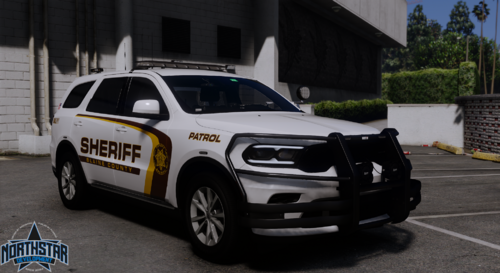 Copy any existing els xml you already have. With that copy, rename the xml to the spawn name of the vehicle you want to make els. Put all the extras in the xml to false. The lights wont work properly if you leave them on true(You could leave them to true if you know which extras control the lighting, but you have to set the stage 3 PRM to 140). Now the only thing this will do is let the vehicle use the els siren setup. Otherwise the vehicle will only have one stage of lighting: stage 3. The dev would have to re-do the extras and lighting to make it els.
 -
 👌
👌 -
 thanks man great work!
 -
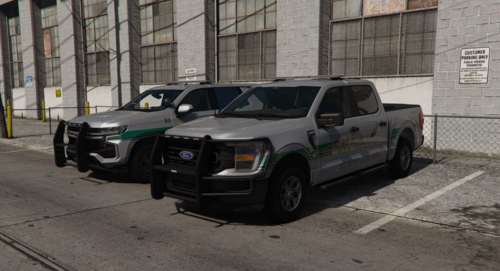 if you have an xml from another non els vehicle you can copy it and rename the xml with the name of the spawn name of the car. If you dont have one from a non els vehicle, you can copy any els xml, make sure every extra is set to false for els control, then rename the xml
 -
I noticed in the preview you have a manual tone but I don't see it included in the file?
