
Trupel
Members
-
Joined
-
Last visited
Everything posted by Trupel
-
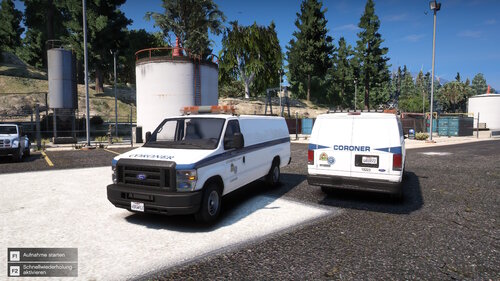 This is my favorite coroner van on this site!
 -
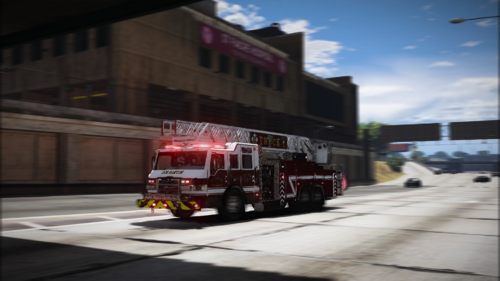 These are some beautiful fire department liveries!
 -
(July).thumb.png.8ab24c67cded5854ed7f17b94a356470.png) Currently away from my PC with GTA V, I'll update the screenshots with the updated liveries 👍. Just working on vehicle textures over the weekend.
Currently away from my PC with GTA V, I'll update the screenshots with the updated liveries 👍. Just working on vehicle textures over the weekend. -
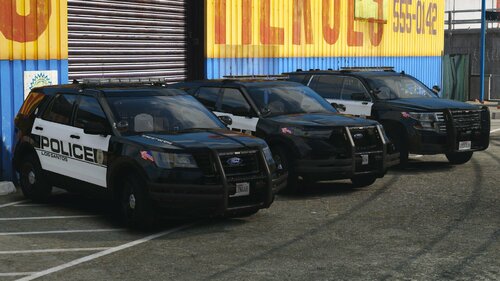
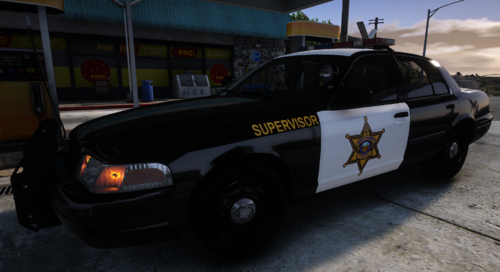
 A simple Los Santos County Sheriff livery package based on the default vanilla liveries (also includes reflective liveries). This was just something I created out of boredom in my summer classes on Canva lol, so I don't know if I'll continue this pack since I have procrastinated heavily on my other livery packs. Vehicles: OfficerUnderwood's 2011 Ford CVPI. Regular Patrol Unit. K-9 Unit. East Vinewood Patrol Unit. Davis Patrol Unit. Blaine County Patrol Unit. Paleto Bay Patrol Unit. GeorgieMoon's 2015-2020 Chevrolet Tahoe PPV. Regular Patrol Unit. K-9 Unit. Kane104's 2020-2024 Ford PI Utility. Regular Patrol Unit. K-9 Unit. LGBTQ+/Pride-Themed Unit. The vehicle models featured in the screenshots are by Scorpionfam:
 -
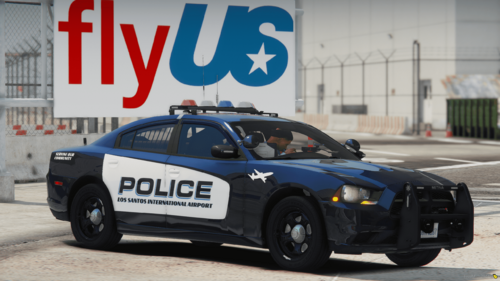 Those skins look sick with that gorgeous Federal Signal Vision pack
 -
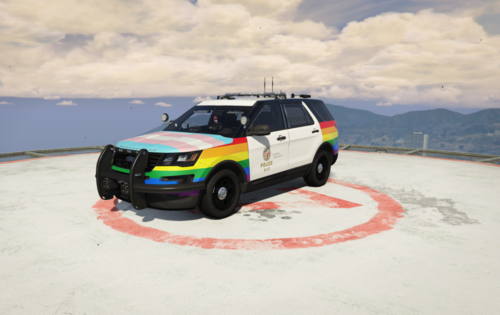 Love it!
 -
-
-
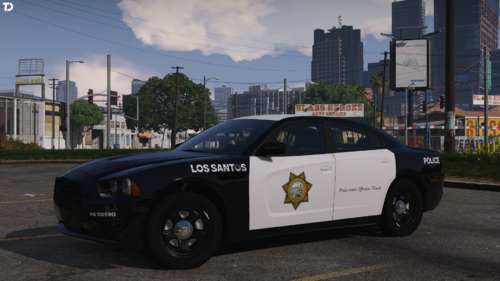 I love it! I love Fresno PD's livery design but this site only offered Fresno Sheriff liveries. Happy to have a full Fresno theme now!
 -
 Beautiful pack! 5/5
 -
 I love it a lot, really good quality and my city uses a Code 3 and Outer Edge combo so a little bit of bias there lol.
 -
 I love it!
 -
 Looks amazing! I'll definitely be using these!
 -
 It's a 2020 FPIU lightbar buffet! Why I like this pack: 1) 2020 FPIU. 2) Large variety of lightbars, lightbars that are rarely put on a 20' FPIU (I love the Whelen outer edge). 3) I use this pack whenever I'm testing out a livery, good for additional "testing" FPIUs. 4) Addon AND replace? That's like... 16 FPIUs. 5) It's made by Preston.
- 37 comments
- 2 reviews
-
 I just realized that there's a slight inaccuracy with the promotional window sticker, I'll fix it later when I have a chance. 😅
 -
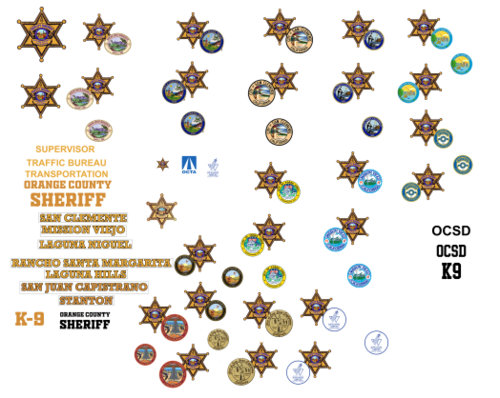
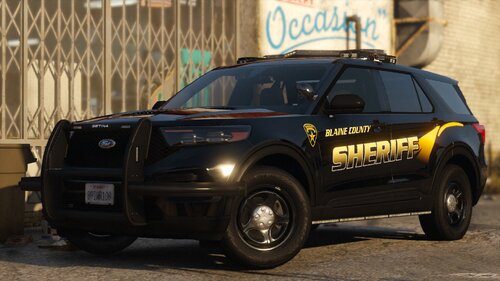
Blaine County Sheriff's Department Based on Orange County, California ⋘ By Trupel ⋙ This is my second livery pack on this site and it's based on Sheriff Department in Orange County, California. This pack currently contains fifteen vehicles. No updates are currently planned as I am more focused on my non-lore Orange County project, however it's not discontinued since I'd like to rework the quality of the liveries some day as they're not up to my current standards. | VEHICLES Sedans SUVs Trucks Vans | LIVERIES Sedans SUVs Trucks Vans
-
Wowie! 100 Downloads 😄
-
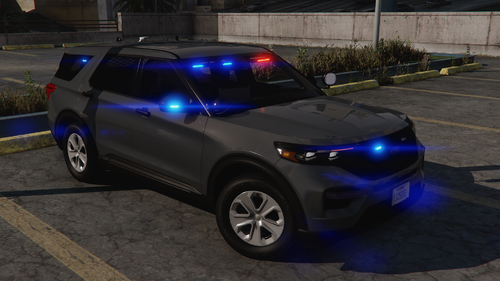 I absolutely love this FPIU and the Outer Edges, I hope to see a marked version in the future!
 -
 Just wondering, will the NYPD pack get a similar update? I don't believe there's any 2020 Ford Explorer with a SLR lightbar on LSPDFR yet.
- 251 comments
- 75 reviews
-
-
-
-
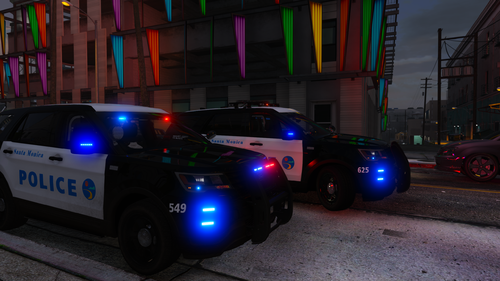 Also violated the rule of not giving credit to the modeler dummy.
 -
I just had the same issue with Roleplay+ Animation Menu, Opera and Windows flagged it as a virus. I nearly had a miniature heart attack and reported the plugin, but now that I'm seeing other people having the same thing I had the biggest sigh of relief.
-
Thanks for the suggestion! I based most of the 2020 livery off of the LASD's 2016 FPIU. Also with the back unit number I did plan to move it elsewhere mostly because it looked funky there lol.


(July).thumb.png.8ab24c67cded5854ed7f17b94a356470.png)