


Carter1337
Members
-
Joined
-
Last visited
Everything posted by Carter1337
-
-
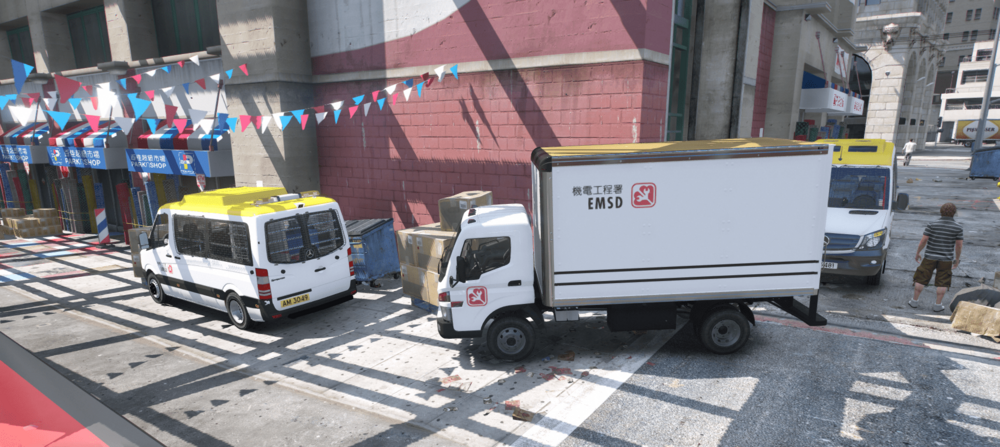
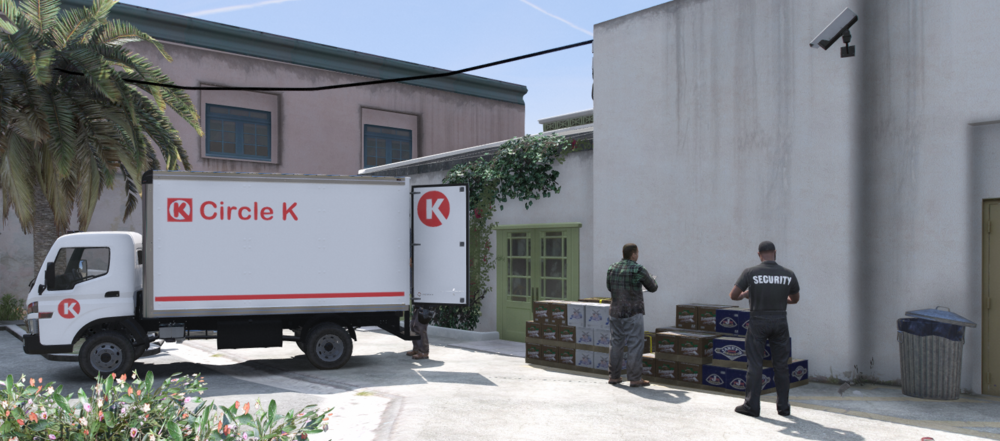
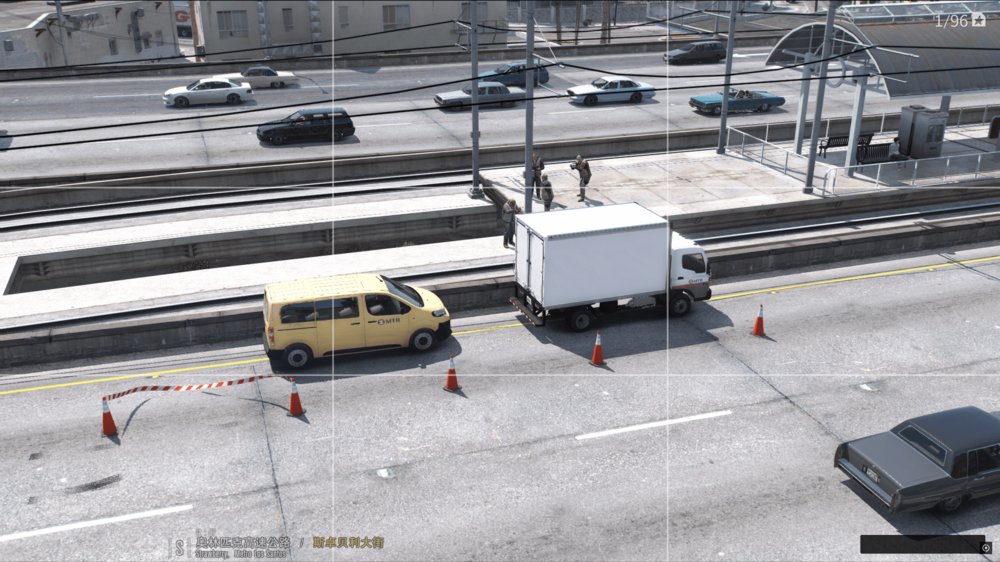
I am from Hong Kong, so I naturally prefer local things, so I took these pictures 😆 1. Photo taken by the Mechanical and Electrical Engineering Department 2. Hong Kong MTR Railway Company maintains the railway 3. Unloading at Circle K convenience store in Hong Kong
-
-
-
I suggest you try the following methods 1. Turn off loading Anydll in RPH, and use F4 to load it after entering the game 2. Set the timeout to 60000 in RPH Hope this helps 🙂
-
Did it crash in the game or during loading? I suggest you try the following methods 1. Turn off loading LSPDFR.DLL in RPH, and use F4 to load it after entering the game 2. Set the timeout to 60000 in RPH
-
I want to have a lot of textures for my bus and I want them to appear randomly. I looked online and no one has done a tutorial on this. Hopefully someone can help me out. THX! : )
-
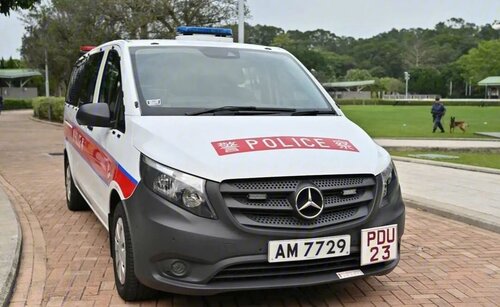 Hello guys there is a new link






.thumb.jpg.e1a63422e61264a1775c0ae1c58e9f15.jpg)
