


NubbieWT
Members
-
Joined
-
Last visited
Everything posted by NubbieWT
-
I have found a way to "fix" this, by fix, i mean disable the mod, I don't know if this deletes all the files from your system. What I did was go on OpenIV, and search up "Dogfight", a folder and some files will show up. When you see those files, delete them and the mod should be disabled. This is for those who need help because I sure did, and I in no chance wanted to reinstall all the mods because of this one stupid uninstall .oiv folder.
-
the update.rpf file in my open iv was just corrupted and I deleted it to restart it. I have installed all the mods back but im not completely sure. now, my game still works but lspdfr crashes everytime I go on duty. please help. RagePluginHook_07082025_123843.log
-
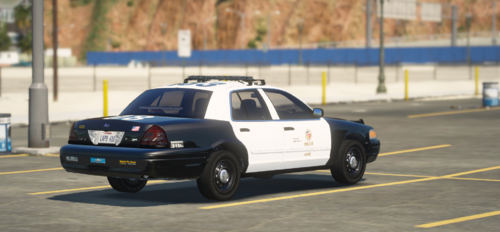 Underratedddddddddddddddddd
 -
I got it working somehow, thanks anyways!
-
Whenever I use "Force Duty" or go on duty with the Custom.ini folder, it crashes. But as soon as I remove it the game works just fine. Please help,RagePluginHook_02012025_015247.logRagePluginHook_02012025_015247.log
-
Hello, I am also having the same problems as the original poster. It seems like my logs are the same, please help.RagePluginHook.log
