
Deputy L3um
Members
-
Joined
-
Last visited
Everything posted by Deputy L3um
-
-
I downloaded Whelen CenCom Sapphire Howler from used in Blue Line Vibes siren install video, since I downloaded it, ELS.asi won't load and TrainerV.asi will no longer load.
-
Didn't work, I've reinstalled ELS V1.05 ~4-5 times, made the file an exeption and then restarted my PC and it still doesn't work.
-
Already did that, removed the siren setting limiter, removed any DLC siren XMLs and it still doesn't work.
-
els.asi failing to load, I followed everything in the most reason video on how to fix it by "GAMING 4 LIFE", I've also trying a few other creators videos. I tried removing args text, scripthoov v, and I've already replaced the new advancehookv.ddl with the old one.
-
I've reinstalled simple Trainer almost 5 times yet I can't scroll up or down all I can do is open the menu. I've installed simple trainer along time ago and got it to work. Never mind my num lock was on
-
The only weapon I can use on duty is the pistol, when I try "Giveweapon -------" It will give me the gun but then take it away 30 seconds later. When I'm not on duty I can use every other gun without a problem.
-
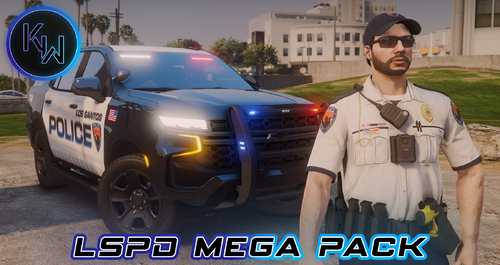 Do you what number the service strips are under/around because I can't find them
 -
-
From the album: Los Santos Police Department
-
Where is the service stripes?
-
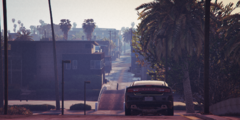
From the album: Los Santos Police Department
-
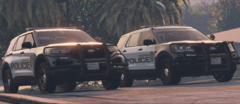
From the album: Los Santos Police Department
-
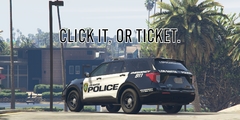
From the album: Los Santos Police Department
-
Its Not A Suggestion, Its a limit. - Drive Safely