
Geckomacabre
-
Joined
-
Last visited
Everything posted by Geckomacabre
-
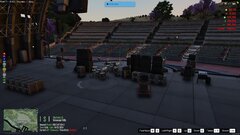
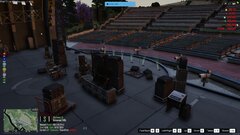
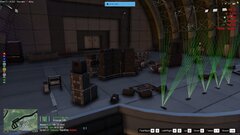
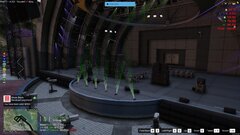
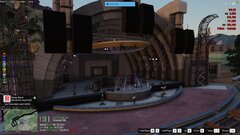
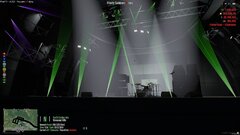
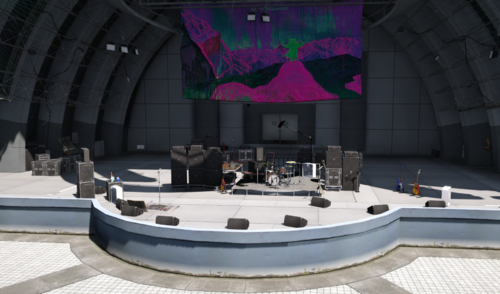 This is a recreation of the band Dinosaur Jr's live set up. This is a work in progress for my fivem server Upstate Mafia TO INSTALL TO YOUR SERVER Unzip the folder, Put in your server's resource folder then add ensure DinosaurVinewood ensure concert_props to your server.cfg and restart the server. **KNOWN ISSUES** The drum platform at the Vinewood bowl has no collision The stage at Syphilis Theater has no collision ( I will fix these at some point )
 -
From the album: Upstate Mafia
-
From the album: Upstate Mafia
-
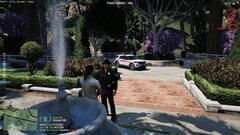
From the album: Upstate Mafia
-
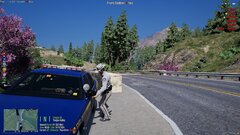
From the album: Upstate Mafia
-
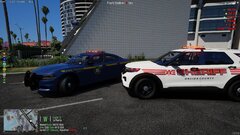
From the album: Upstate Mafia
-
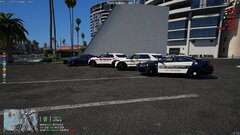
From the album: Upstate Mafia
-
From the album: Upstate Mafia
-
From the album: Upstate Mafia
-
From the album: Upstate Mafia
-
From the album: Upstate Mafia
-
From the album: Upstate Mafia
-
From the album: Upstate Mafia
-
From the album: Upstate Mafia
-
From the album: Upstate Mafia
-
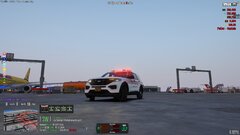
From the album: Upstate Mafia
-
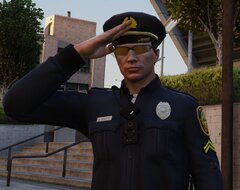
From the album: Upstate Mafia
-
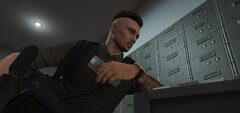
From the album: Upstate Mafia
-
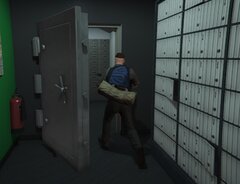
From the album: Upstate Mafia
-
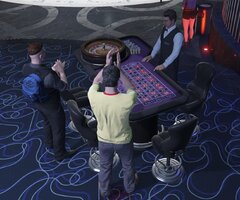
From the album: Upstate Mafia
-
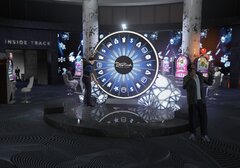
From the album: Upstate Mafia
-
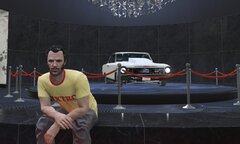
From the album: Upstate Mafia
-
From the album: Upstate Mafia
-
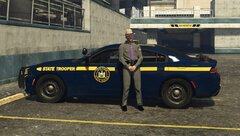
From the album: Upstate Mafia
-
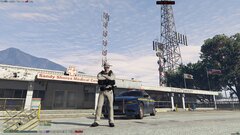
From the album: Upstate Mafia