PIEE
Members
-
Joined
-
Last visited
Everything posted by PIEE
-
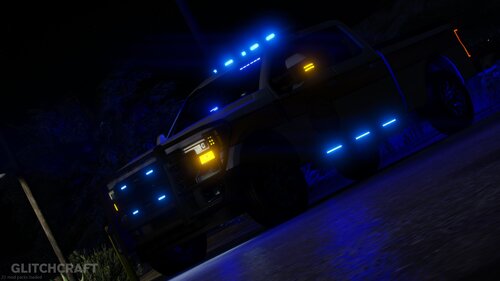 Thank you for your amazing vehicles 🙂
 -
 if you set a waypoint it should send them to that specific location
 -
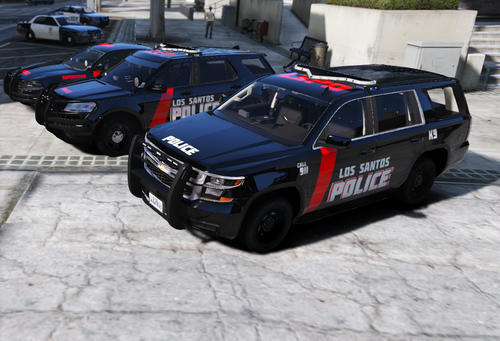 I made this pack for a private series I'm doing and decided to release it online. Based off of GlitchCraft's FHP MiniPack(put the texture on these) I do not know how to convert this to DLC sorry. Let me know if you like this, I'll do more!
 -
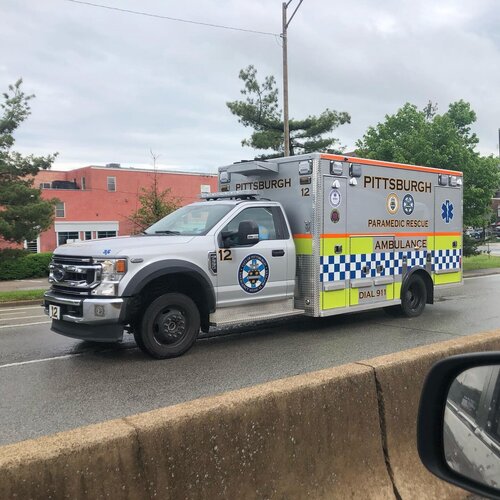 this is awesome 🙂
 -
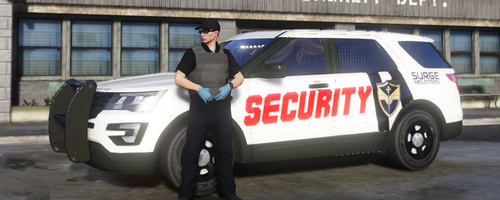 I built this one for my FiveM server but i thought it'd be nice to share because i dont see a lot of security designs. I think i'll probably do more designs for this fake "surge industries" company so stay tuned for that 🙂 Model i used for design: (if you use the same vehicle, it will be in the Utility section when you save it in vmenu)