


MPOOchoCinco
Members
-
Joined
-
Last visited
Everything posted by MPOOchoCinco
-
Howdy from NJ! Stumbled upon this on a random gaming stream and sort of became hooked. Active LEO.
-
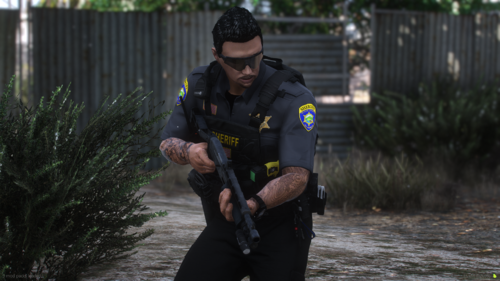 I don't understand how to install this. EUP Stream? I'm so confused. I have EUP installed, I'm in OpenIV, I'm in the EUP folder. I drop it in there or do I have to go into eup_componentpeds.rpf or eup_components_p.rpf..?
 -
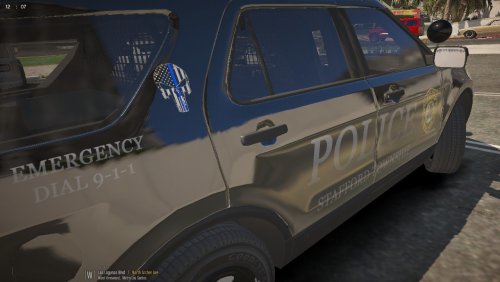 This isn't anything like our cars look. But I sure as heck like it better! Send it to the Chief ! 😃
- 4 comments
- 1 review

