Skip to content
View in the app

A better way to browse. Learn more.

LCPDFR.com

A full-screen app on your home screen with push notifications, badges and more.

To install this app on iOS and iPadOS
  1. Tap the Share icon in Safari
  2. Scroll the menu and tap Add to Home Screen.
  3. Tap Add in the top-right corner.
To install this app on Android
  1. Tap the 3-dot menu (⋮) in the top-right corner of the browser.
  2. Tap Add to Home screen or Install app.
  3. Confirm by tapping Install.

Joshbicton111

Members
  • Joined

  • Last visited

Everything posted by Joshbicton111

  1. Thank you I’m looking forward to trying the mod out
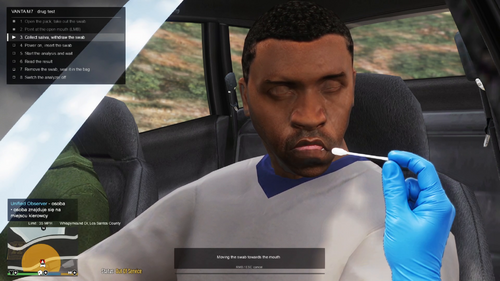
  2. I have installed this like it said to do but I can’t seem to get it to work. When I do a drug test or alcohol test it uses the default policing redefined stuff.
  3. It’s a good update the only issue is I like to drive with the minimap on. And I have changed it to always on but then I have no map in car and on foot.
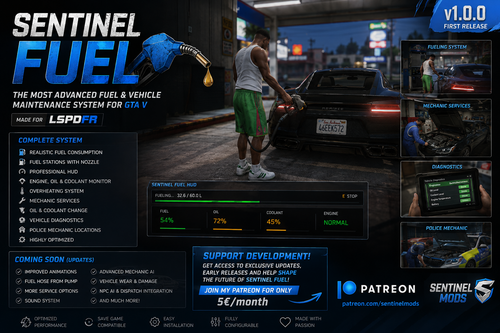
  4. This is a really good mod the only issue is when you go near the fuel station you get spammed with notifications.
  5. I believe I have sorted it.
  6. for some reason my lspdfr keeps crashing i get into the game and it crashes as soon as im on a traffic stop or call out.RagePluginHook.logRagePluginHook.log
  7. Hey mate. I downloaded this and followed it step by step. And for some reason I can’t open the menu inside the game no matter what I do. What should I do?

Account

Navigation

Search

Search

Configure browser push notifications

Chrome (Android)
  1. Tap the lock icon next to the address bar.
  2. Tap Permissions → Notifications.
  3. Adjust your preference.
Chrome (Desktop)
  1. Click the padlock icon in the address bar.
  2. Select Site settings.
  3. Find Notifications and adjust your preference.