LittleSchumi
Members
-
Joined
-
Last visited
Everything posted by LittleSchumi
-
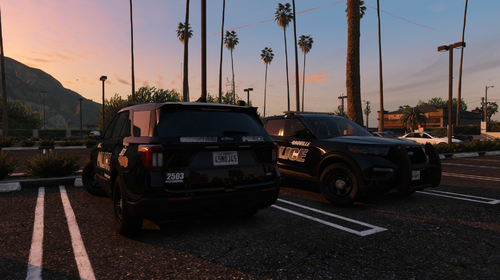 yo my game crashes too when i load any of your cars, also the 25 FPIU the red and blue light on the lightbar at the back are still invisible at angles. hope get a fix soon, cant wait to start playing
 -
 RIP Charlie
 -
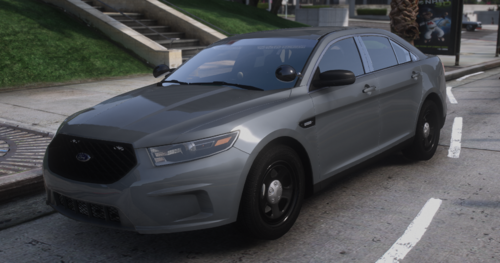 Nice work, could we please get it in els as well?
 -
-
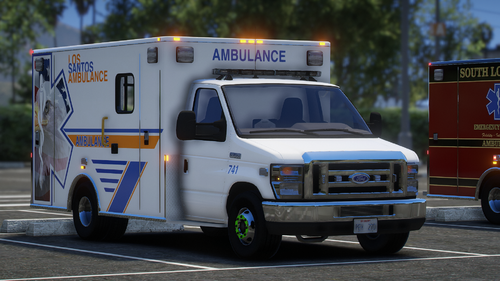 Thankyou! Amazing mod BTW
 -
But backup doesn't show up with the livery
-
Hi how do i use the LAFD livery?
-
Hi I have the same problem have you found a solution?