


DownDiggity
Members
-
Joined
-
Last visited
Everything posted by DownDiggity
-
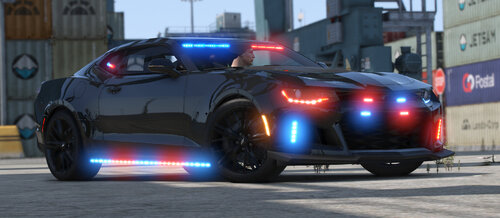 Ah thank you got it to work, the only other problem im having is not knowing how to change the lights as you have in the screen shots as well as the siren doesn't work. I installed this via LML
 -
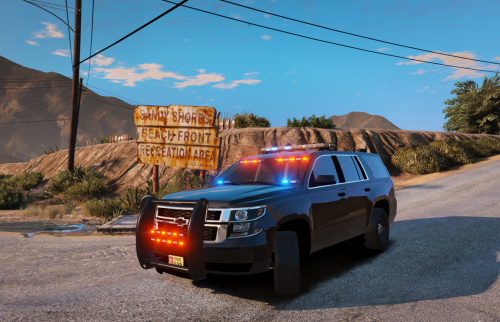 I installed this via LML and I am still unable to spawn and or find the model name to spawn this vehicle in. I'm a bit new to modding gta in this fashion
- 16 comments
- 1 review
-
I have attempted to try and figure out your vehicle name for so long and I haven't been able to use it since I've downloaded it. What is the model called for this car so I can spawn it via the rage f4 menu, I wasn't able to give the file a different name if i was supposed to as I used the LML loader.
