MrTeaRexx
Members
-
Joined
-
Last visited
Everything posted by MrTeaRexx
-
.thumb.png.95b46ae70ab1e28b0e00c8e5ffdb6ffe.png) hey aidenhalo just to let you know, you have UV issues around the tail lights that need to be fixed along with the spare wheel under the car the normal's are inverted and is using the same metal chrome material for the exhaust, but is a beautiful vehicle
hey aidenhalo just to let you know, you have UV issues around the tail lights that need to be fixed along with the spare wheel under the car the normal's are inverted and is using the same metal chrome material for the exhaust, but is a beautiful vehicle -
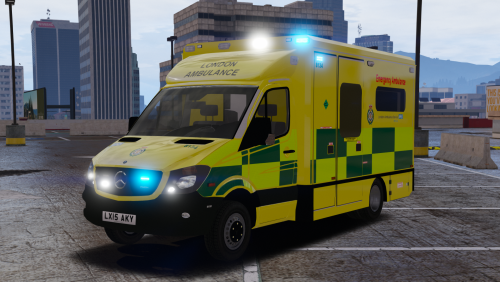
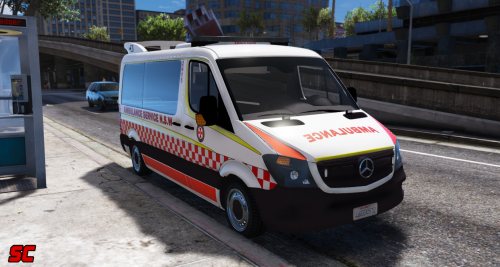 would it be possible (if i have your permission to get a copy that isnt locked so i can convert this to non els?) if not would it be possible to get a non-els version for LUX since els has actually been discontinued
- 14 comments
- 6 reviews
-
-
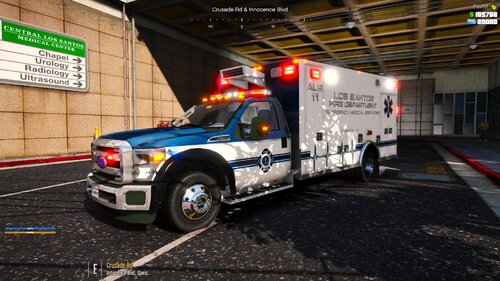 Hi Candice I know this maybe a long shot to ask but is their any chance to have the front air conditioning unit at the front as a extra? im looking to do a livery for a ambulance based on this and your model is the closet i could find, this is the Australian Capital Territory Ambulance from 1996 but i love the livery sadly the air conditioning would block the ambulance wording.
- 20 comments
- 1 review

.thumb.png.95b46ae70ab1e28b0e00c8e5ffdb6ffe.png)