Julius306
Members
-
Joined
-
Last visited
Everything posted by Julius306
-
Anyone else got an idea? Still didn’t figure it out. Read through so many forum posts haha. I don’t know what to try at this point.
-
Updated my graphics driver, didn't help either.
-
Hey, thanks for your help. I followed the steps you provided (cleaning the folder, verifying gamefiles and installing LSPDFR using the manual installer) but it still crashes the exact same way as before with the same log. Still, it only launches when I disable DirectX Hook.... RagePluginHook.log The longer crash report is down below. It looks similar to the one in these two threads:
-
I tried out more stuff but I still didn't manage to fix it.
-
RagePluginHook_18052024_075937.log
-
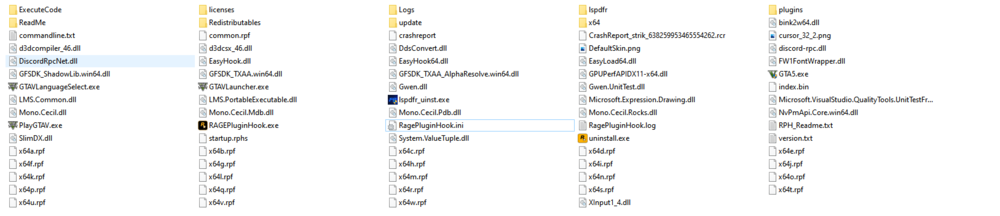
Hey, so everytime I'm trying to launch RPH to play LSPDFR it will crash right after GTA V opened. I have tried so many things but nothing seems to work: Giving permissions to the GTAV Game Folder Forcing windowed and DirectX 11 Launching RPH after going into story mode Creating an exception for RPH in my Anti Virus Reinstalling RPH and LSPDFR completely Closing all ingame overlays And many more.... What's interesting is, that when I check the "Disable DirectX Hook" box in the RPH settings the game will launch just fine. What also caught my attention is that the log says "Is steam version: True" even though I am using the Rockstar version. I have no other mods installed. The log: https://pastebin.com/5Su0PZ7E Hope someone can help, thank you!
-
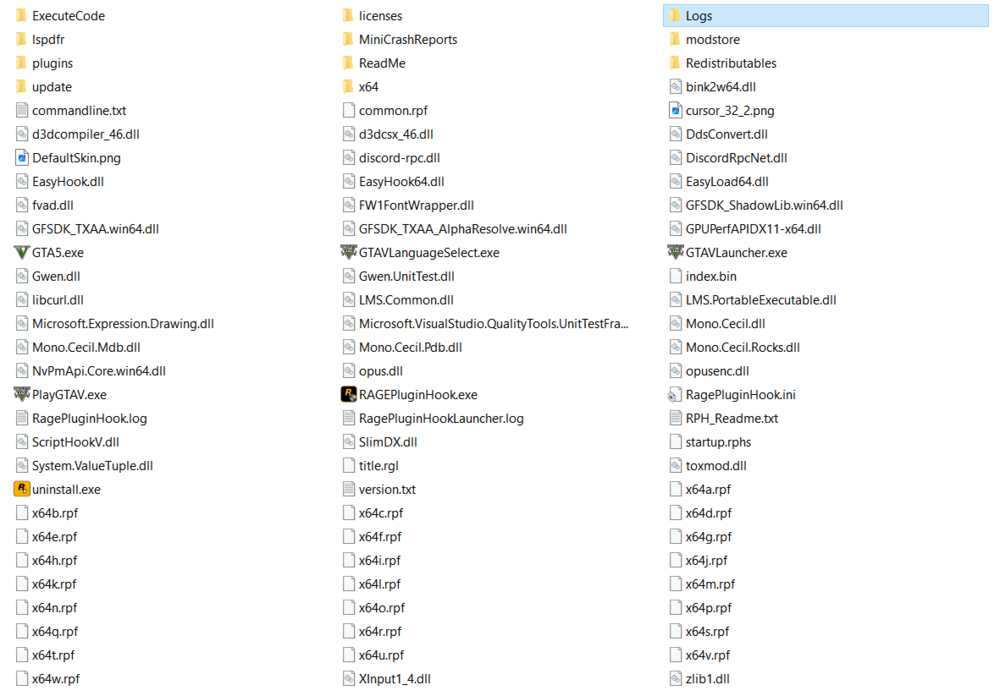
Everytime I start RPH, my game crashes after several seconds. I have already completely reinstalled GTA V. The "Grand Theft Auto V" Folder was completely deleted and recreated, I have no mods or similar installed. Yes, I can boot the game normally AND move inside the game. But even if I start RPH then, it keeps crashing. I have added an exception to my antivirus but it still crashes. I installed RPH and LSPDFR with the automatic LSPDFR installer. What catched my attention is the fact that the log says "Is steam version: True" even though I own the rockstar version of GTA V. I would love to play LSPDFR, so I really need your help, thank you! RagePluginHook.log