Wagner81
Members
-
Joined
-
Last visited
Everything posted by Wagner81
-
Thx alot!!!! i removed some lines from a xml-file and removed the last files i added in openIV 🤩 EDIT: Btw i just cant for my life get frisking to work with Q.. Any idea why?
-
How do i revert the changes?
-
I have installed some car models and added some lines in openIV and now rage crashed, any idea? I've also installed simple trainer.. RagePluginHook.log
-
-
-
Sorry for the late answer!
-
I don't have any crashes from the police_menu, it just doesn't appear at all.. RagePluginHook.log
-
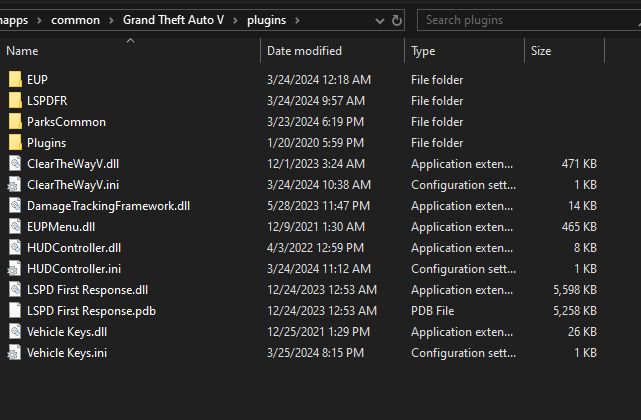
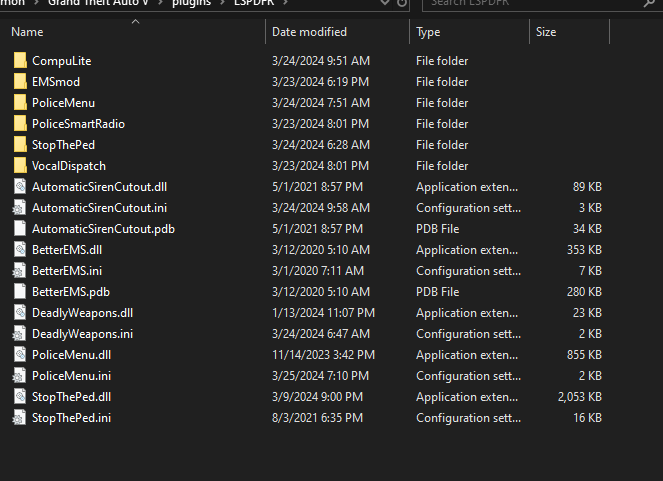
I have done like the readme said.. Some files in openIV and the rest in the trdy in plugins/lspdfr I have a bunch with plugins/scripts but i just can't make the police_menu to work? The buttons L, X and Y is'nt occupied by any other commands in game.. In readme it says control + L and i tried it and other combinations.. So wierd.. X and Y doesn't work either...
-
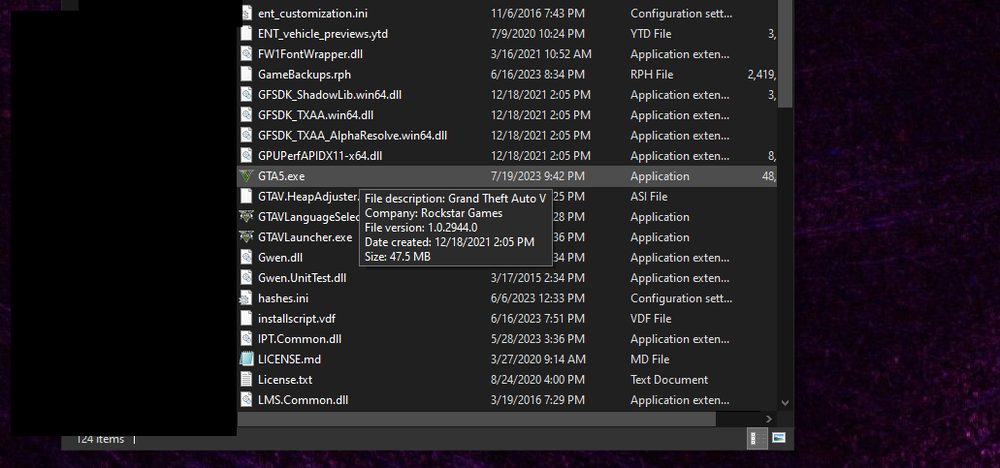
Ive forgot to add the new log Provided a screenshot of the gta version as well RagePluginHook.log
-
I did read the red text about the “new” hook in the lspdfr pack.. When i took the file and deleted the old one and used a new shortcut, i got the same answer, Fatal error.. But i could only find one RHP-file in the lspdfr-rarpack? What to do??
-
Hey, I recently updated ragepluginhook to 2944 (like my gta 5 installation with steam) But still it's fatal error on startup.. i launch hook and start rockstar launcher and error.. I validated the gta files with steam before installing 2944 hook as well.. Any solutions? here's my log RagePluginHook.log