


giorgione 2567
Members
-
Joined
-
Last visited
Everything posted by giorgione 2567
-
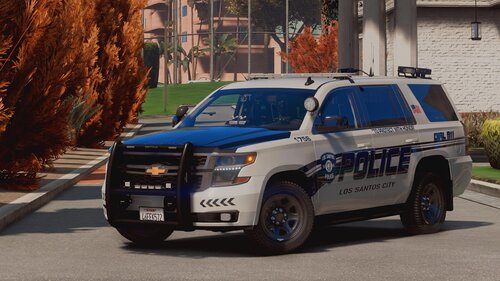 i notice one thing in 2020 fpiu when i use the right turn signal in the back of the car it's all ok but in the front the turn signal isn't work fine, but it's a very gorgeous pack great job my man
- 44 comments
- 11 reviews
-
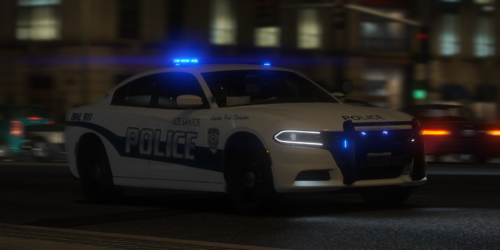 if you use a kane model for 16 fpiu is perfect
 -

-
.thumb.jpg.0189516cd1c33d5f29068a78fea7ea7b.jpg) i notice in the 16 explorer does not work the turn signal but it's an awsome pack
i notice in the 16 explorer does not work the turn signal but it's an awsome pack

.thumb.jpg.0189516cd1c33d5f29068a78fea7ea7b.jpg)