
rsquared
Members
-
Joined
-
Last visited
Everything posted by rsquared
-
-
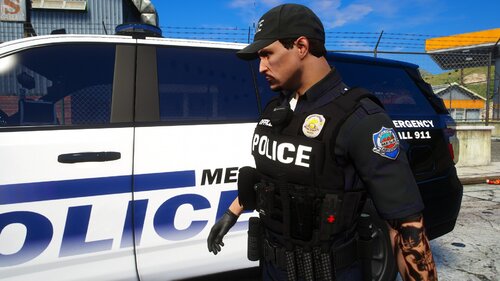 It used to be for both however the creator made the decision to have it on FiveM only, not much anyone can do about that
 -
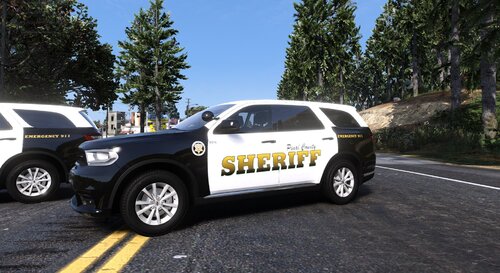 I made these liveries to replicate the older-styled Dodge Durangos used by the Pinal County Sheriff's Office in Arizona. As far as I can find online these are only used for K9 purposes however I have included a regular patrol livery as well. To install simply download the model here: Then replace the livery files in the YTDs. Thanks and I'd love if you'd join my Discord! discord.gg/FWrjS2MgCV
 -
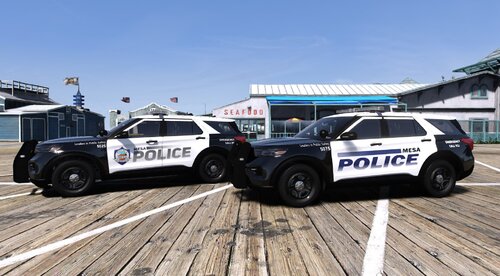 I created these liveries to emulate the few FPIUs that the Mesa Police Department in Arizona has in their fleet. I've seen them IRL from time to time while in Mesa but seem to be far less common than the Tahoes. I have included both the older and newer styled liveries considering this is a 21 model. However, I have only seen the older maybe 2014 FPIUs IRL with the older liveries. So I'm not sure if they're getting newer FPIUs with the updated liveries or not. To install: Simply download the model here -> Then replace the liveries in the YTD files. The pack comes with both a marked and slicktop variant. If you need any help please feel free to join my Discord here -> discord.gg/FWrjS2MgCV
 -
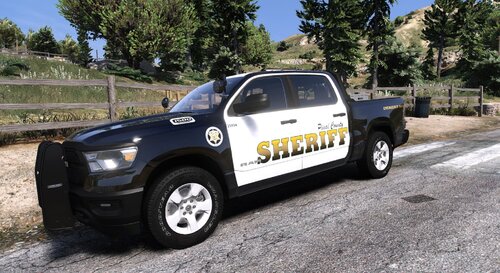 I've created this livery to replicate the older model Dodge Rams used by the Pinal County Sheriff's Office in Arizona. The model itself is not 100% spec but its similar and works fine in my opinion. Model: INSTALL: Simply install the model from the link above and then replace the livery in the YTD files. As always feel free to join my Discord if you need any help or have questions. Thanks!! discord.gg/FWrjS2MgCV
 -
.thumb.png.61f009db859739c5ca027f7488c1bc68.png) Where the trucks from in the pics?
Where the trucks from in the pics? -
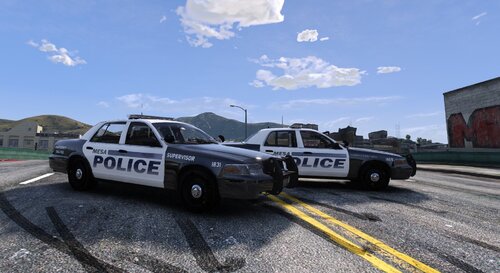 This pack includes two liveries for BxBugs' CVPI. The liveries are supposed to be of the few infamous remaining CVPIs in Mesa PD's fleet. As far as I know there is currently one remaining supervisor unit and one remaining patrol unit, not sure how or what they're used for but I know they exist and are on the road from personal sighting. INSTALL: Simply install the model here: Then replace both livery files in the YTD. Be sure to delete the rest of the "sign" livery files the CVPI comes with that way you dont have a bunch of random liveries driving around. If you have any issues or questions feel free to join my Discord here: https://discord.gg/9qtUAscDDV
 -
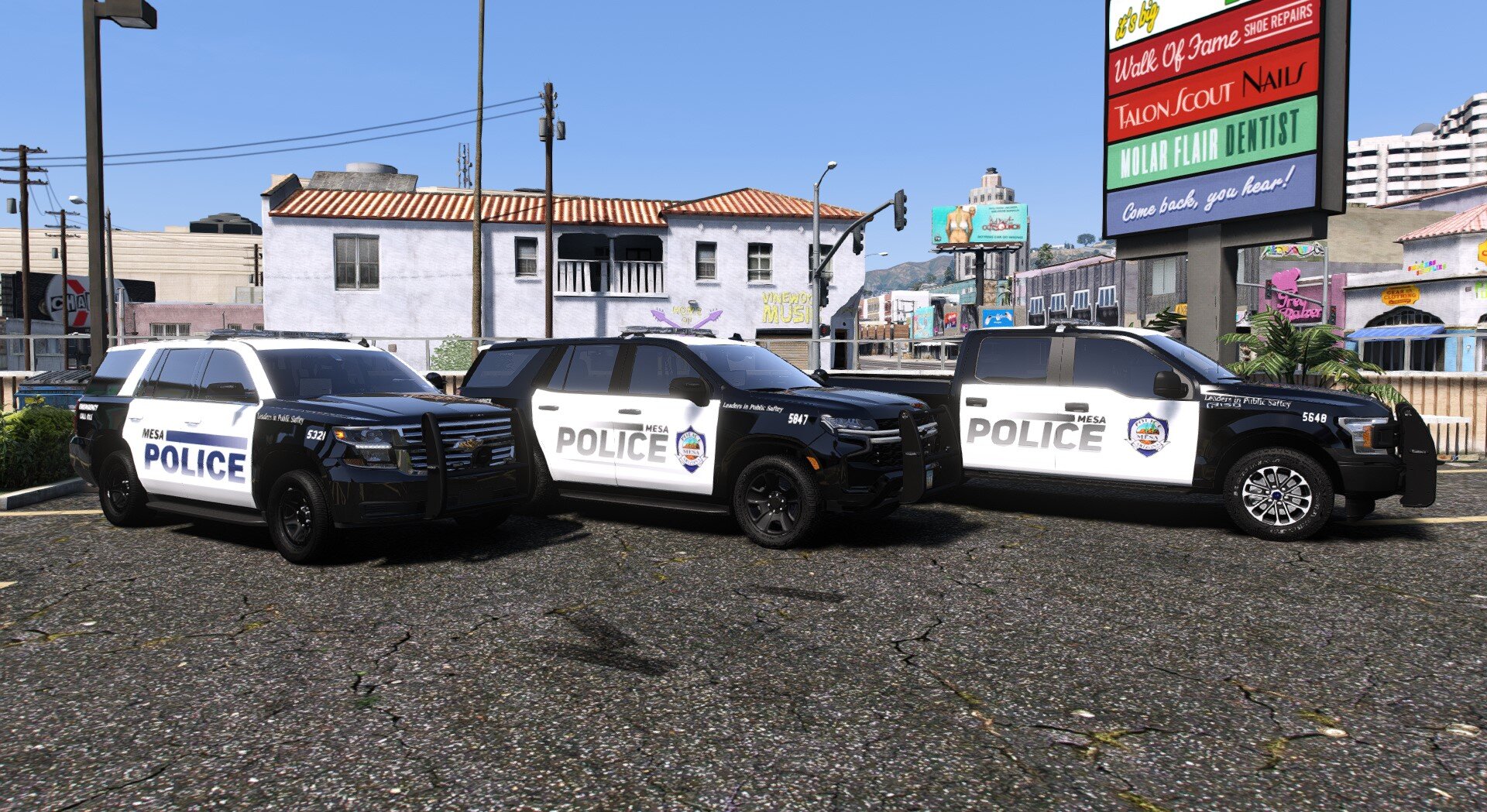
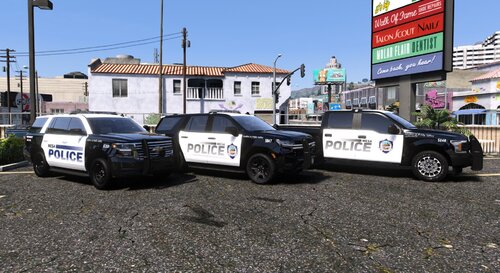 Since my previous Mesa PD livery release the City of Mesa has started moving towards a newer styled livery. The main changes are more of a grey POLICE text on the doors as well as the addition of the department seal. There are some other minor changes I have added from what I could find online as well. This pack includes, 20 F150 (NEW LIVERY) 21 Tahoe (NEW LIVERY) 20 Tahoe (OLD LIVERY) 22 Tahoe (NEW GHOST LIVERY) To install: Simply download the model pack here: Then replace the liveries in the YTD files. Goes great with my Mesa PD EUP: I may update this in the future to include ghosted liveries and what not but no promises. If you have any issues feel free to contact me in my Discord here: https://discord.gg/9qtUAscDDV Thanks again!
 -
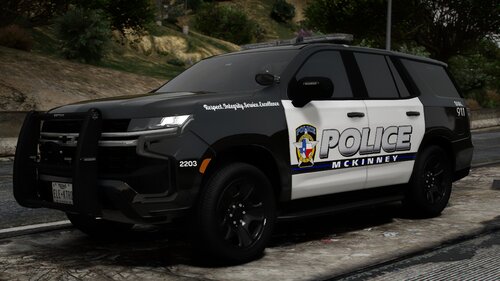 Templates bro please these are awesome Edit: I believe I found them
 -
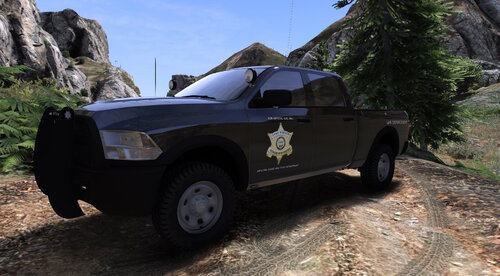 I may make it at some point idk yet
 -
-
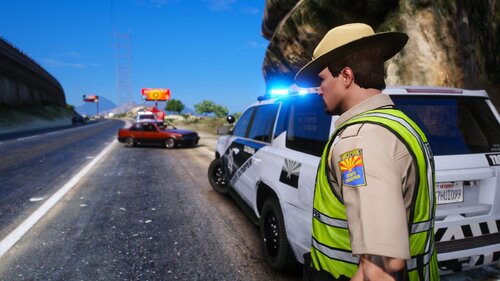 Yeah man it sounds like an error on your end unless it somehow worked for me randomly, I will take a look here in a minute to confirm
 -
That is odd, I just did a fresh install myself with the files from LSPDFR and they all worked as intended. DPS replaces the SAHP stuff, PHX/MESA pack replace LSPD and then Pinal replaces both Blaine and LS County textures. Did you alter any file names? If you drag and drop how they come it should be fine
-
They shouldn't? I have the files setup so I can use them together in my own game. They are different textures that all go on the same models.
-
I created this livery for my AZ build as there wasn't much else out there. It's not entirely spec but it's just about what you'd see IRL. The Ram model itself isn't the same but livery wise I got it as close as I could from the pics available online. INSTALL: Simply download the truck model here: Then replace the texture files in the YTD. NOTE: Both "livery_sign_1" and "TEMPLATE" need to be replaced in the YTD for whatever reason. If you have any questions feel free to reach out to my me on my Discord https://discord.gg/9qtUAscDDV
-
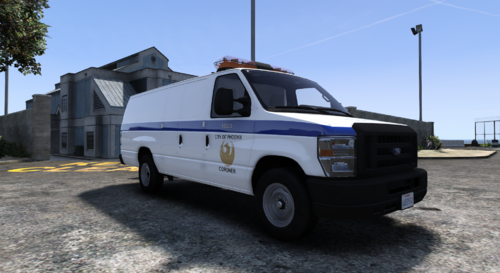 I have created this livery for my AZ build. This is NOT spec as I cannot find and any actual PHX or Maricopa County Coroner van references online so this will have to do. Made for the below model however, it may fit on other E350 models. If you have any questions feel free to reach out to my me on my Discord https://discord.gg/9qtUAscDDV
 -
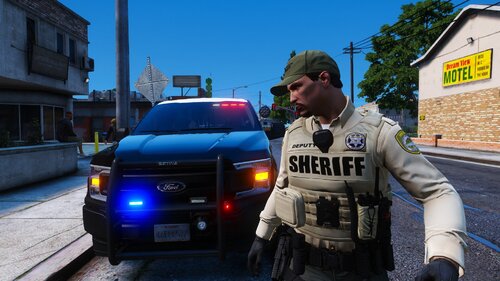 This upload is simply textures for models, including his vest. How he decides to sell his vest has nothing to do with this upload. At the time of this release, it was open for sale to the public however he has since restricted it to subscription-based streaming (fivem only). Everything else should work in singleplayer though
- 32 comments
- 1 review
-
-
-
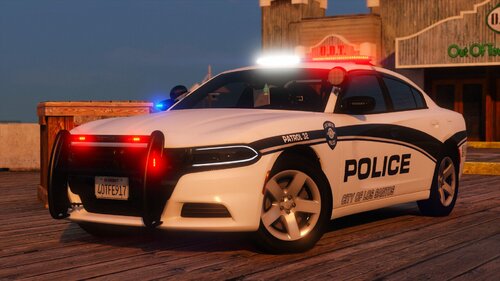 Any chance on a slicktop F150 with pushbar?
 -
-
https://discord.gg/at9vCb56T6
-
-
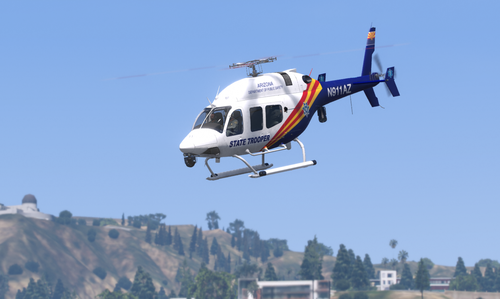 These are sick thanks for the upload
 -
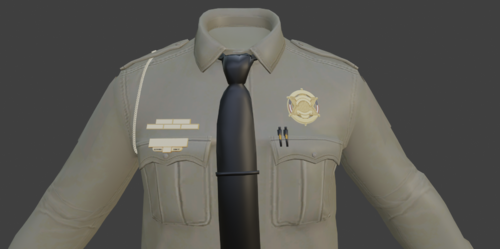 Is there a version with no chain? Sorry for all the requests



.thumb.png.61f009db859739c5ca027f7488c1bc68.png)