Bogi
Members
-
Joined
-
Last visited
Everything posted by Bogi
-
If you are like me, you are probably loading the same savegame every time, which means you'll always have the same weather and time (and the default GTA V weather cycle is very slow). One way to have some variety is using a trainer to change this, but for me it felt like cheating, as I was choosing what I want. That's why I wrote a small script to set random weather and time on startup ... and then added a few more features. Feature list: Random weather on start List of available weather types configurable Random date/time on start Completely random or configurable times Weather forecast Can be enabled/disabled Weather events (short rain showers or thunderstorms, optionally also snow) Partially configurable enable/disable min/max time between events allow/disallow snow Consists of 4 stages with custom transition speed (based on wind speed) Preparation (set random wind speed, show weather alert) Intro (transition to overcast) Event (transition to event weather) Outro (transition to exit weather, schedule next event) Requirements: Community Script Hook V .NET Installation: Copy both the .dll and .ini file from the zip file into your scripts folder Open the .ini file with a text editor and set everything to your liking Notes/Know issues: Initial welcome message and weather forecast not showing, when LSPDFR is automatically loading on start If you have any issues, please check the RandomWeatherAndTime.log from your GTA V main folder and attach it if there are any errors I'm release this as a beta now, because I'm back to work since today and will have less time to test everything. Any feedback is very welcome! RandomWeatherAndTime.zip
-
 Hey, is the source for 1.4.1.1 anywhere to be found? I can only find @BejoIjo's fork with 1.4.1.0 on his git, but not @PieRGud's update for LSPDFR 0.4
- 1,743 comments
- 172 reviews
-
-

From the album: Bogi On Duty
Was just cleaning up after a chase (to the right, where you see the tape), when something exploded in the traffic jam and started a chain reaction. -
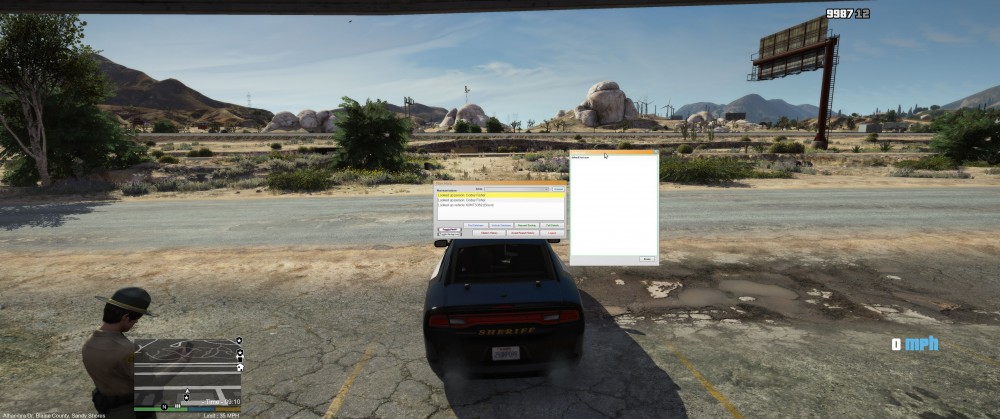
Hi, it would be nice if we could get an option to scale the interface/window size. Unfortunately everything is pretty small with higher resolutions, almost unreadable (increasing the font size leads to text being cut off). Also, is github not being used anymore? The source is outdated unfortunately.