
Skonttke
Members
-
Joined
-
Last visited
Everything posted by Skonttke
-
 is appreciated!
 -
This is Skonttke's European Sirens. Skonttke's European Sirens is a comprehensive collection featuring various European sirens. This inclused the following country's: Deutschland (Germany) Français, France (France) Italia (Italy) Nederland (The Netherlands) Österreich (Austria) How do I install the sirens? Open OPENIV go to: mods/x64/audio/sfx/RESIDENT.rpf drag and drop the vehicle.awc/oac to OPENIV No ELS files are included here; you will need to create, copy, or edit them yourself to ensure that the correct sirens are assigned to each vehicle, I might want to change this in the next update, but that will take extra time and effort. Updates will likely be released later if there are new sounds or improvements. Preview Deutschland (Germany) Preview Italia (italy) Preview Österreich (Austria) Preview Nederland (The Netherlands)
-
No there Isn't one right now for the new version, the newest will always appear at the site of ScripthookV https://www.dev-c.com/gtav/scripthookv/ It also has to be updated, but It Isn't right now yet
-
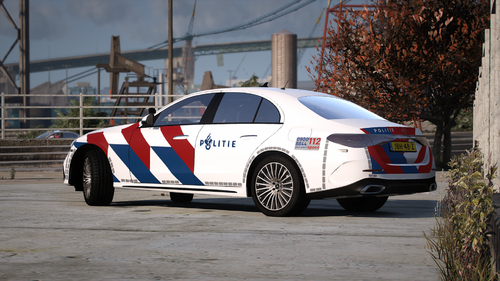 Dé Mercedes-Benz E Klasse van de Nederlandse politie. Het is de vervanger van de Audi A6 die de politie nu nog in gebruik heeft maar langzaam worden deze allemaal één voor één vervangen door de Mercedes! Deze skin is afkomstig van de Mercedes inzetbaar is in Rotterdam-Rijnmond. De skin bevat een aanpassing in kleuren vergeleken met de originele skin, het bevat een andere kwaliteit 112 sticker en het bevat een ander nieuw getextured blauw politie logo die nu veel te vinden is op andere nieuwe voertuigen. Het model is van MDT Modding en kost 10,-. Discord MDT Modding Veel plezier met de skin.
 -
 @lolmasterwerwe1234 These vehicles can be purchased around webshops where they sell these Dutch emergency vehicle's. There are such webshops like https://fivemservices.nl/ and u can find any other free vehicle's on gta5-mods and other mod sites!
 -
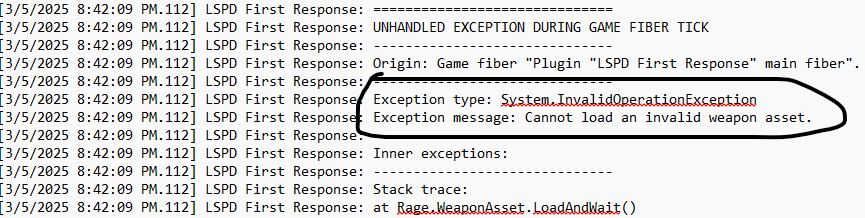
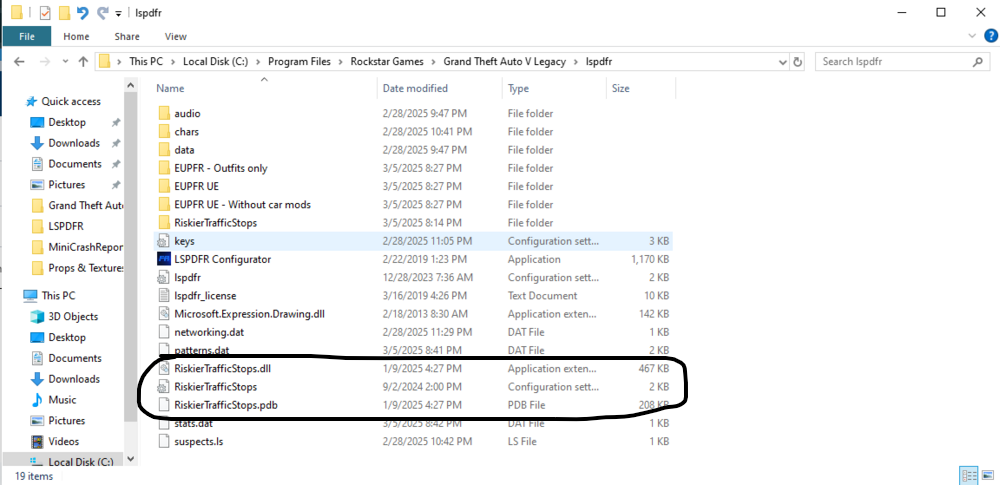
The moment of the crash he tells in the exceptional message: Cannot load an invalid weapon asset. Have you added or modified any weapons? This also says [3/5/2025 8:42:09 PM.113] at Rage.PedInventory.GiveFlashlight(). Have you also modified anything on the flashlight that might cause it to no longer work normally? What you can also do is temporarily remove your folder: lspdfr. from your root folder and replace it with the one in the lspdfr download. See if that works! Also make sure that these 3 files; the RiskierTrafficStops plugin are placed in your plugins folder and not in the lspdfr folder! If files are sometimes in folders where they do not belong, this can get in the way and often cause crashes. Also with the RiskierTrafficStops folder.. also place this in your plugins folder with the 3 files.
-
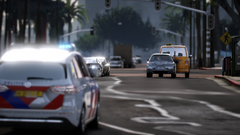
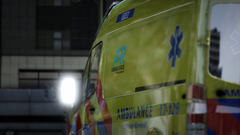
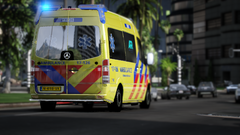
Mijn LSPDFR is gebaseerd op de stad Rotterdam. Ik ben hier zelf werkzaam en vond het tof om zelf onze los santos om te zetten naar Rotterdam, Zuid Holland. My LSPDFR is based on the city of Rotterdam. I work here myself and thought it would be cool to convert our los santos to Rotterdam, South Holland myself.
-
 GTA5 2025-03-02 13-59-05.png
-
 GTA5 2025-03-02 13-56-32.png
-
 GTA5 2025-03-02 13-55-58.png
-
 GTA5 2025-03-02 13-55-29.png
-
 GTA5 2025-03-01 17-15-22.png
-
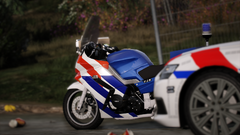 GTA5 2025-03-01 11-45-11.png
-
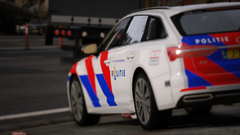 GTA5 2025-03-01 11-44-52.png
-
 GTA5 2025-03-01 11-43-59.png
-
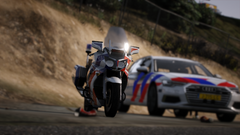 GTA5 2025-03-01 11-43-26.png
-
 GTA5 2025-03-01 11-41-22.png
-
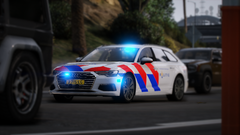 GTA5 2025-03-01 11-41-03.png
-
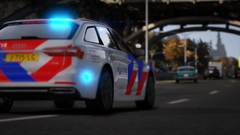 GTA5 2025-03-01 11-39-57.png
-
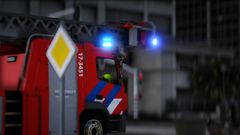 GTA5 2025-03-01 11-37-58.png
-
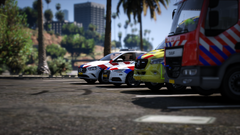 GTA5 2025-02-26 22-00-25.png
-
-
From the album: LSPDFR - Rotterdam REMAKE
-
From the album: LSPDFR - Rotterdam REMAKE
-
From the album: LSPDFR - Rotterdam REMAKE
-
From the album: LSPDFR - Rotterdam REMAKE
-
From the album: LSPDFR - Rotterdam REMAKE
-
From the album: LSPDFR - Rotterdam REMAKE
-
From the album: LSPDFR - Rotterdam REMAKE
-
From the album: LSPDFR - Rotterdam REMAKE
-
From the album: LSPDFR - Rotterdam REMAKE
-
From the album: LSPDFR - Rotterdam REMAKE
-
From the album: LSPDFR - Rotterdam REMAKE
-
From the album: LSPDFR - Rotterdam REMAKE
-
From the album: LSPDFR - Rotterdam REMAKE
-
From the album: LSPDFR - Rotterdam REMAKE
-
Deze mod bevat alle benodigde Nederlandse sirene's voor GTA V (LSPDFR) Alle sirene's zijn afkomstig uit de regio 17, Rotterdam Rijnmond. In de V2 is te vinden: Vernieuwde brandweer sirene's afkomstig van de DAF LF 17-1031 Ambulance sirene met luchthoorn afkomstig van de Mercedes-Benz Sprinter 17-131 Politie sirene's afkomstig van de Mercedes-Benz B-klasse 220D, de Audi A6 Avant 3.0 TDI S-tronic Quattro en de BMW R1250 RT (inclusief amerikaanse horn op de Audi en een fluitje op de BMW) Overige sirene's (wail-quick04) afkomstig van de Volvo XC40 T5 Hybride 17-348 Hoe te installeren: vehicles.awc/oac in: GTAV/mods/x64/audio/sfx/RESIDENT.rpf Copyright: Skonttke Modding (Skonttke) All rights reserved. Reuploading is not allowed! ©Skonttke Het herplaatsen of delen van interne bestanden mag NIET! Hier kan een schadevergoeding tegenover staan!
-
 This is a full Dutch emergency services vehicle pack uncluding: Ambulance: Mercedes Sprinter Volkswagen Crafter Otaris Brandweer: Volvo FE Euro 6 Politie: Audi A6 BMW F10 BMW R 1200RT Mercedes Vito Tourer Volkswagen Touran Volkswagen Transporter T5 Hondengeleider English: Go to Mods/update/X64/dlcpacks/patchday3ng/x64/levels/gta5/vehicles.rpf and drag the: POLICE POLICE2 POLICE4 POLICEOLD1 POLICEB AMBULANCE FIRETRUK Go to Mods/update/X64/dlcpacks/patchday4ng/x64/levels/gta5/vehicles.rpf and drag the: POLICE3 file(s) into OPENIV !! Dutch: Ga naar Mods/update/X64/dlcpacks/patchday3ng/x64/levels/gta5/vehicles.rpf en sleep het volgende: POLICE POLICE2 POLICE4 POLICEOLD1 POLICEB AMBULANCE FIRETRUK Ga naar Mods/update/X64/dlcpacks/patchday4ng/x64/levels/gta5/vehicles.rpf en sleep het volgende: POLICE3 bestand(en) in OPENIV !! Including all ELS files for the emergency services vehicles in this package
 -
''Grammer Police Missing Library's'' started when i installed stoptheped and ultimatebackup but i have no idea whats missing or what went wrong. maybe 1 of you guys could help me with this. RPH Log is included if im right RagePluginHook.log