

toolify
Members
-
Joined
-
Last visited
Everything posted by toolify
-
Nevermind, that issue is fixed
-
That did fix it, but now there is a infinite loading screen
-
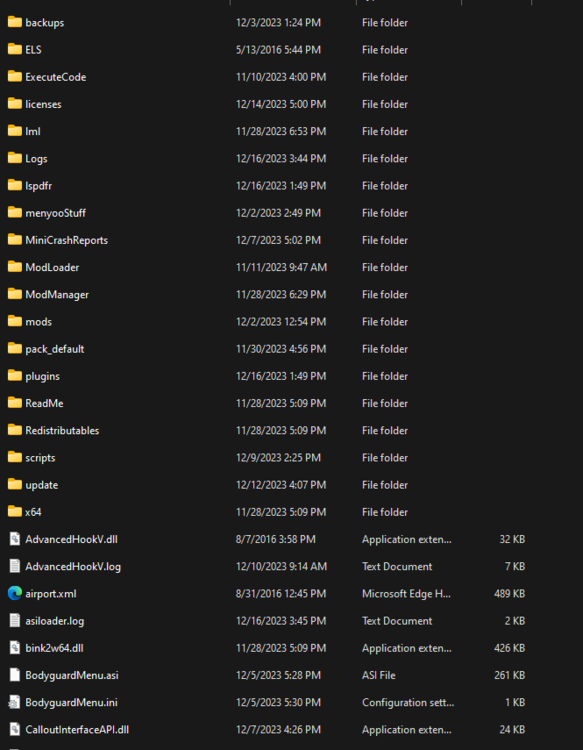
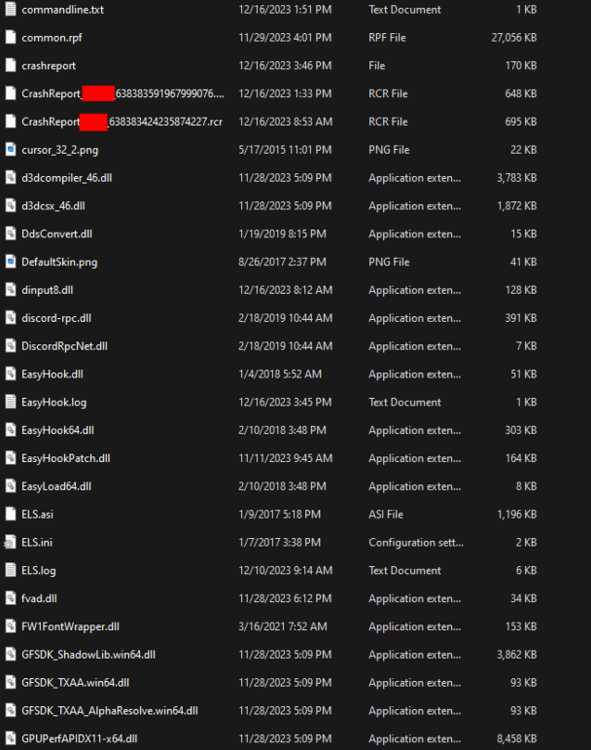
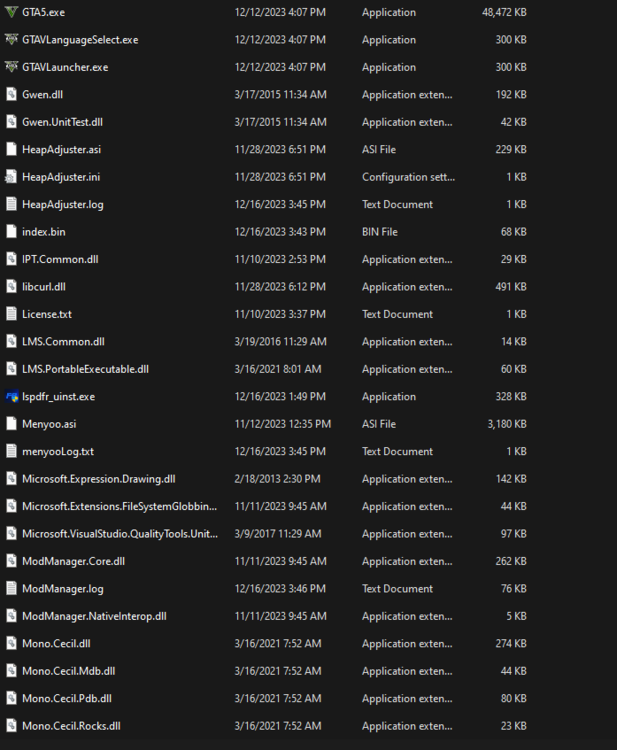
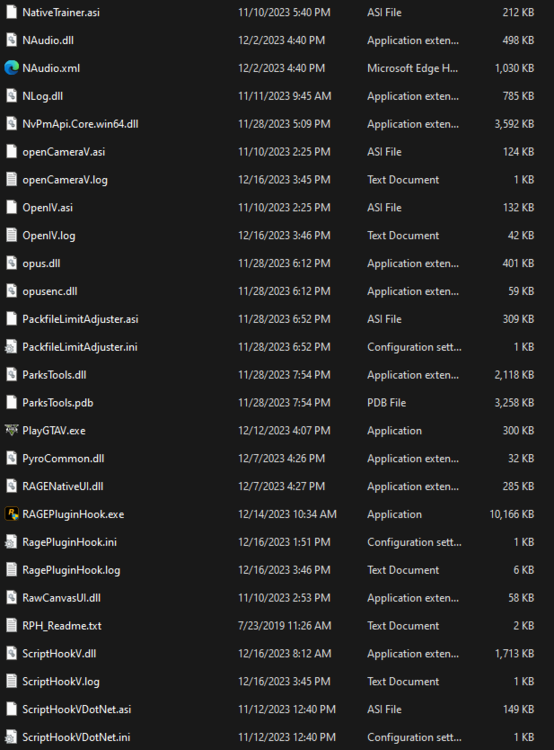
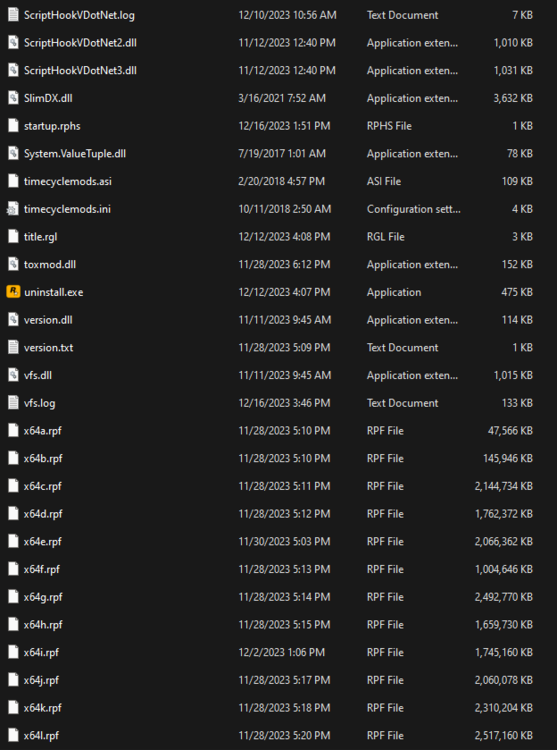
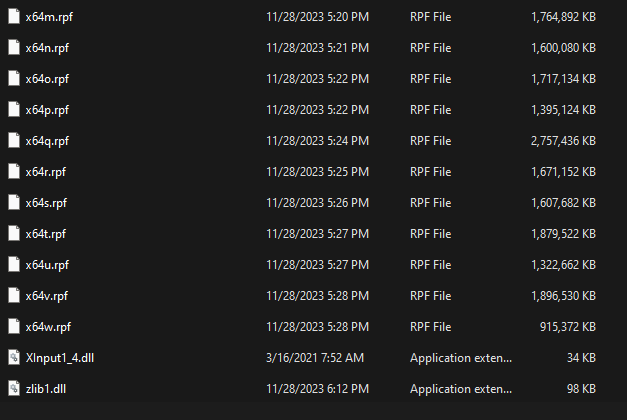
For 2nd image I did censor my IRL name in the name of 2 files
-
My reply to Nima.'s response: That didn't do anything either. Still the same problem My reply to wiet43's response: Alright thanks for the tips, but I tried what worked for you and it also didn't do anything
-
Hello?
-
Tried that, did nothing still. Just like last time, it still crashes with and without RPH.
-
I haven't updated anything, also the thing in the hidden contents thing did nothing. Game still crashes with and without RPH.
-
Yes, it does
-
Yeah, for me that problem was solved by disabling Windows Defender, but now I have a new issue: GTA V just crashes on start-up with RPH Here is how to disable Windows Defender, hope this helps you: Turn off Defender antivirus protection in Windows Security - Microsoft Support
-
Hey there, I have just installed an update for Rage Plugin Hook to support the GTA V version 3095. Now, when I run RPH, it doesn't really start. Like my cursor on the screen has a loading symbol, then it just stops. No window or anything pops-up. Not even anything in task manager, I restarted my PC many times but that did absolutely nothing. I did allow the RPH EXE file and the GTA V folder to not by scanned by Windows Defender, but that still didn't do anything. I also turned of Windows Defender, but it worked all fine until when the game launched, it just showed a pop-up saying something along the lines of: "GTA V has crashed" and then, you guessed it, the game crashed. I do have RPH log file attached below, there was also a crash report, but LSPDFR didn't let me upload the "RCR" file type. RagePluginHook.log
-
That fixed it. Thanks
-
Like delete everything in it? My brain right now is not working
-
Wait empty what out?
-
Well the thing is, I don’t know what I installed into the custom folder that causes this issue. So again you got any tips? Like any tip that could fix this?
-
Wait custom folder? I didn't touch anything there. You got any suggestions on what to try? I haven't touched that folder ever since I installed EUP a few months ago.
-
The only changes I made were correctly installing the 11john11 LSSD pack and the jacobmate SAHP pack. I did make changed to the agencies file in the lspdfr/data/custom folder but that was after this crash started happening. I was able to successfully install 11john11’s LSPD pack before and it worked all fine.
-
I know this has been posted many times before, but for most people it was the mods folder that caused the problem. For me, I did install some stuff into the mods folder but if I change the name of it to "_mods" LSPDFR crashes when I load it thru the "LoadPlugin" command in the RPH command menu thingy. I also tried restarting my PC but that did nothing. My RagePluginHook.log file is attached below. RagePluginHook.log