MiKe MeDzz
Members
-
Joined
-
Last visited
Everything posted by MiKe MeDzz
-
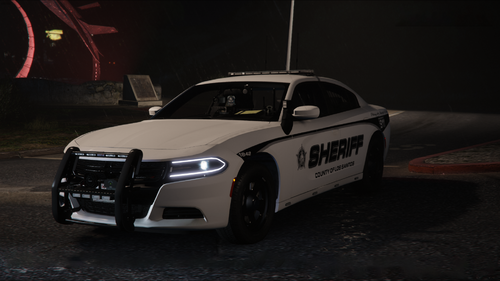
 Awesome pack! One of the best I've seen in a while.
 -
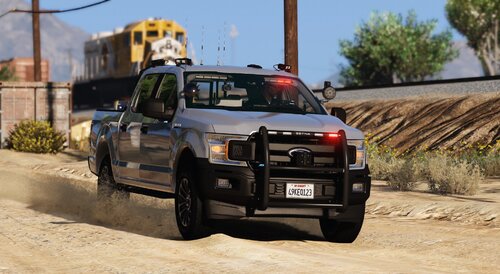 Great work!!
 -
Hello, As of the most recent update, I've had a consistent issue with GTA5 LSPDFR while in single player mode. While utilizing add-on callout mods (686 Callouts, IG Callouts, United Callouts, Super Callouts, etc), I'm continuously receiving a message advising that I need to revert any changes made to the "Back Up Config File". This causes all callouts to go 10-8 once I acknowledge them. I've downloaded and replaced my current Back Up Config File with the original file, but this did not correct the issue. I've attacked my RPH log. Please advise what steps I should take to correct this. TY in advance!! RagePluginHook.log
-