


G Tatics
Members
-
Joined
-
Last visited
Everything posted by G Tatics
-
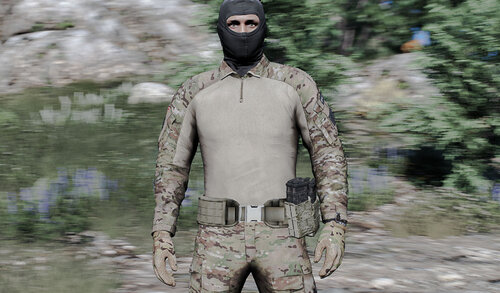 CPC Belt This is a free variation of my paid package, you can see it on my discord You get 3 variations of Tan, Od Green and Multican camouflages It has 2 patch slots and you can edit and replace your patches. If you liked this work, you can see others and ask for more mods on discord, come and be part of our community.
 -
 in moment i not do comission, but i wanna start, look my other mods in discord
 -
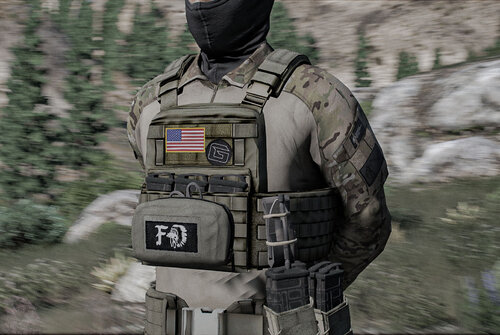
CPC vests This is a free variation of my paid package, you can see it on my discord You get 3 variations of Tan, Od Green and Multican camouflages It has 2 patch slots and you can edit and replace your patches. If you liked this work, you can see others and ask for more mods on discord, come and be part of our community.

