Shadoc
Members
-
Joined
-
Last visited
Everything posted by Shadoc
-
-
 Theoretically, yes.
 -
For that I have to edit the texture files (ytd), I cant change the logo with the livery.
-
I just like to credit the devs as much as I can! So there wont be a single problem in the future!
-
Enjoy 🙂
-
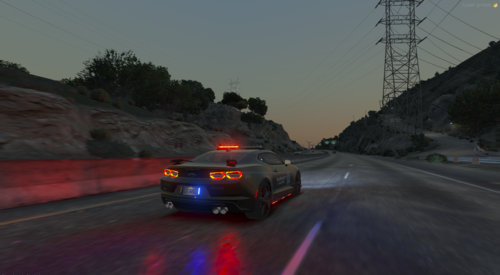 Nothing much to say exepct that I love this car.
 -
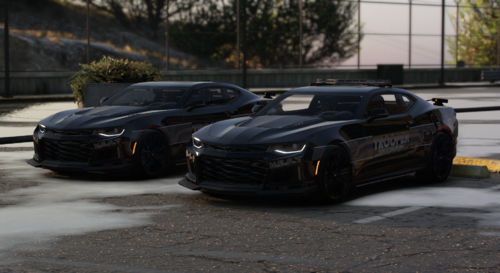 Its really cool and I like it very much 😀
 -
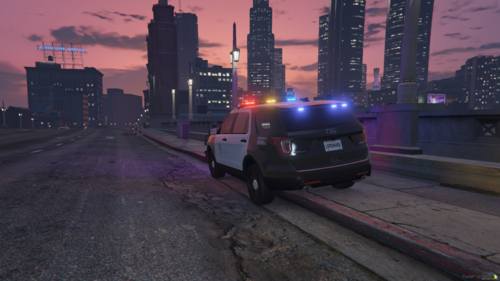 I've been searching a good 2016 ford explorer and when I found aviationislife model, I was stunned. I also decided to make a LSPD livery for it, and I think I did pretty good. Missed a few details but I just wanted to make the bare minimum. Enjoy 😉