ThatCanadienDude
Members
-
Joined
-
Last visited
Everything posted by ThatCanadienDude
-
It worked correctly.
-
I assumed if I read correctly meaning leaving 1 dlc in the dlc list and adding 1 vehicle xml els in the directory it work. You still want els and asiloader logs? quick question would a dlc with this input messed evrything up? <Item>dlcpacks:/JedLSPD/</Item>>
-
Here.
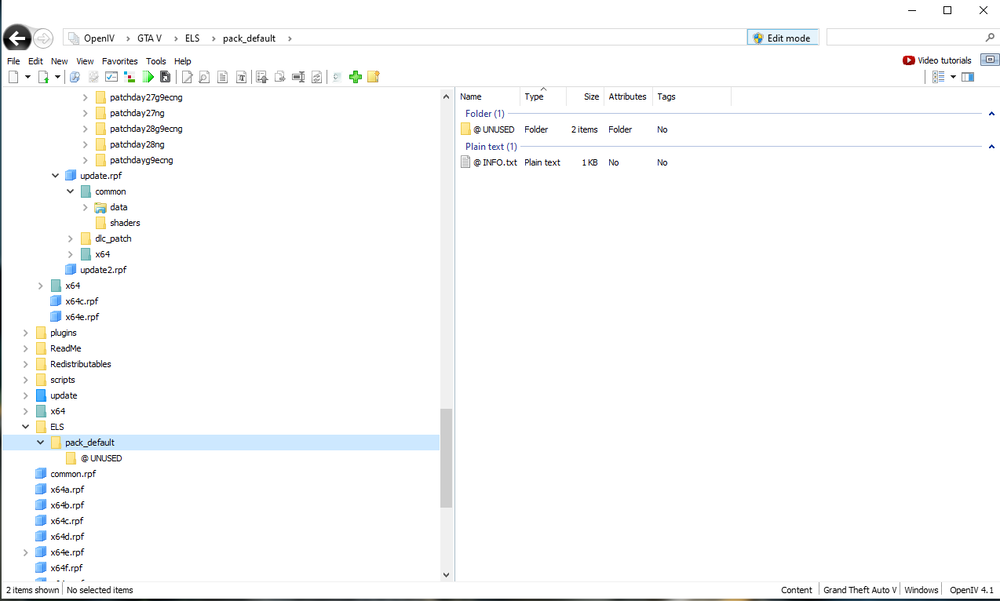
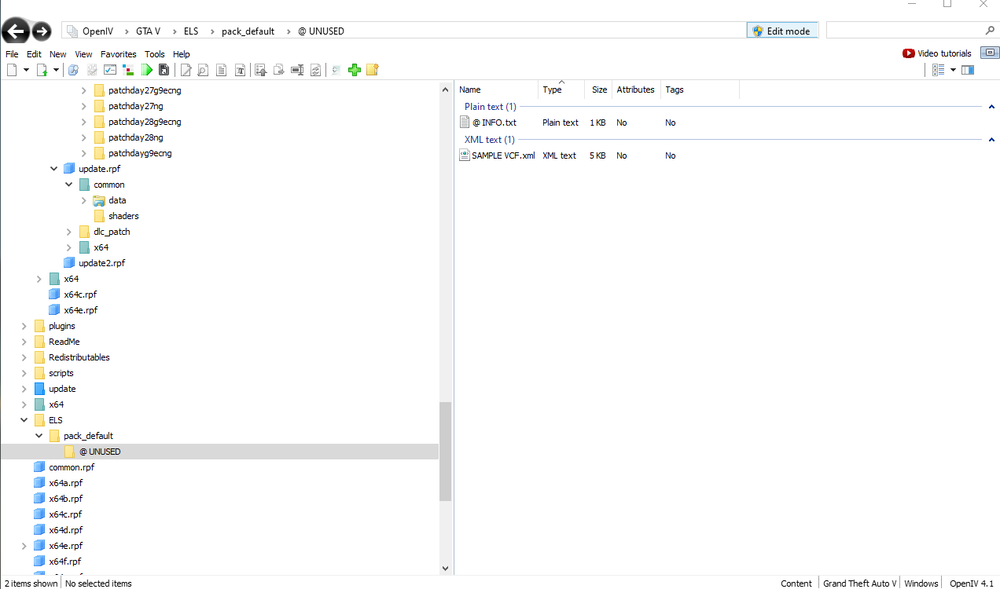
-
Nope, Doesn't crash.
-
I download a els xml labeled police1 example for the new modpack then deleted and its trying to load that, instead of the older xml that I used before trying to switch if that make sense so deleting all xml file and replacing. Removed all xmls in els still crashing would that be a problem's
-
Worked, what are the steps to fix this??
-
I will try this tomorrow, since not home
-
Done. ELS.log asiloader.log
-
Game crash so I remove/replace all file that I added/edited with out luck, Don't know what to do. Help would appreciated cheers. Rage plugin hook logs attached aswell RagePluginHook.log
-
Turn Out deleting the .dll file for stop the ped worked and figuring only alternafied file was ultimate back and no longer crashing loading on duty. 🙂
-
I had a look delete it kuchera also since it need updating delete the file reinstalled and still doesn't work. I also delete the new car mods I downloaded haven't made a difference I'm not sure what to do and ultimate back up does not open anymore the menu. I try to force reload and it crashes lspdfr completely even updated rage ui.RagePluginHook.log
-
other post say a certain plugin last time I figured what was wrong trough the logs, this time I can't seem to figure. Help would be appreciated 🙂 RagePluginHook.log
-
RagePluginHook.log Even after Updating stuff like rage ui. Turns Out It happened to be a conflict with one of my xml file of ultimate back up .