
LAN9256
Members
-
Joined
-
Last visited
Everything posted by LAN9256
-
Why does the screen go black after I enter the game after updating the latest versions of LSPDFR and ScriptHookV.dll? After downgrading the game version I can play normally again. I checked and it seems to be a problem with the gameconfig. What should I do?
-
-
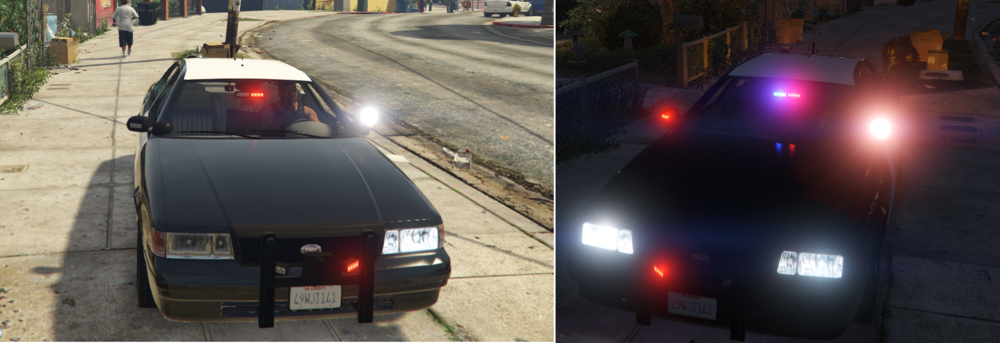
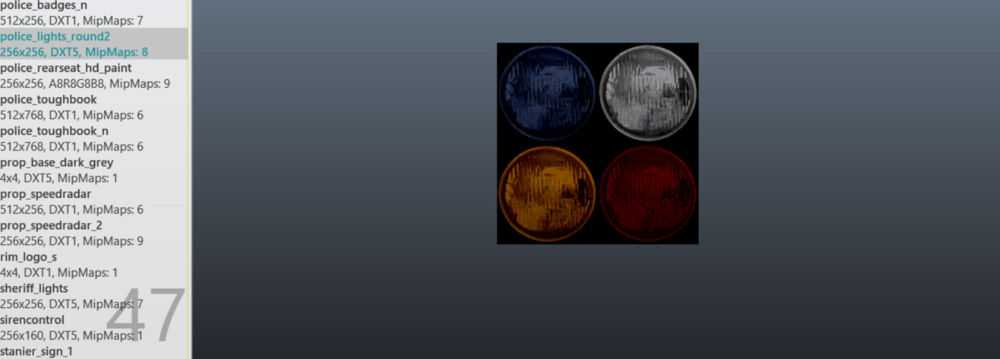
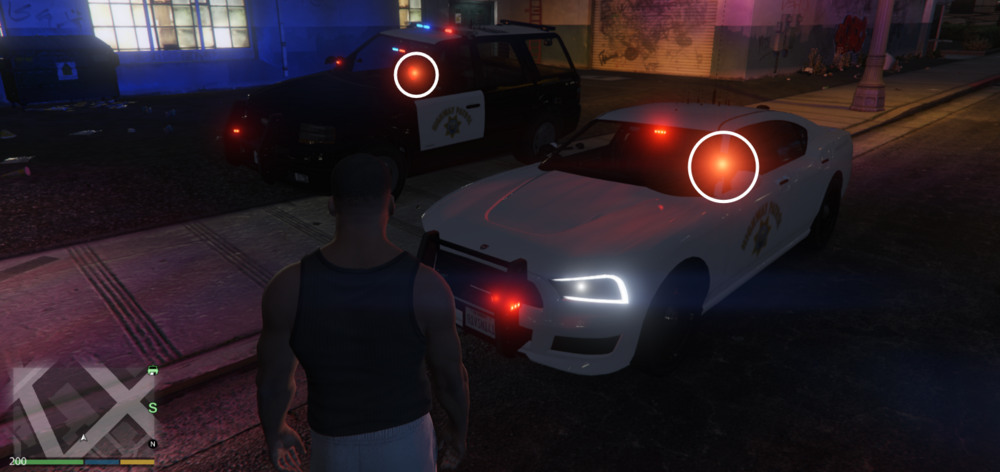
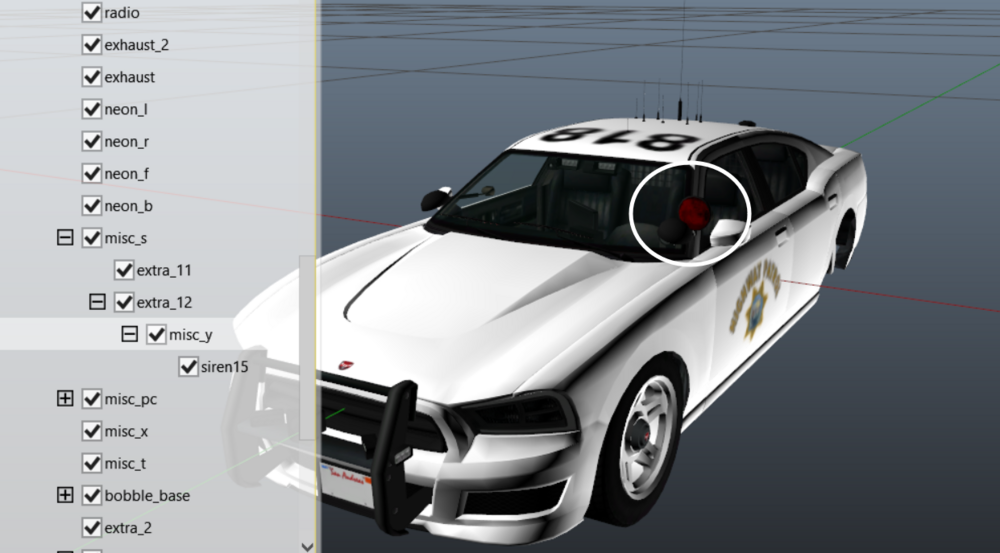
I have modified the ytd file, and it can display a white searchlight during the day, but it is still red at night. How can I change it?
-
I want to know which files I should change to change the searchlight from red to white
-
-
-
The log indicates that an error occurred with CN_SispalyHelp.How to solve this? RagePluginHook.log
-
Why don't police officers continue to attack when they are threatened. How to solve this situation?🤨 7cca609ac4ca1809c0d33a84944d2385.mp4
-
Only vehicles can generate it. I have tried many times, but I am unable to generate NPC police stations_sahp.xml
-
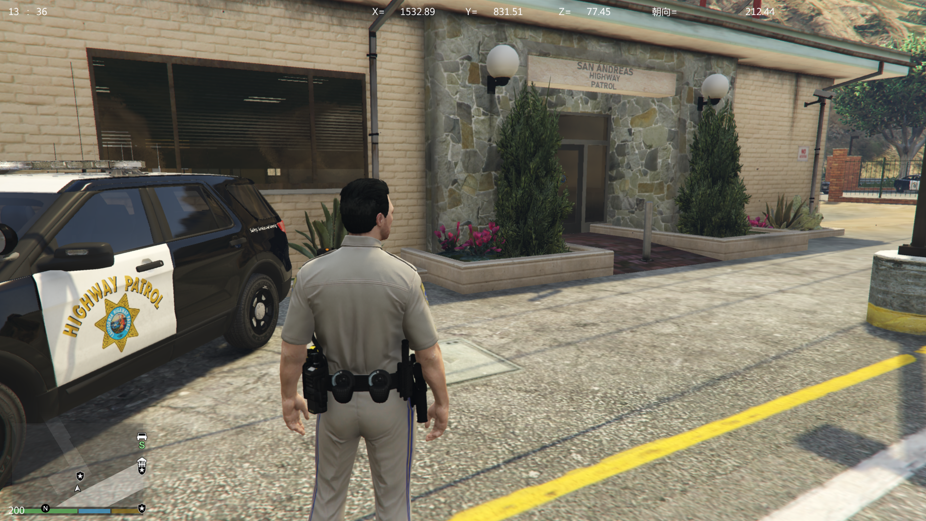
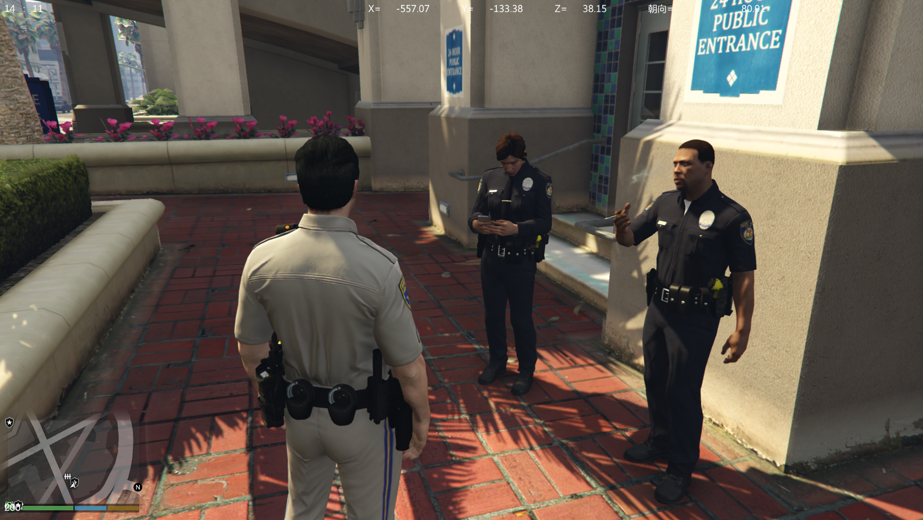
I want to know how to make the SAHP police station generate NPC police, just like RHPD.
-
The LSPDFR crash made my computer unable to operate
-
Please refer to the log. RagePluginHook.txt
-
Why can't the game enter after adding the Sirensetting Limit Adjust plugin?