
Skip to content
View in the app

A better way to browse. Learn more.

LCPDFR.com

A full-screen app on your home screen with push notifications, badges and more.

To install this app on iOS and iPadOS
  1. Tap the Share icon in Safari
  2. Scroll the menu and tap Add to Home Screen.
  3. Tap Add in the top-right corner.
To install this app on Android
  1. Tap the 3-dot menu (⋮) in the top-right corner of the browser.
  2. Tap Add to Home screen or Install app.
  3. Confirm by tapping Install.

xLORD9

Members
  • Joined

  • Last visited

Everything posted by xLORD9

  1. i don't have any other DLC Addons I could not install any without a crash also if i tried to edit the vehicles.meta file the crash happens but if i run it without any DLC cars and with default vehicles.meta its working
  2. Yes and i tried setting the Heap adjuster to 2000 but no luck
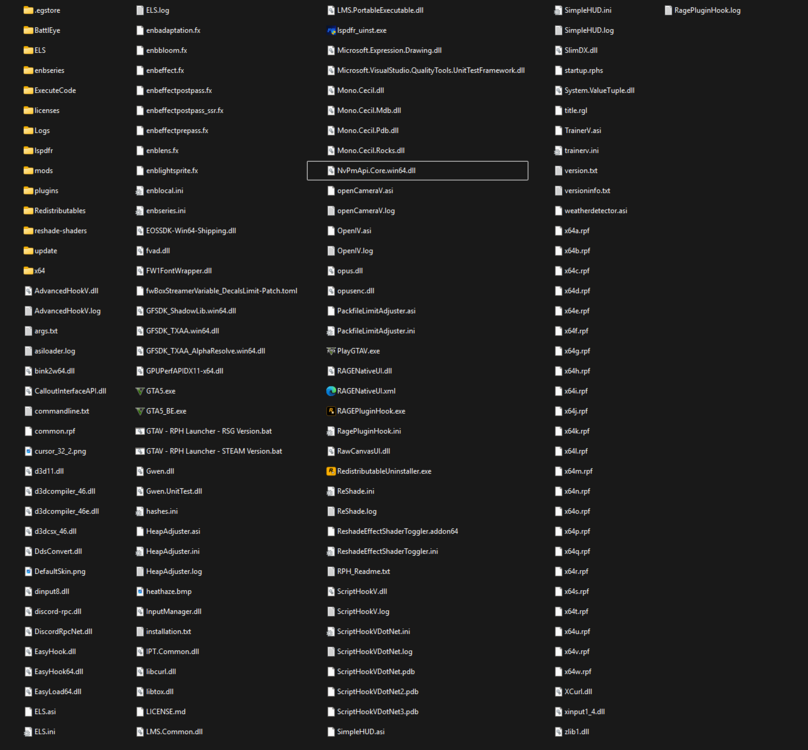
  3. if i add any DLC car pack or Edited the vehicles.meta the game crashes on loading screen RagePluginHook.log
  4. xLORD9 replied to xLORD9's topic in Legacy
    Sure I will try this out and sorry for the late reply.
  5. xLORD9 replied to xLORD9's topic in Legacy
    Still crashing, anything else I should remove?
  6. xLORD9 replied to xLORD9's topic in Legacy
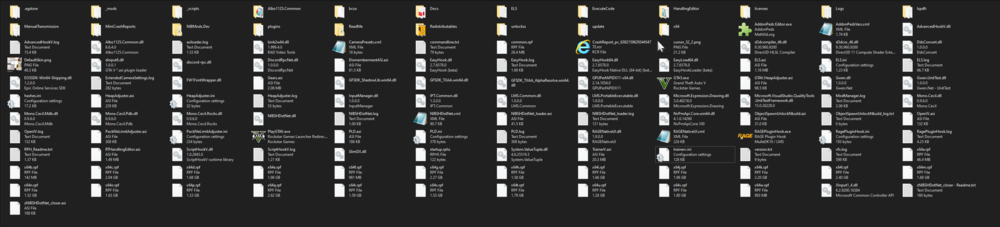
    No luck I tried renaming _mods and _scripts it didn't work I reinstalled lspdfr without any plugins that didn't work too
  7. xLORD9 posted a topic in Legacy
    RagePluginHook.log I have this problem and i'm not sure why Normally I start GTA then I start RagePluginhook and everything is okay, but I haven't played in a while So now when I start RagePluginhook i get an Instant crash to Desktop The log file is attached, and I have the Crash report if needed.

Account

Navigation

Search

Search

Configure browser push notifications

Chrome (Android)
  1. Tap the lock icon next to the address bar.
  2. Tap Permissions → Notifications.
  3. Adjust your preference.
Chrome (Desktop)
  1. Click the padlock icon in the address bar.
  2. Select Site settings.
  3. Find Notifications and adjust your preference.