mynzjerko
Members
-
Joined
-
Last visited
Everything posted by mynzjerko
-
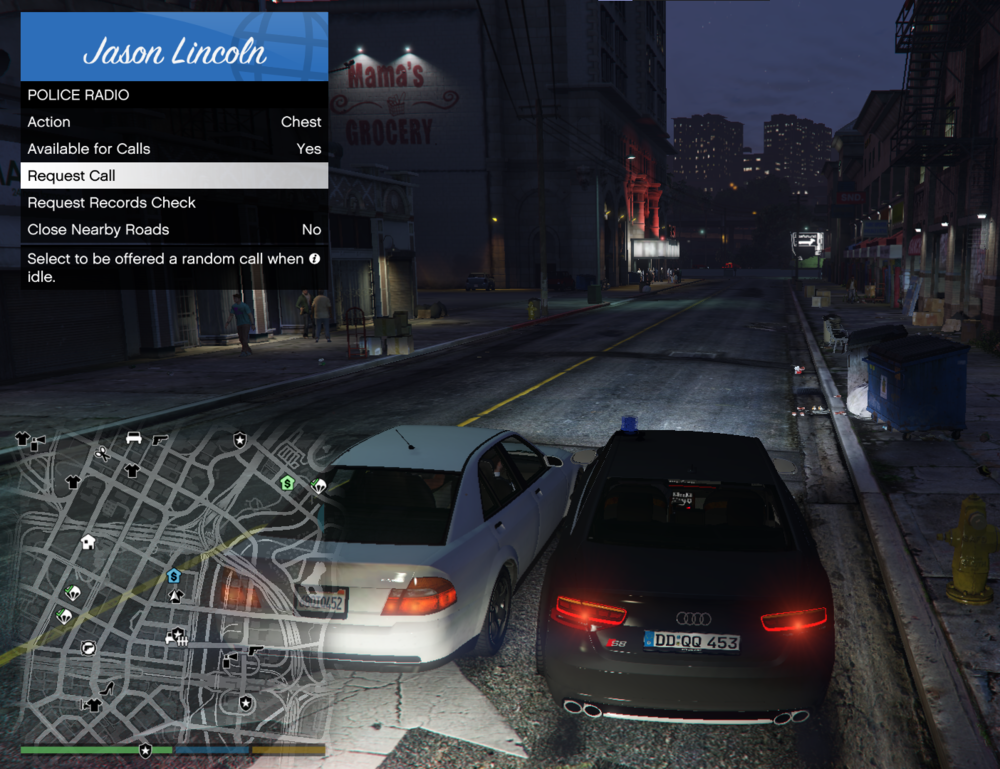
Hello when I arrest an NPC and I handcuff him it is impossible to interact with him I thought there was a menu but no actually
-
Hello, the door I need to go on duty is closed, so I can’t go on duty. I installed “Open All Interiors,” but it didn’t fix the issue.
-
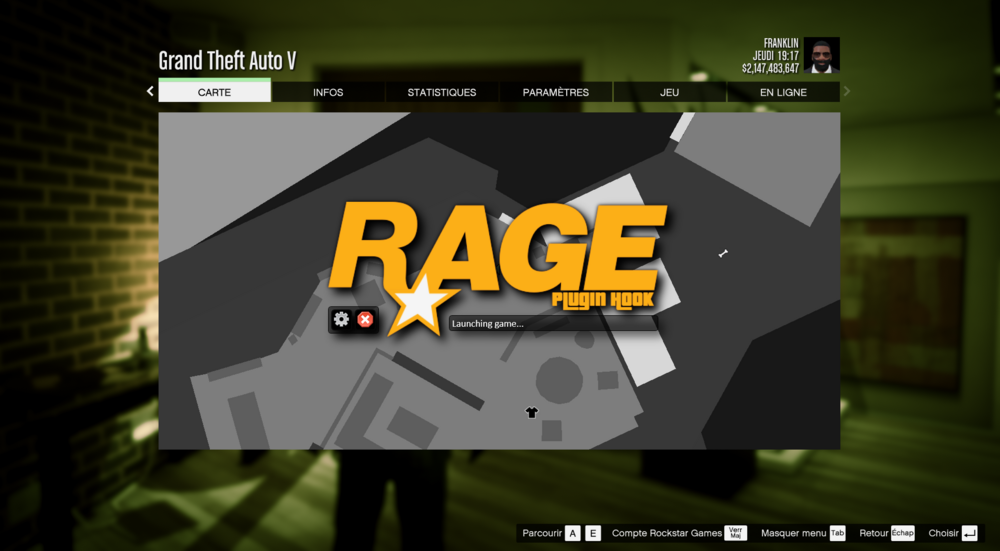
Hello, when I launch RAGEPluginHook.exe, it launches GTA but gets stuck at "Launching game." If I launch GTA first and then RAGEPluginHook.exe, it tells me the game is already running. PS: There are no logs.
-
Bonjour, j'ai un grand problème sur mon LSPDFR lorsque que je demande une intervention je ne vois pas ce que je doit faire, j'ai donc installer le Callout Interface qui me permet de voir quelle est l'intervention mais le problème maintenant c'est que avec le Stop The Peds quand je demande la carte d'identité bah je ne vois pas le prénom, nom et autre pareil si je lui fait souffler dans l'éthylotest il me dise pas si il est au dessus de l'autorisation pour conduire a vais vous une idée pourquoi et merci de vos réponse